หัวข้อนี้ถูกเก็บถาวรแล้ว
โปรดถามคำถามใหม่หากคุณต้องการความช่วยเหลือ

เก็บถาวรแล้ว
When I get a long list of incoming messages there is NO way of turning any of them off.

Is there some setting which corrects this problem?
Is there some setting which corrects this problem?
การตอบกลับทั้งหมด (1)

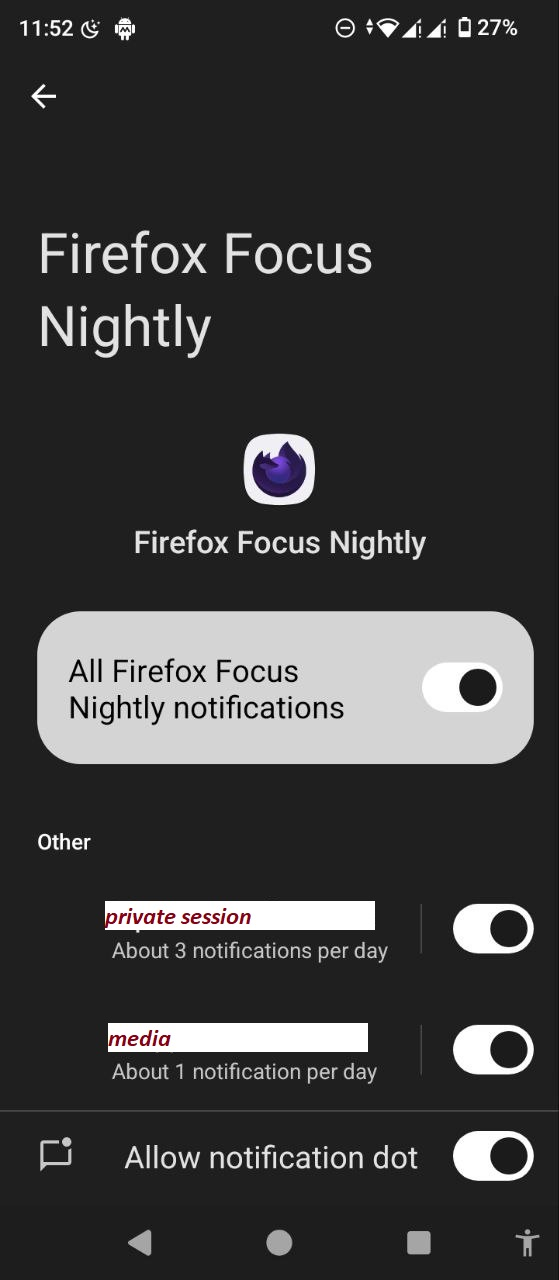
You can disable receiving pop-up notifications in the phone settings by going to settings - notifications - application notifications - firefox foxus - disable all application notifications or select others and disable notifications separately for private session or for media