


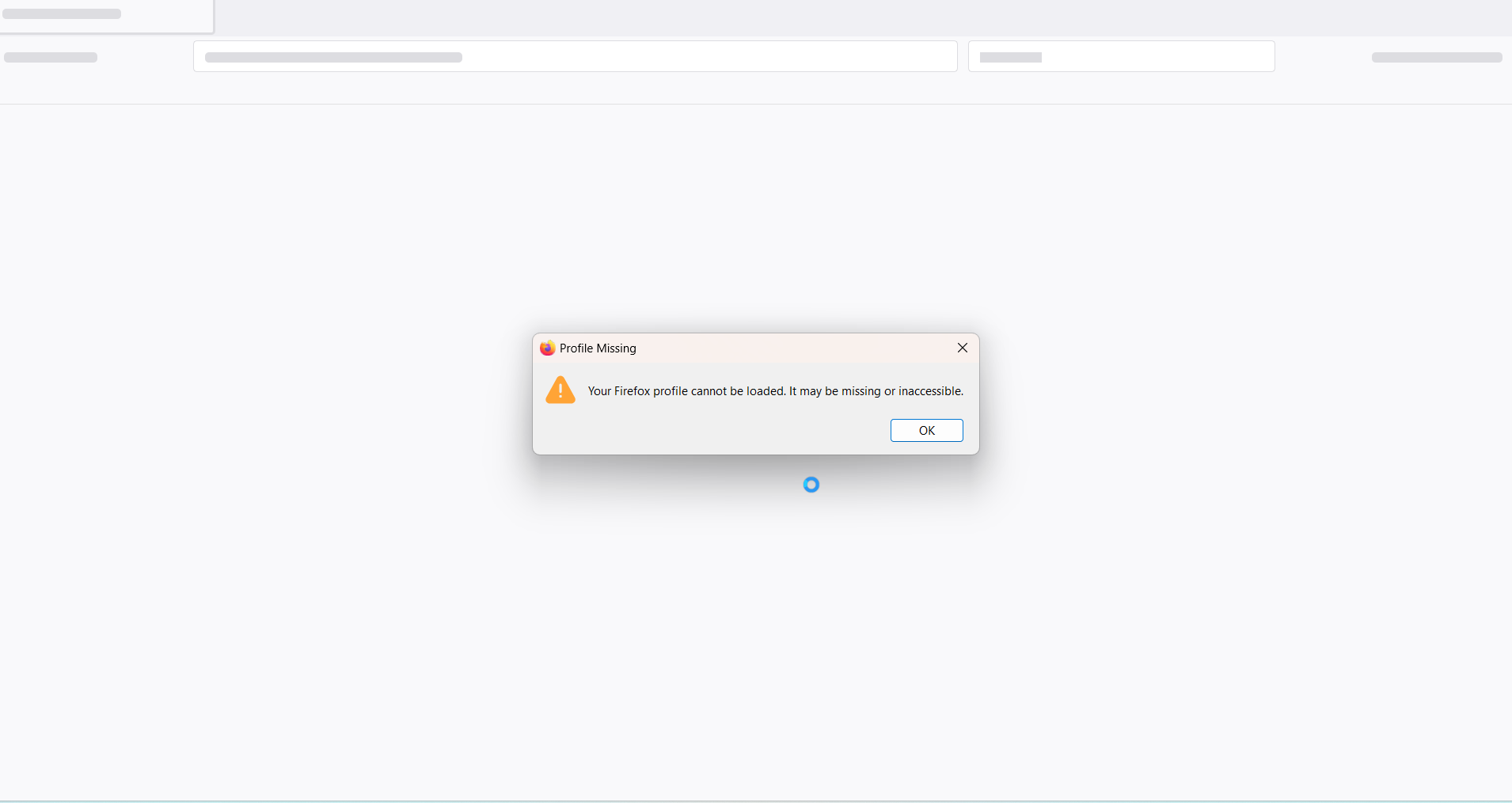
Your Firefox profile cannot be loaded. It may be missing or inaccessible

Hello,
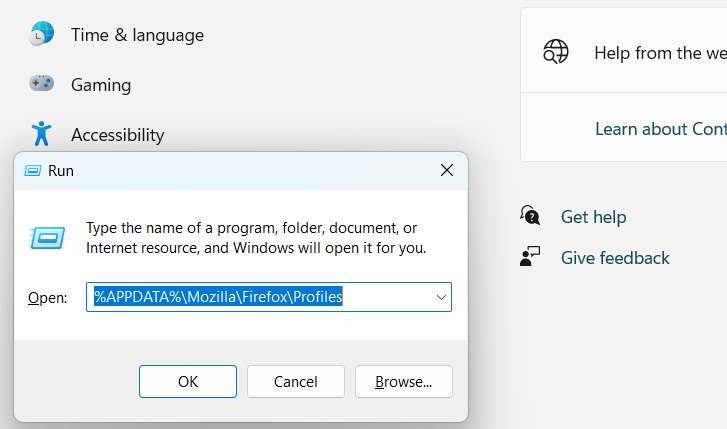
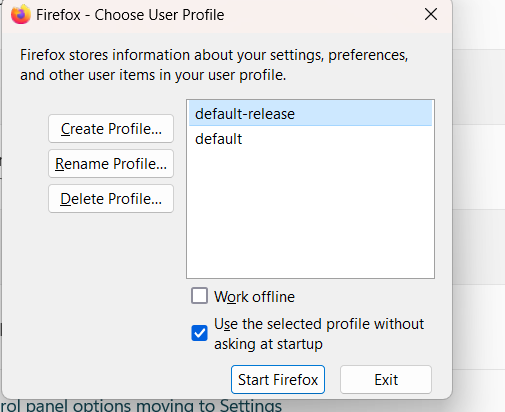
This has been very challenging for more. I have searched the internet forms I cannot find the solution to this issue, please help! When I first bought this computer I tried to install Firefox it crashed and said that there was another instance of Firefox running. Now I tried again to reinstall Firefox and I am getting a new error, which is: Your Firefox profile cannot be loaded. It maybe missing or inaccessible. I followed one of the forms on this site. I did all that was in the form, IE: I tried to recreate profiles through the profile manager. I also tried to clear the cache in the cache folder. I also tried to move the profile folder via the profile manager. Nothing has worked. Please help me I am very disparate. Also so if necessary is there a way to get live support. thank you :)
วิธีแก้ปัญหาที่เลือก
I figured it out. It had nothing to do with the .ini files. What the problem was is that somehow the folder privileges would not allow Firefox access the folder after I fix that it now works.
อ่านคำตอบนี้ในบริบท 👍 0การตอบกลับทั้งหมด (4)
Did you check the profiles.ini file?
yes As i have written above I have already been through this process I have even tried to move .ini and create them in a different folder in hope that it was and accessing issue. I have been through all the forms on the site. Any other ideas of what it could be.
This error is always a problem with profiles.ini and the profile marked as 'Default=1' doesn't exist. Did you try to remove profiles.ini as that should make Firefox create a new default profile?
วิธีแก้ปัญหาที่เลือก
I figured it out. It had nothing to do with the .ini files. What the problem was is that somehow the folder privileges would not allow Firefox access the folder after I fix that it now works.