Windows 10 reached EOS (end of support) on October 14, 2025. If you are on Windows 10, see this article.

ค้นหาฝ่ายสนับสนุน

Avoid support scams. We will never ask you to call or text a phone number or share personal information. Please report suspicious activity using the “Report Abuse” option.

เรียนรู้เพิ่มเติม
Solved เก็บถาวรแล้ว

Thunderbird problem

adtucker65

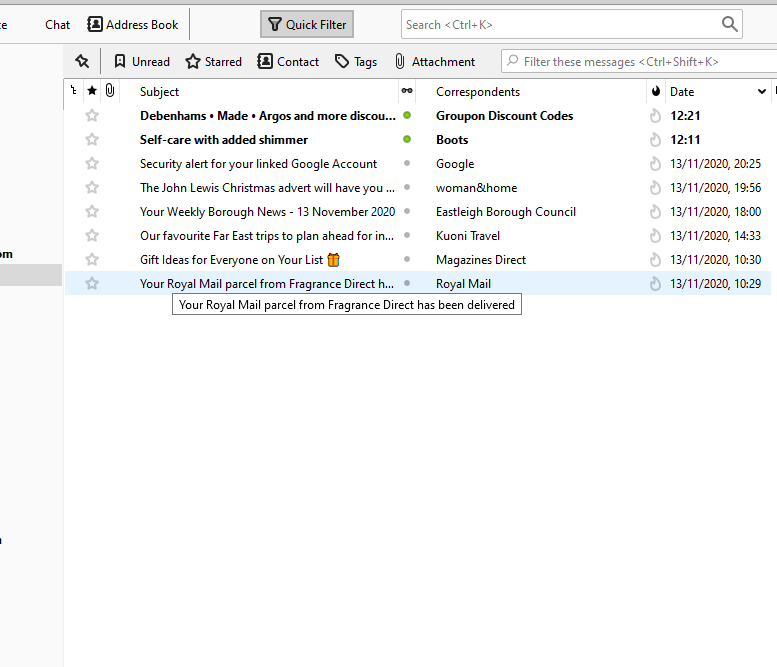
This has been happening for about a week or so. When I start Thunderbird the areas which would normally show the e-mail accounts and the central pane that lists all the e-mails for those accounts are blank. If I pass the curser over the area then the text shows. If I change e-mail account from one to another the central pane doesn't update with the new account e-mails but just remains showing the other account e-mails, UNTIL I pass the curser over the area and then all the new account e-mails start being displayed one by one as the curser passes them (see screenshots). I have thought about uninstalling Thunderbird and re-installing it but am concerned that it would lose it's links to e-mail accounts etc. Anyone have any ideas?
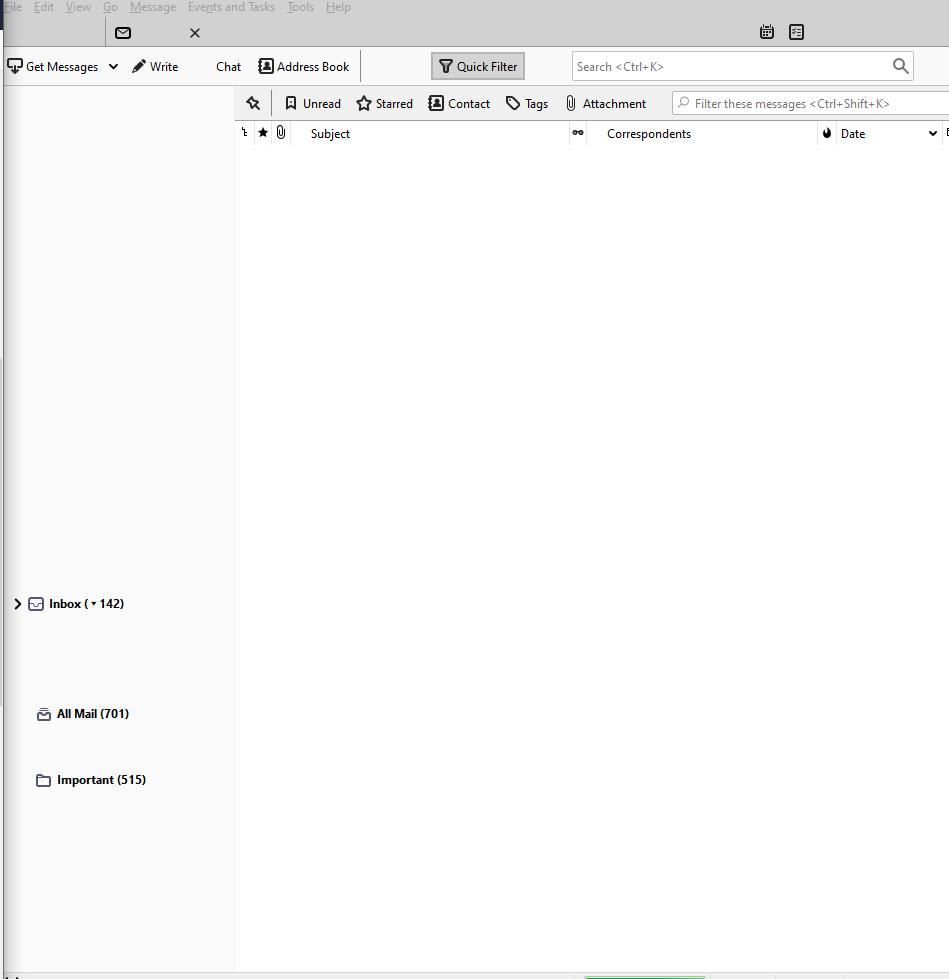
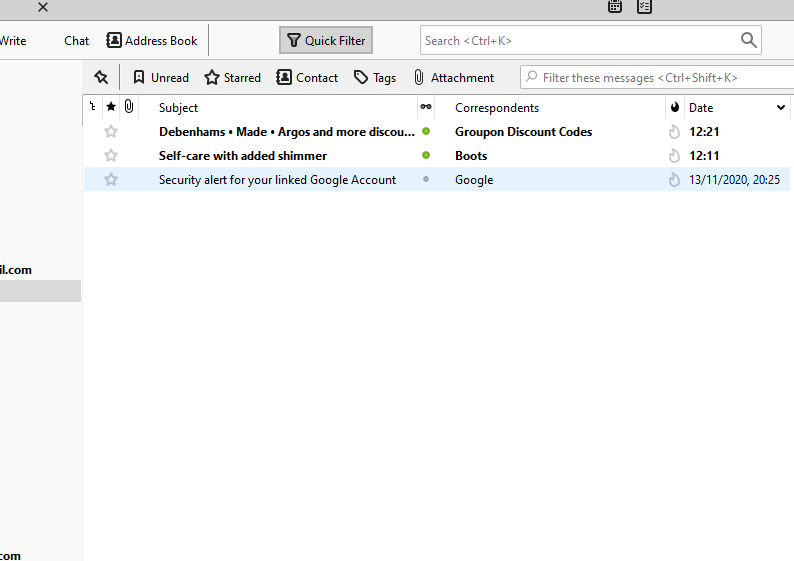
This has been happening for about a week or so. When I start Thunderbird the areas which would normally show the e-mail accounts and the central pane that lists all the e-mails for those accounts are blank. If I pass the curser over the area then the text shows. If I change e-mail account from one to another the central pane doesn't update with the new account e-mails but just remains showing the other account e-mails, UNTIL I pass the curser over the area and then all the new account e-mails start being displayed one by one as the curser passes them (see screenshots). I have thought about uninstalling Thunderbird and re-installing it but am concerned that it would lose it's links to e-mail accounts etc. Anyone have any ideas?
ภาพหน้าจอที่แนบมา

การตอบกลับทั้งหมด (2)

วิธีแก้ปัญหาที่เลือก

Tools > options > type in "accel" > uncheck "enable hardware acceleration > restart thunderbird

Is it better?

Many thanks Wayne. Problem is fixed, just as you said it would be. Thanks again.