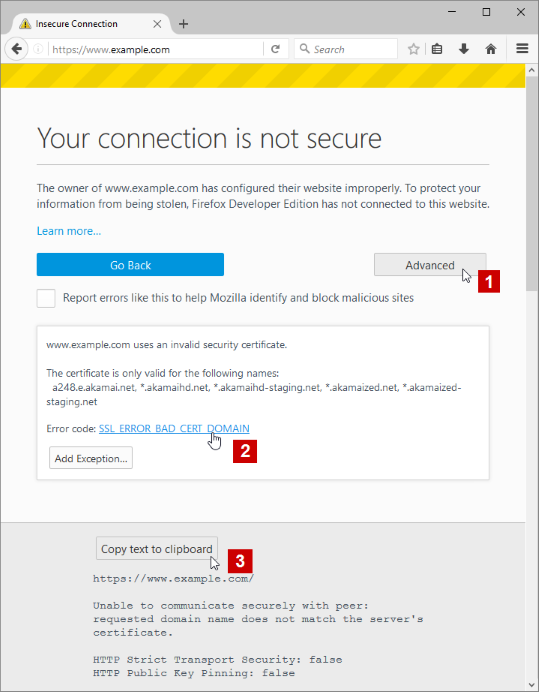
Problem loading page that I want to load, please help
Can't load website. I see a page, Unable to connect" etc. Clicking on the Information icon next to the URL and I see Connection is Not Secure, clicking on the right arrow and, then "more information" brings up the Page Info with 3 tabs, General/Media/Security. Don't see any option to change so that I can view the page.
การตอบกลับทั้งหมด (2)

What web site?

There is security software like Avast, Kaspersky, BitDefender and ESET that intercept secure connections and send their own certificate.
https://support.mozilla.org/en-US/kb/firefox-cant-load-websites-other-browsers-can
https://support.mozilla.org/en-US/kb/firefox-and-other-browsers-cant-load-websites
https://support.mozilla.org/en-US/kb/secure-connection-failed-error-message
https://support.mozilla.org/en-US/kb/connection-untrusted-error-message
http://kb.mozillazine.org/Error_loading_websites
- uses an invalid security certificate SSL_ERROR_BAD_CERT_DOMAIN
- configured their website improperly
How to troubleshoot the error code "SEC_ERROR_UNKNOWN_ISSUER" on secure websites https://support.mozilla.org/en-US/kb/troubleshoot-SEC_ERROR_UNKNOWN_ISSUER