


Inbox folder doesn't show any message but preview does ?!

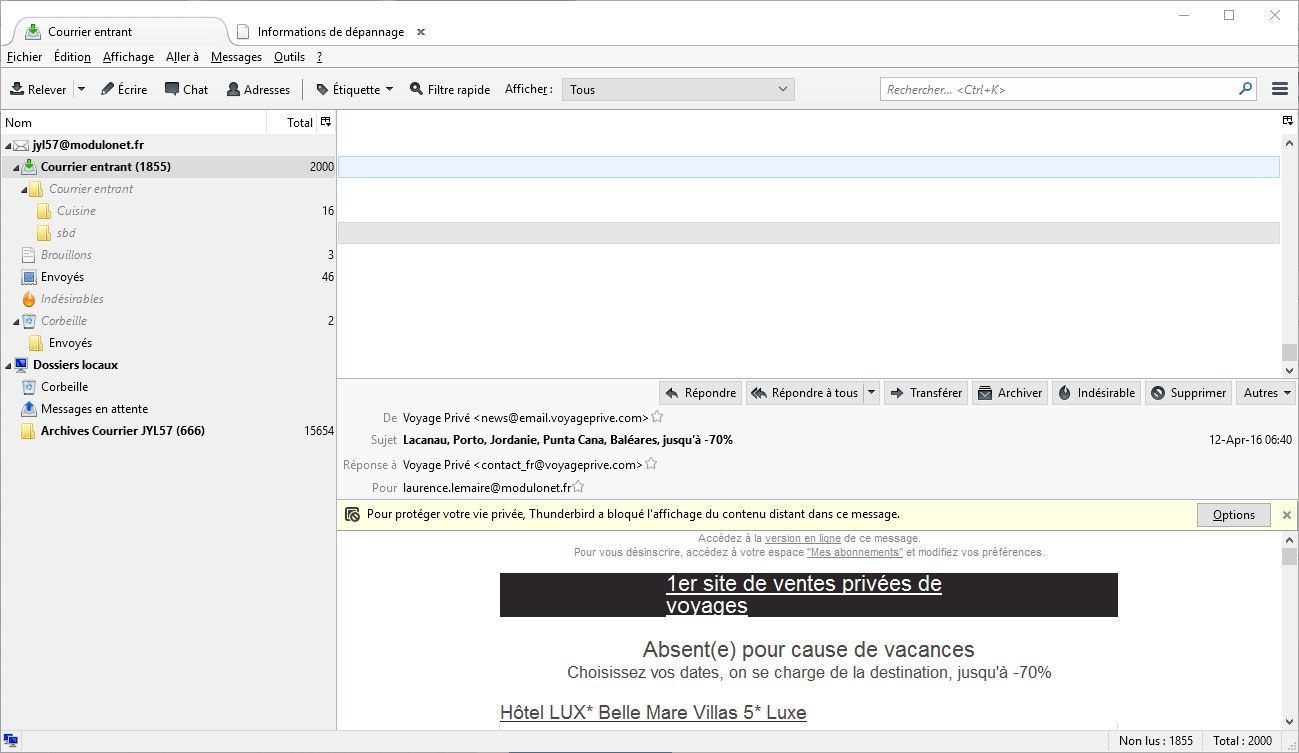
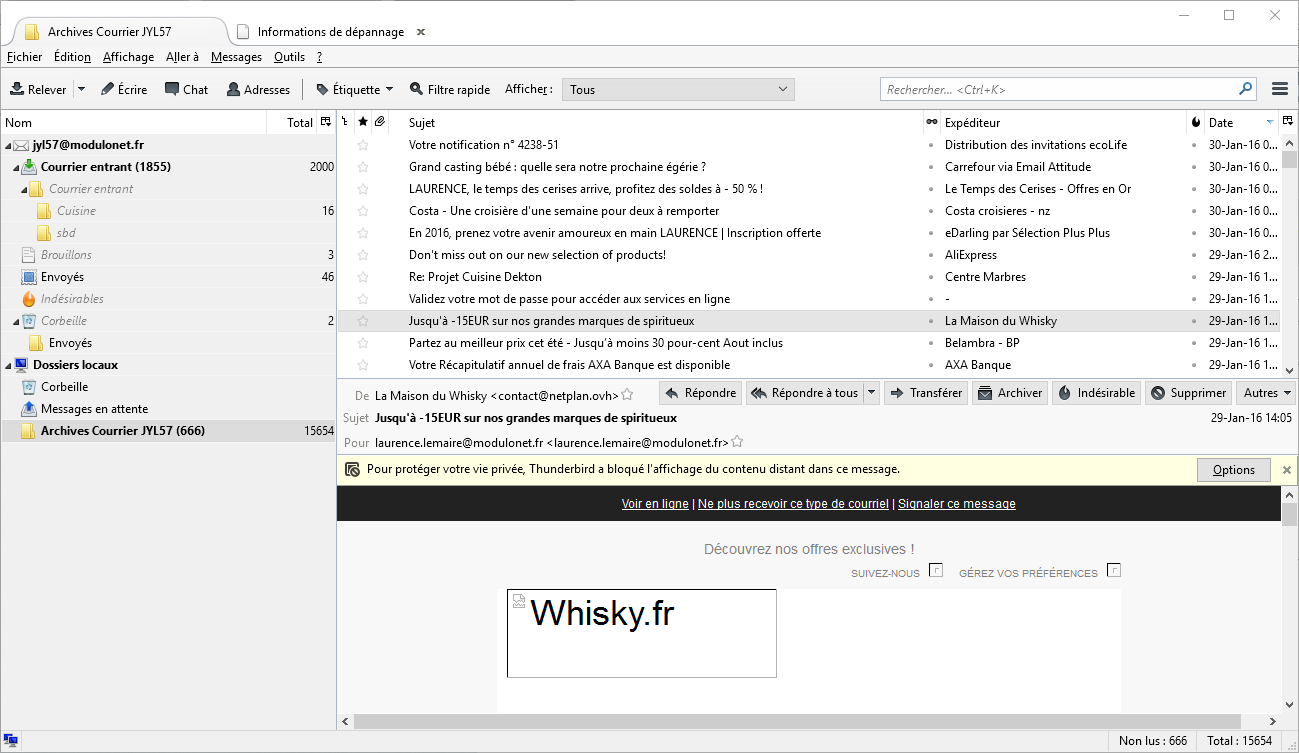
My inbox folder is showing on the lefthand side 2000 messages and a lot unread. This is OK. But on the right side nothing appears. I tried to change the default font or change the display but nothing is appearing. The messages are here however because when I activate the preview screen I can see my message appearing in the lower part of the screen... See first screenshot attached. Also strange is the fact that my archive folder is Ok as you can see in the second screenshot...
I'm running Thunderbird 38.7.2 on Windows 10.
This problem happened just after a past upgrade of Thunderbird. But I did not react immediately (sorry!) as I checked for a while my messages on the Webmail of my provider...
Thank you all in advance for this super free software that I have enjoyed for years now. Nice day, Jean-Yves
การตอบกลับทั้งหมด (2)
วิธีแก้ปัญหาที่เลือก
A remedy I have seen in this forum is to click on the symbol at the far right hand end of the header above the 'blank' message list. You should get a drop-down list of the columns that can be displayed and, at the bottom, the option to 'reset columns to default'. (Not sure what that would be in French!) Others have reported that if you reset the columns, the list of emails reappears.
Dear Amanchesterman,
I had tried this 'reset column' in the past but it did not work then... Well in between I gave more thought on my issue and because the 'archive folder' was ok I used the functionality 'apply these parameters to' (in the same menu you indicated: the drop-down list of columns), the last one in the list, to apply this presentation to my inbox folder! :-)
This solved my issue, thank you very much for answering my question, have a nice day, Jean-Yves