


FF 35.0.1 Copy part of email shows as a box and will not paste to another email.

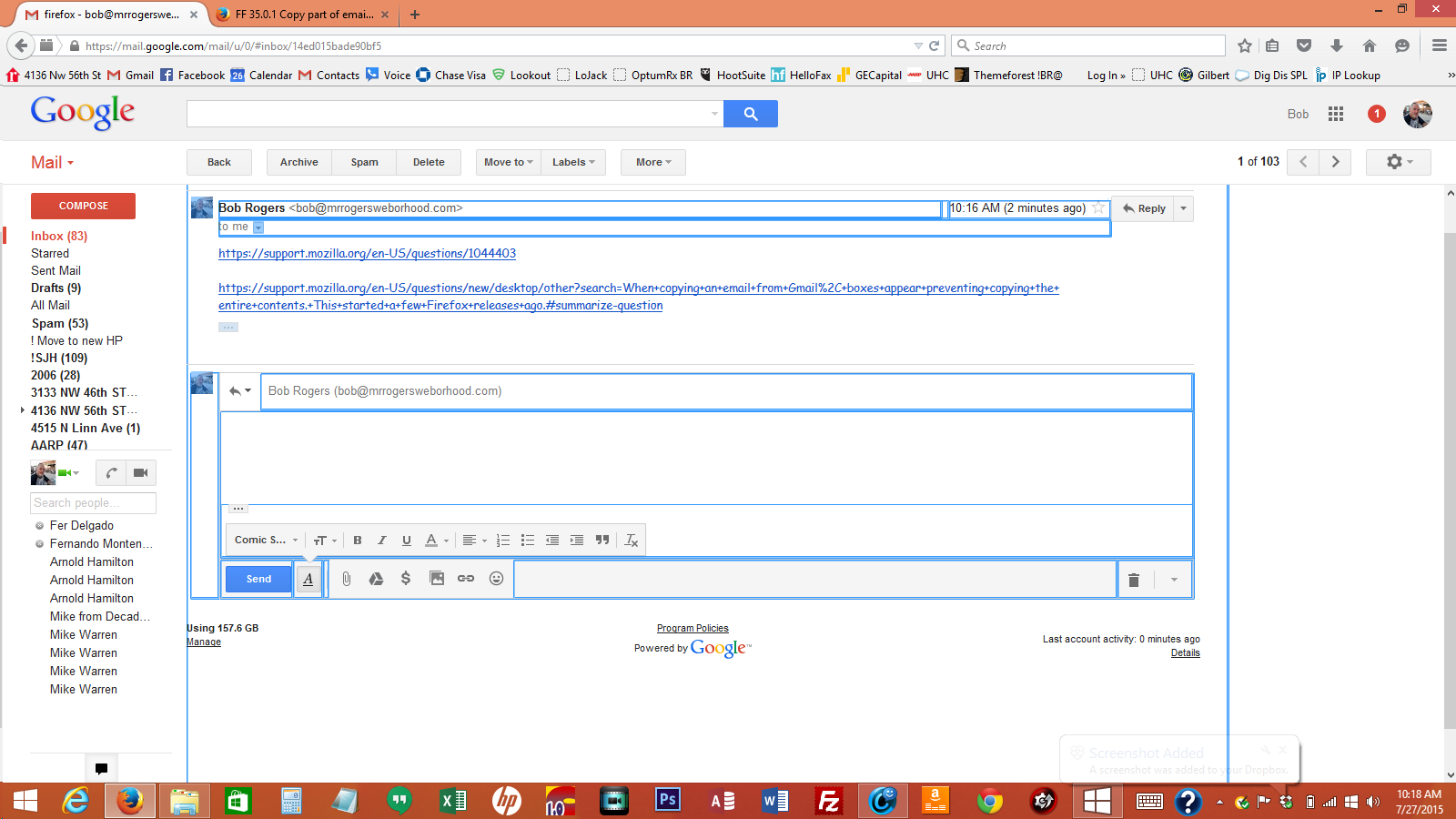
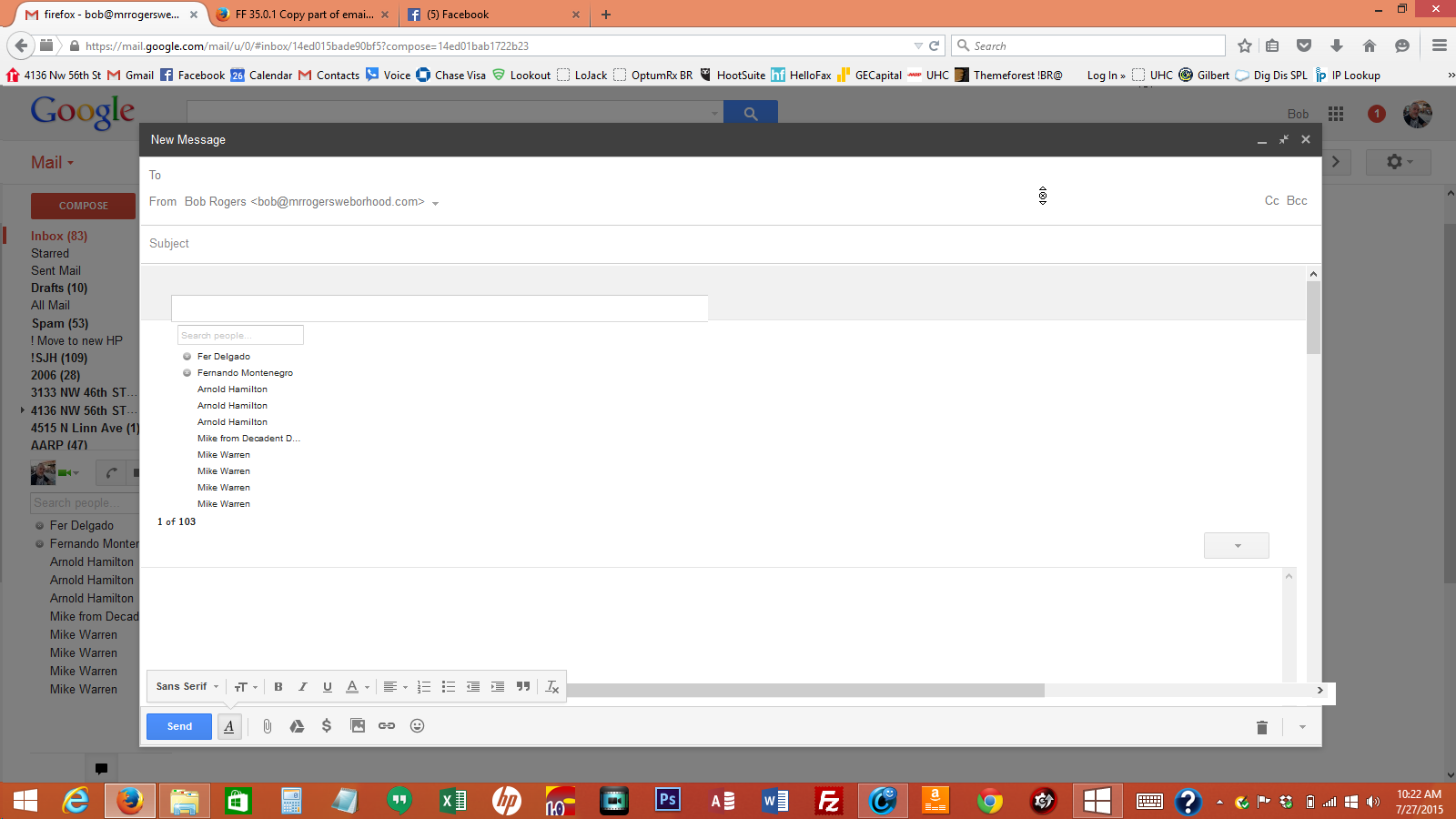
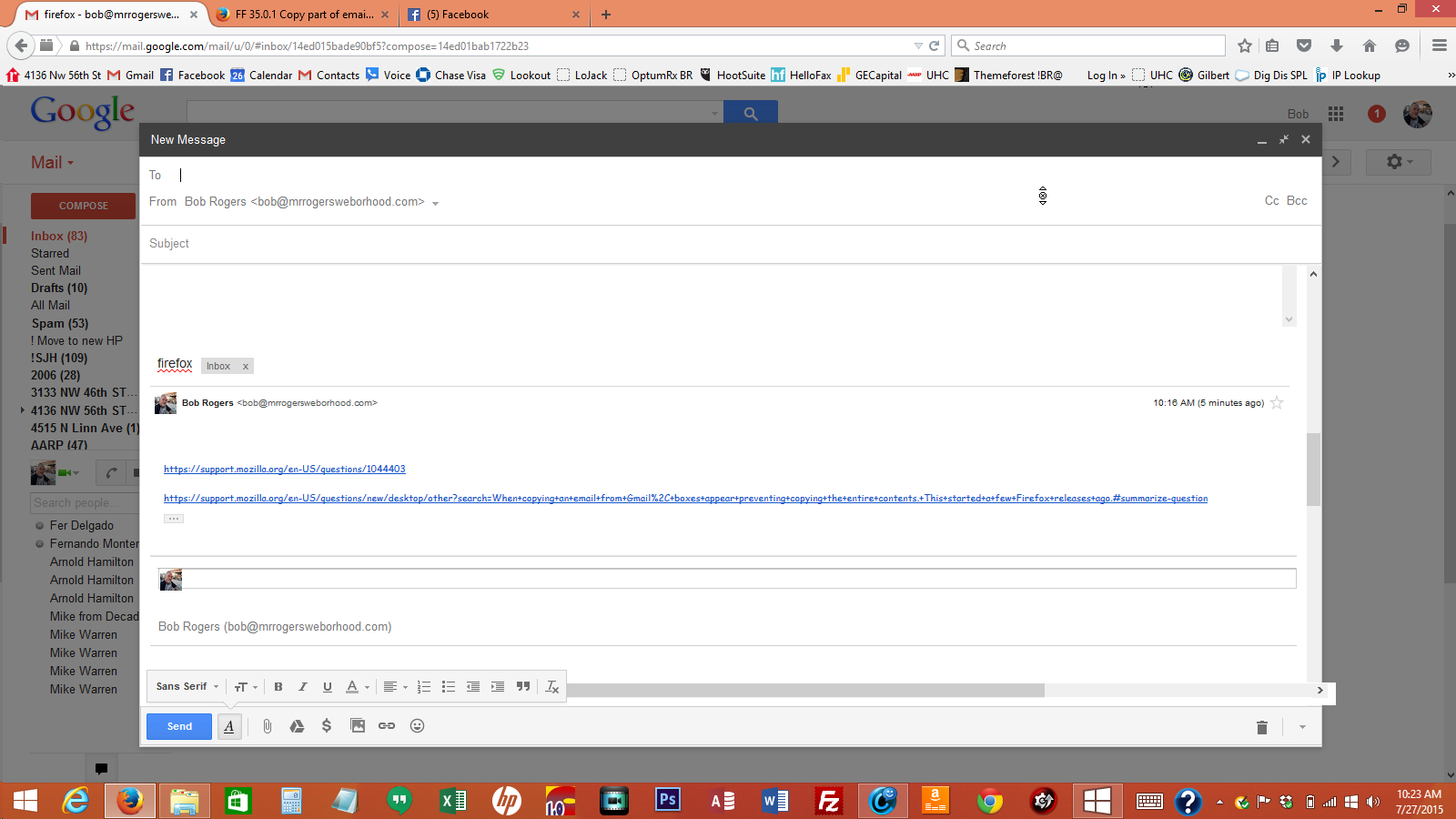
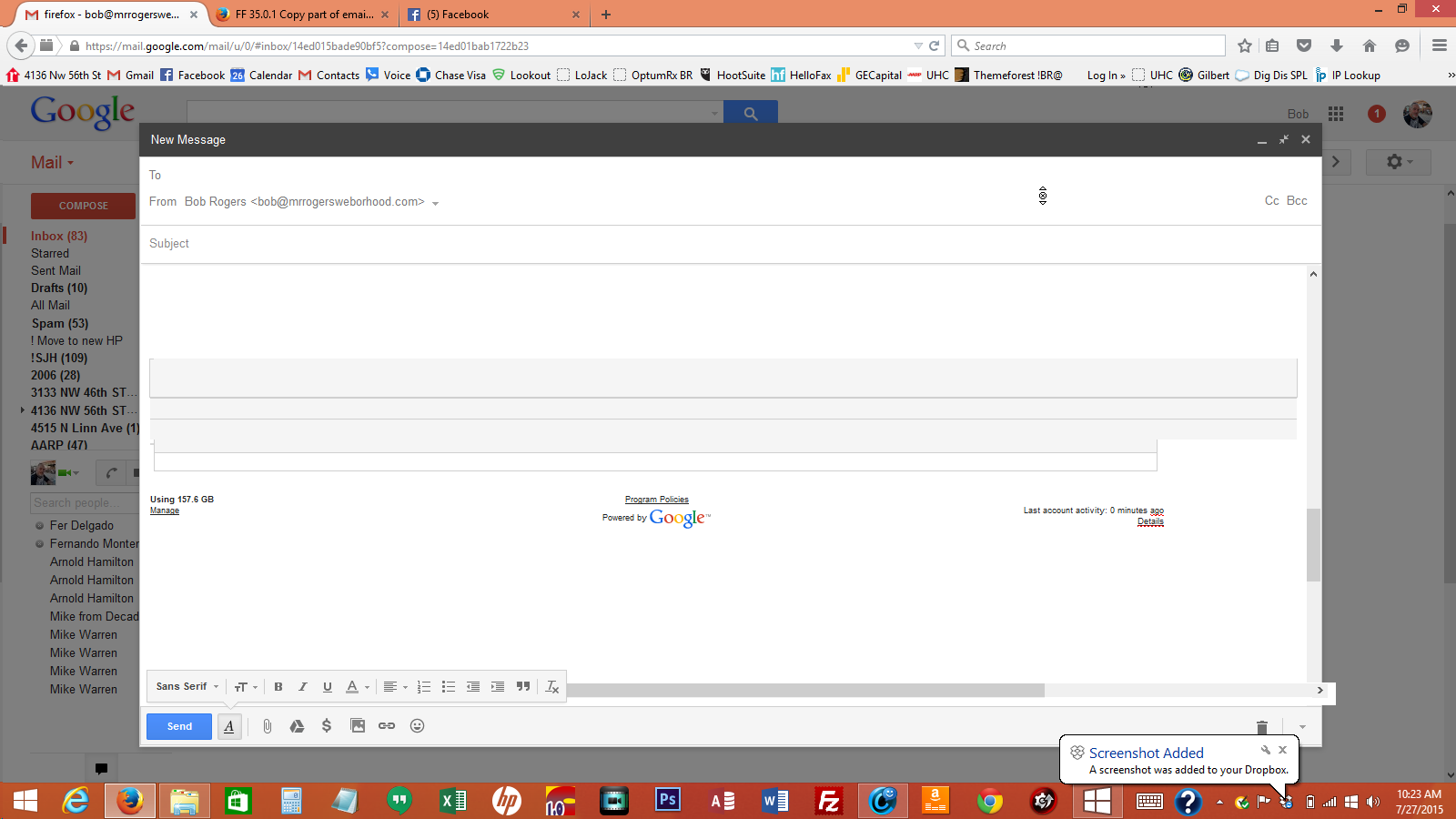
FF 35.0.1 When I try to copy text in an email and paste to another email, the highlight copy area turns into a bordered box with the entire first email not the selected text I want to copy. When I try to paste this copy box/text to an fresh email nothing happens.
Cut Paste Works fine if I use IE.
การตอบกลับทั้งหมด (3)
Which web mail service are you using? Gmail? Yahoo! Mail? Windows Live (or whatever Microsoft is calling it this year) ?
Have you tired using { Ctrl + A } to highlight all and then use { Ctrl + C } to do the "copy"?
Gmail but cut paste forks fine on IE.
Control A copys everything including headers and adv....
Same problem here with copying from Google email in Google business apps. Seems to have started a couple of firefox releases ago. I'm not seeing a resolution here. Has anyone heard back from Firefox yet? Screenshot attached. Thanks much@!
Also attached is the ctl + A selection then ctl + C to copy. No good.
เปลี่ยนแปลงโดย ToggeryBob เมื่อ