


Thunderbird client won't fully open on my Win 11 desktop.

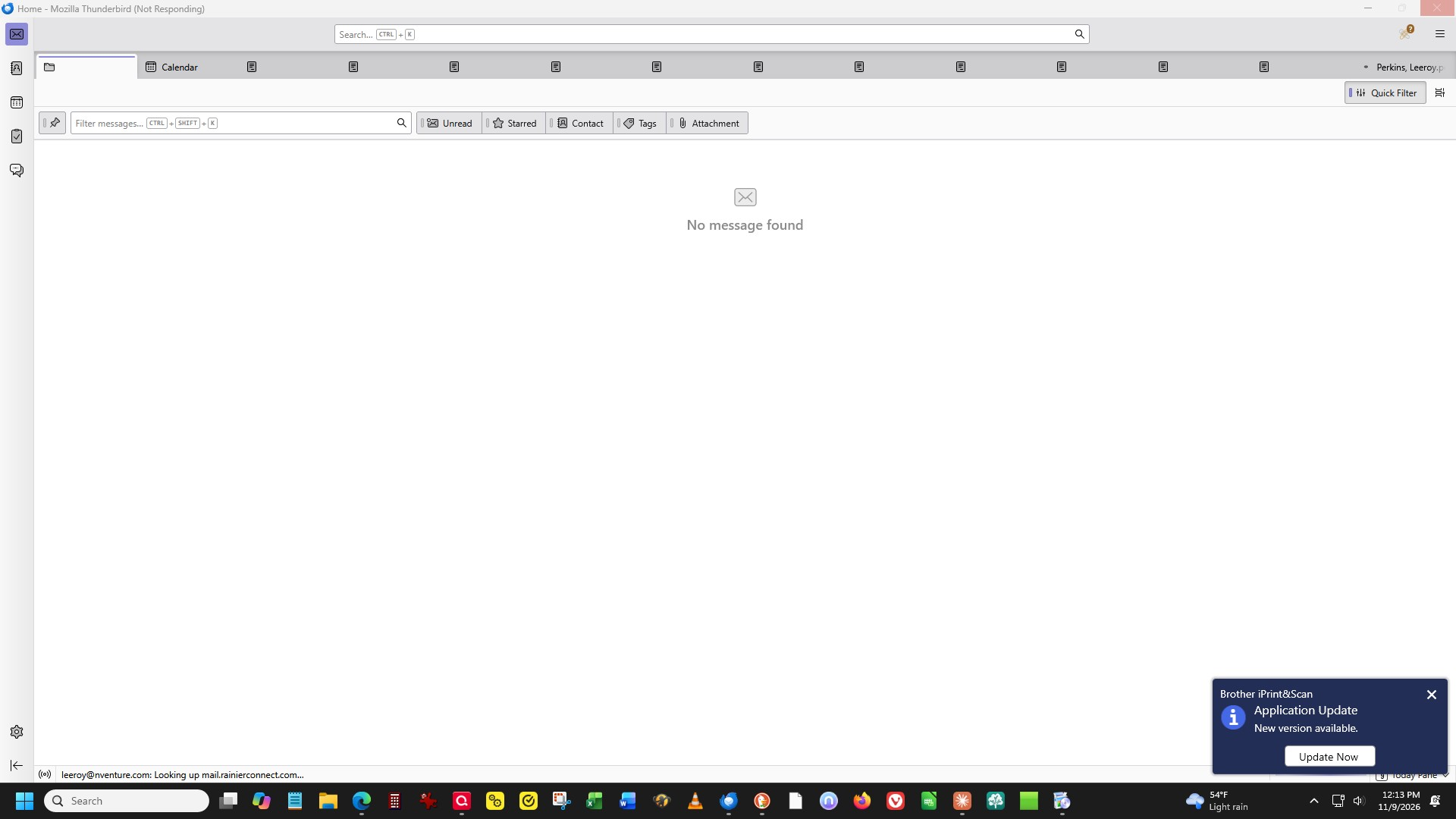
Thunderbird has bricked on me for the 1st time ever. It won't open my inbox. My cursor turns to the hourglass and there's a dialog that says no message found. It seems to know it's me because I still have tabs across the top where I had open messages and also my name appears in the upper right corner. This is on my Dell Windows 11 desktop. I dont know which version of TB I have but I'm sure I have update set to auto. I just now downloaded version 159 but have not clicked install pending what I can find out here...
ప్రత్యుత్తరాలన్నీ (3)
ఎంపిక చేసిన పరిష్కారం
Thanks to your screen shot the diagnosis should be easy. I think that you are seeing one of these bugs https://bugzilla.mozilla.org/show_bug.cgi?id=2071951 or https://bugzilla.mozilla.org/show_bug.cgi?id=2075935 or maybe both.
The only solution I know to "unblock" Thunderbird and make it reactive again is to delete the session.json file from the Thunderbird profile folder. I have described this manipulation in this message https://support.mozilla.org/en-US/questions/1613132#answer-1858261 in another thread
If this solution works for you and until the bug gets fixed, avoid to leave very many messages - in particular PDF files - still opened in tabs when you close Thunderbird.
Thank you so much for your timely reply to my issue. Worked like a charm. I hadn't panicked quite yet but was on the verge until you saved me. Much appreciated !! Sending you a virtual slice of Costco Pumpkin Pie !

Hhhhmmmm, I love it! Thank you 😻