


Unable to delete a profile

Hello,
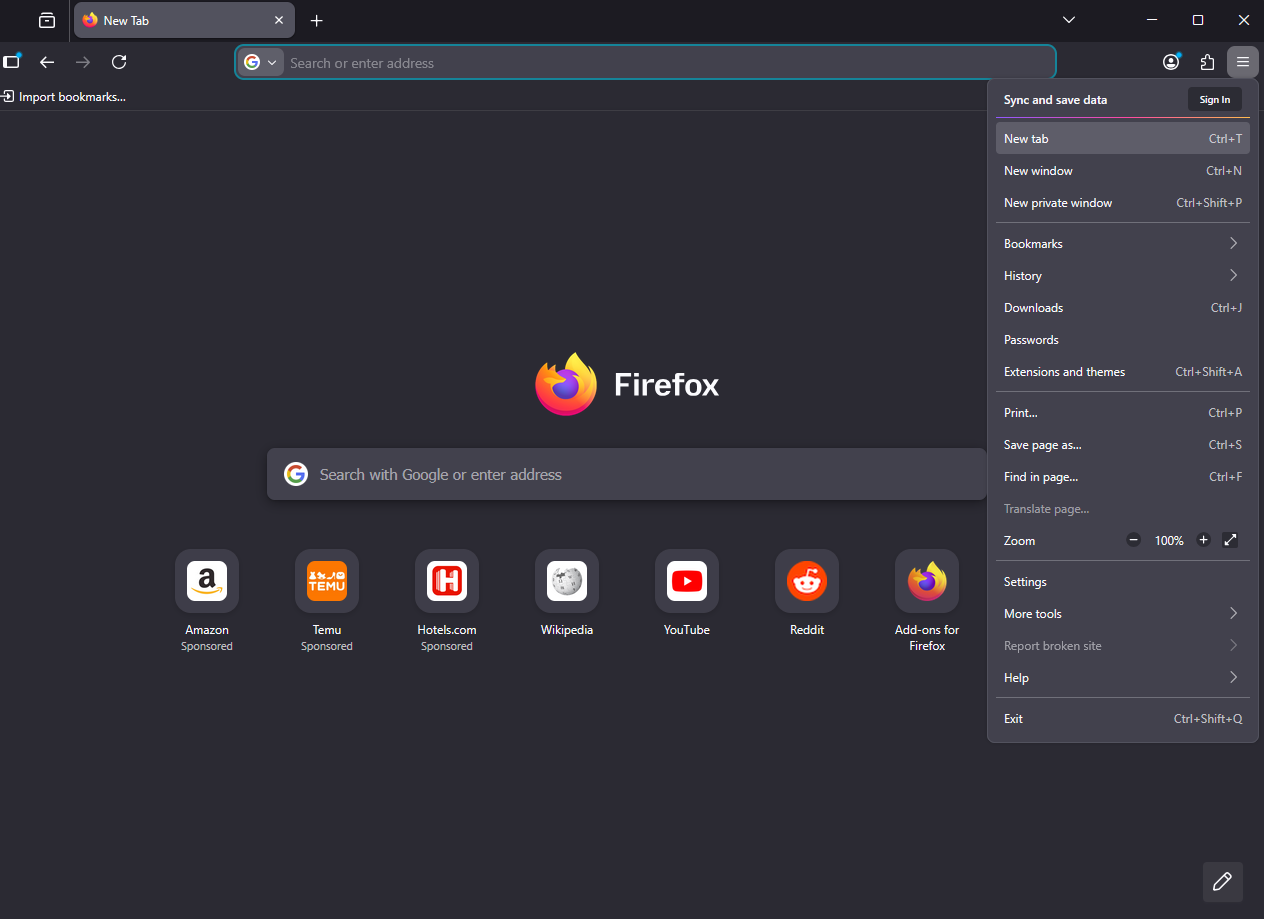
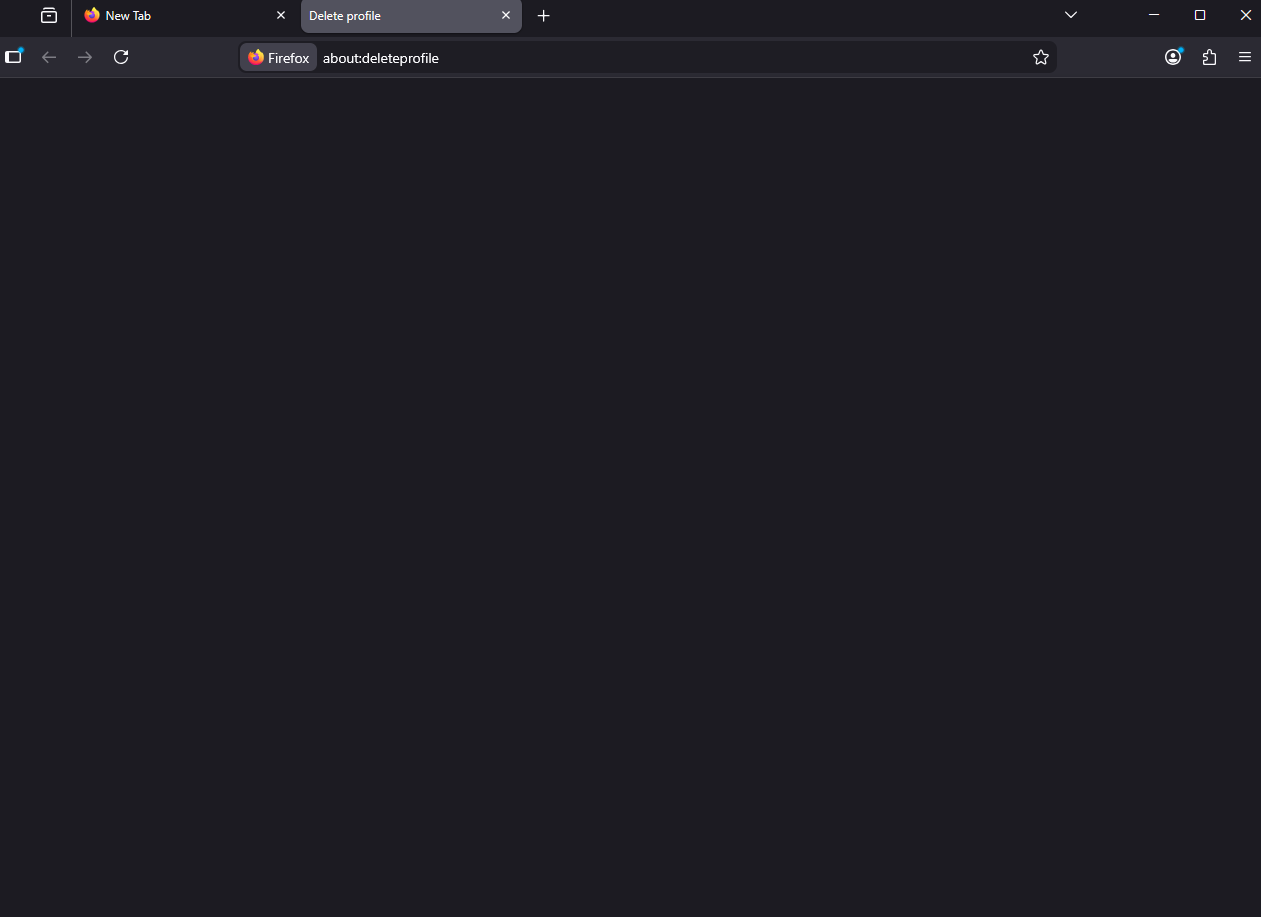
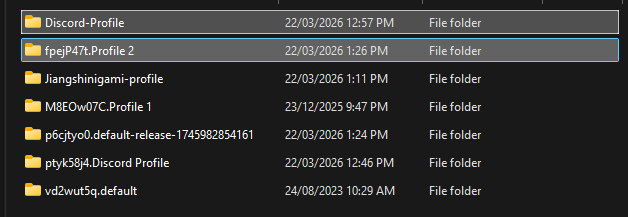
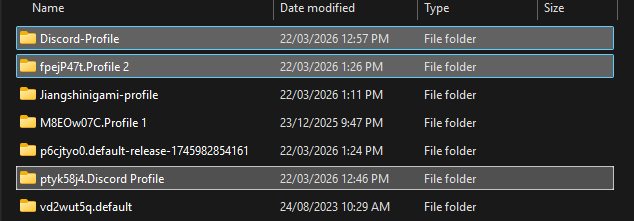
I've been using the profile manager, and wanted to delete a profile that i have made. However, when i select the option to delete it, it only opens up a new tab in the profile called "about:deleteprofile', which displays an empty page and does nothing. Then, I would try to delete the profile manually, in the profiles folder, but if I opened firefox or restarted my computer, it would just come back. I have attatched the relevant images below.
ప్రత్యుత్తరాలన్నీ (1)
ఎంపిక చేసిన పరిష్కారం
Hello
about:deleteprofile, which displays an empty page and does nothing.
I had the same problem and solved.
Take a look at https://bugzilla.mozilla.org/show_bug.cgi?id=2000125#c4
1 - Go to configuration editor https://support.mozilla.org/en-US/kb/about-config-editor-firefox 2 - Enter a search term toolkit.profiles.storeID