


Url links

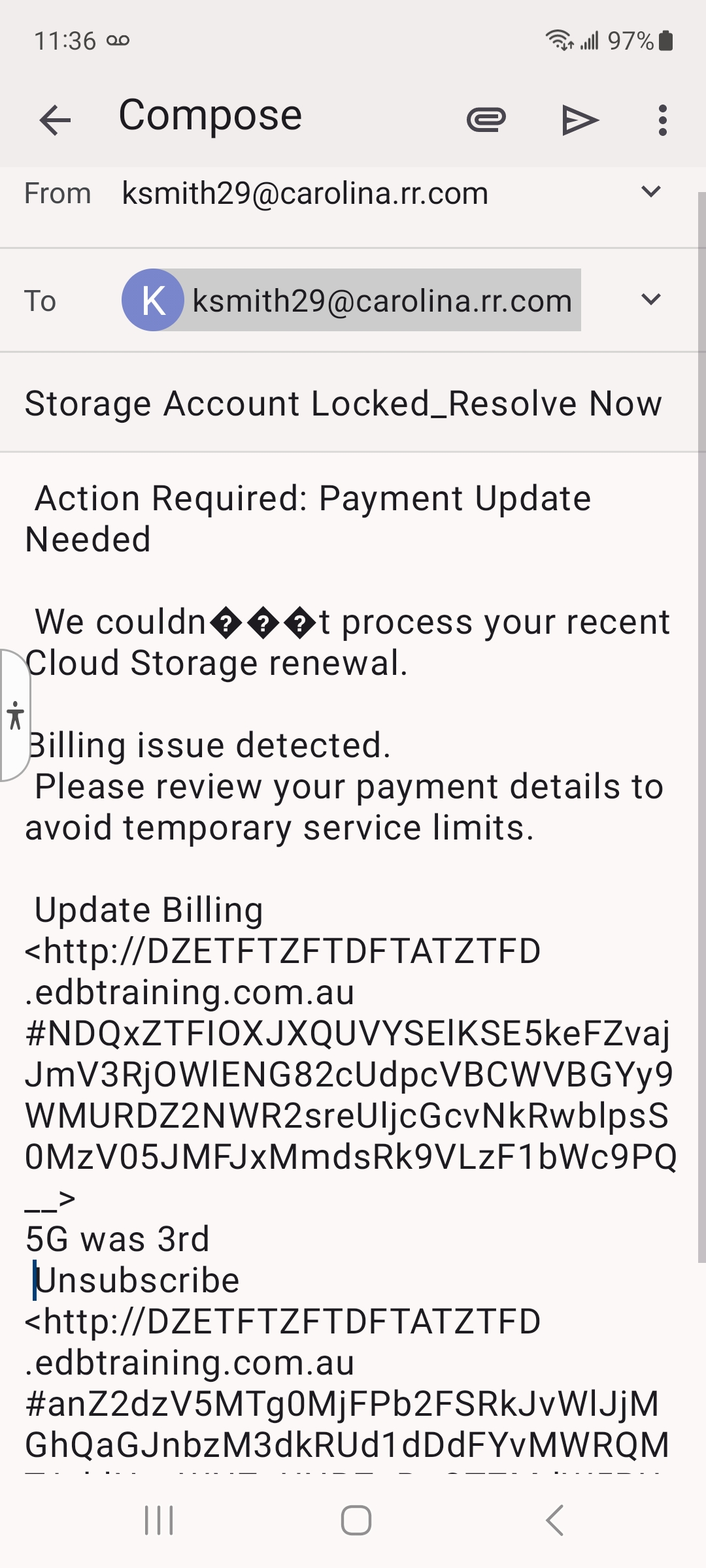
See attached I am not getting the url links in my emails

ఎంపిక చేసిన పరిష్కారం
Firebird???, did you mean Thunderbird. I've already detailed where the Html/plain text setting is found in the Thunderbird Android app. If not this, what setting option are you looking for and to do what?
Your not being forthcoming with answers to my questions. Without an understanding of your issue, support will be limited.
ప్రత్యుత్తరాలన్నీ (17)

Moving this topic to the Thunderbird for Android support channel.
There's no setting within the app that disables opening links.
Within android's default app settings, do you have an app selected as the default browser? Try setting one if unassigned.
What browser are you using? Can you try installing another one to see if the issue persists.
Where is that setting.. I looked all over
The location can vary based on phone manufacturer and Android version.
Typically it's in Android settings > apps > default apps
I can't find the serting to set default browser
There is no app under settings
Hopefully the attached will help Should I move to a different search engine
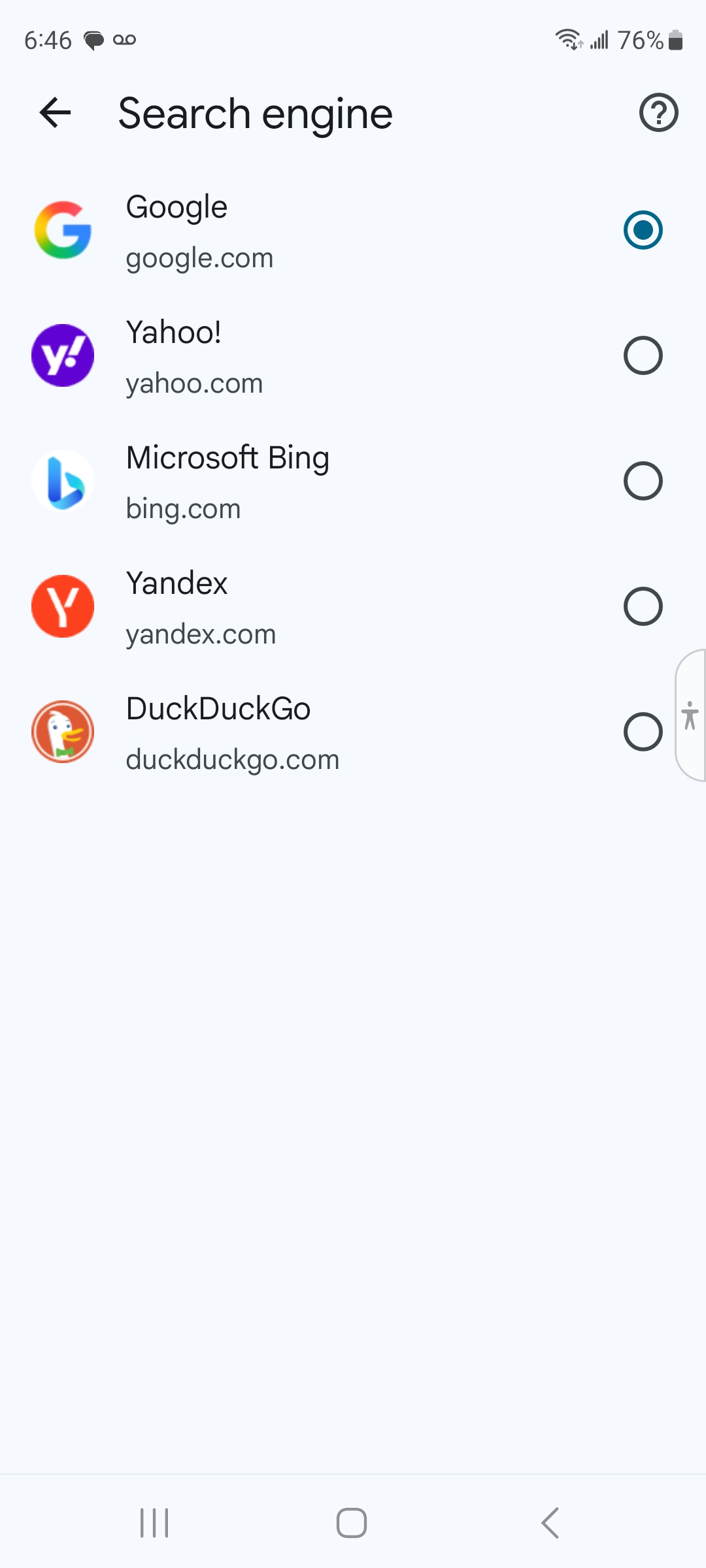
Firefox for desktop Windows, macOS, Linux and mobile versions for iOS/iPadOS and Android is a web browser and not a search engine. Mozilla the makers of the Firefox web browsers does not have a search engine of their own.
https://support.mozilla.org/en-US/kb/make-firefox-default-browser-android
What does this have to do with Firefox email app on my android phone
Hi Kevin
Have a look at the below link. https://www.technipages.com/how-to-change-the-default-browser-on-android/
I notice the email in your screenshot looks to be plaintext. Do you have the same issue with links on other HTML emails?
I just spotted / caught on that your screen shot is showing the email compose screen, not a recieved email. URL links on the compose screen are not clickable. Once the email is sent, contained URL's will be clickable. It looks like you were sending the email to yourself. Have you tested the links after recieving the mail.
Are links on other recieved emails working?
The default browser is likely irrelevant. It was suggested on the (mis)understanding that URL's were not working on any emails. ["I am not getting the url links in my emails"]
The attached procedure looks promising If there was a tools setting I can't find it
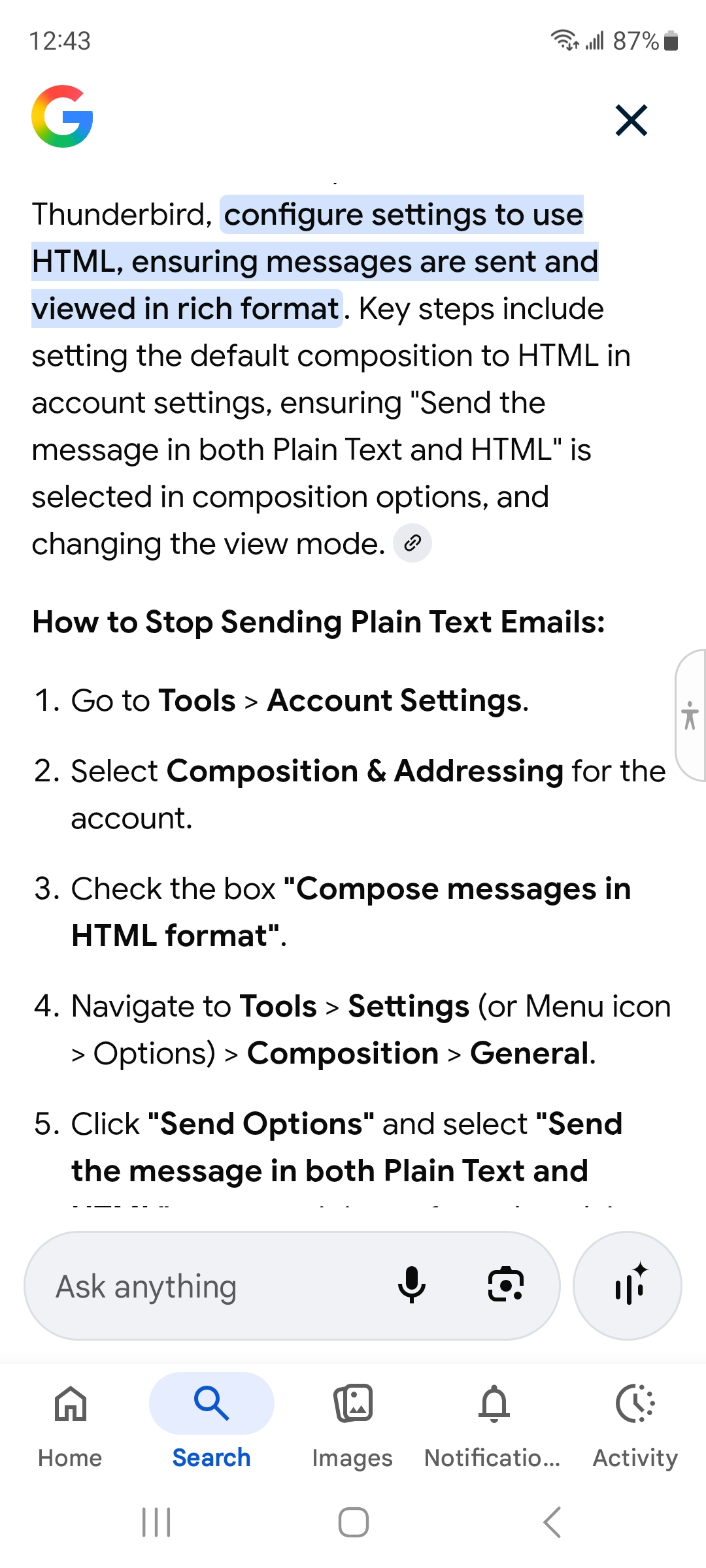
The description in your screenshot is likely referencing Thunderbird Desktop on the PC rather than the mobile app!
The setting that changes the format of sent mails (HTML or plain text) from Thunderbird Android is found at ... Setting > Account > Sending Mail > Message Format
- Plain Text (remove images and formatting)
- HTML (keep images and formatting)
- Automatic
It doesn't matter which of these is assigned, emails containing links will still be clickable by the recipient.
Can you please clarify what issue your experiencing, expectation or goal your trying to achieve. Again, are links working in standard HTML emails you recieve?
Can you help me find the setting option on the Firebird app on my Samsung(Android) phone I believe I can resolve this problem.
ఎంపిక చేసిన పరిష్కారం
Firebird???, did you mean Thunderbird. I've already detailed where the Html/plain text setting is found in the Thunderbird Android app. If not this, what setting option are you looking for and to do what?
Your not being forthcoming with answers to my questions. Without an understanding of your issue, support will be limited.
Sorry yes Thunderbird
OK. I uninstalled Thunderbird from my Phone. Restarted it Installed the Thunderbird APP Export accounts to Thunderbird Mobile
Scan QR code with Thunderbird on your mobile device
   Open Thunderbird on your mobile device
   Go to settings
   Select Import settings
   Tap Scan QR code and hold your phone over this code
Everything transferred over to my Thunderbird Phone APP When I open the Unified Inbox only the emails from my inbox appears The URL Links appear and I can open them Not sure why I had to spend all this time and confusion trying to fix this. My 12 year old fixed it in 15 minutes ! Hope no one else has to endure this pain just to get a simple problem Fixed.