


Discover website login isse

Just recently I am no longer able to login to the discover.com site in private mode. It still works in regular mode. I'm using this on a desktop, not the discover app. I spoke to their tech support and tried to do a login while on the phone. They told me nothing was coming through on their end. So, what changed and how can I fix it please?
ప్రత్యుత్తరాలన్నీ (10)
Works for me. see screenshot I assume it works in normal mode, but do you have add-ons that run in private mode. What security software are you running?
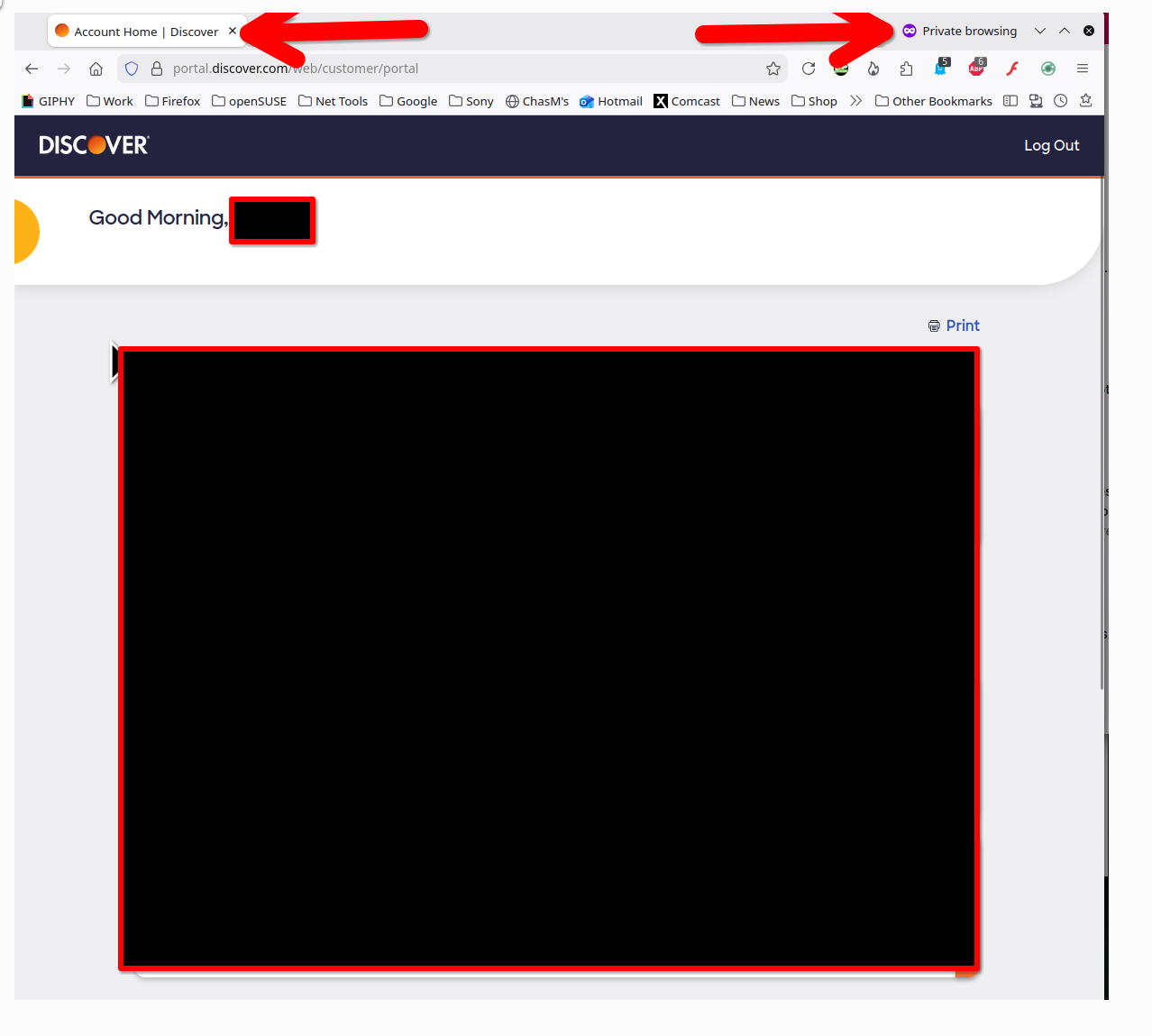
న jonzn4SUSE చే మార్చబడినది
Thank you for your reply.
I am running Netgear Armor/BitDefender for security and I have AdGuard AdBlocker and BitDefender Anti-tracker as extensions that run in both regular and private modes. I've tried disabling the extensions but that didn't make a difference. Also, I can login in regular mode with those same extensions and security so I don't think that's blocking my login in private mode.
I can usually login in private mode after about a half dozen tries or after waiting for a while. It's very strange. In regular mode I get right in so I'll use that for now but I don't know what else to try. I've removed cookies, changed the password, and I have the site as an exception under privacy settings.
IMHO your issue is the abundance of security software. Boot windows into safe mode with networking. Then try Firefox in Troubleshoot mode where there should be no add-ons and then go into private mode and see what happens. Another suggestion is Linux. ;-))
An update. This has nothing to do with my security software. As a test, I turned everything off and had the same problem.
However, it seems to be random. I am eventually able to log in to the site in private or regular mode, security software, firewall or not so that's not it.
It seems like after 10 a.m. I can get in, before 10 a.m., I get the "we're sorry" banner and cannot log in. Very strange unless Discover is actually doing some maintenance and the banner is true but I find it hard to believe a large institution like this would lock people out between 8-10 a.m. because of maintenance issues.
This is the only site with this problem and it doesn't matter which browser I use (firefox, chrome or edge) or which mode within the browser. Guess I'll just have to cope with it and not log in until after 10 a.m. unless someone has another idea.
I've already spoken to Discover and tried logging in while on the phone with them. They did not see any log in attempt when I got the failed login banner so they said my attempt never got to their servers. It is very odd unless there is some other setting in windows that I don't know about that could be randomly blocking this.
For now I guess I'll log in later in the morning but it's a head scratcher.
Did you boot to safe mode with network to test. What happened with Firefox in Troubleshoot mode?
I haven't tried either, will do. I didn't try troubleshoot mode because all of the browsers (edge, chrome, firefox) wouldn't log in but I'll try that.