

ఈ థ్రెడ్ ఆర్కైవ్ చేయడం జరిగినది.
మీకు సహాయం అవసరం ఉంటే, దయచేసి ఒక కొత్త ప్రశ్న అడగండి.

ఆర్కైవ్ చేయబడింది
Name appearing on emails

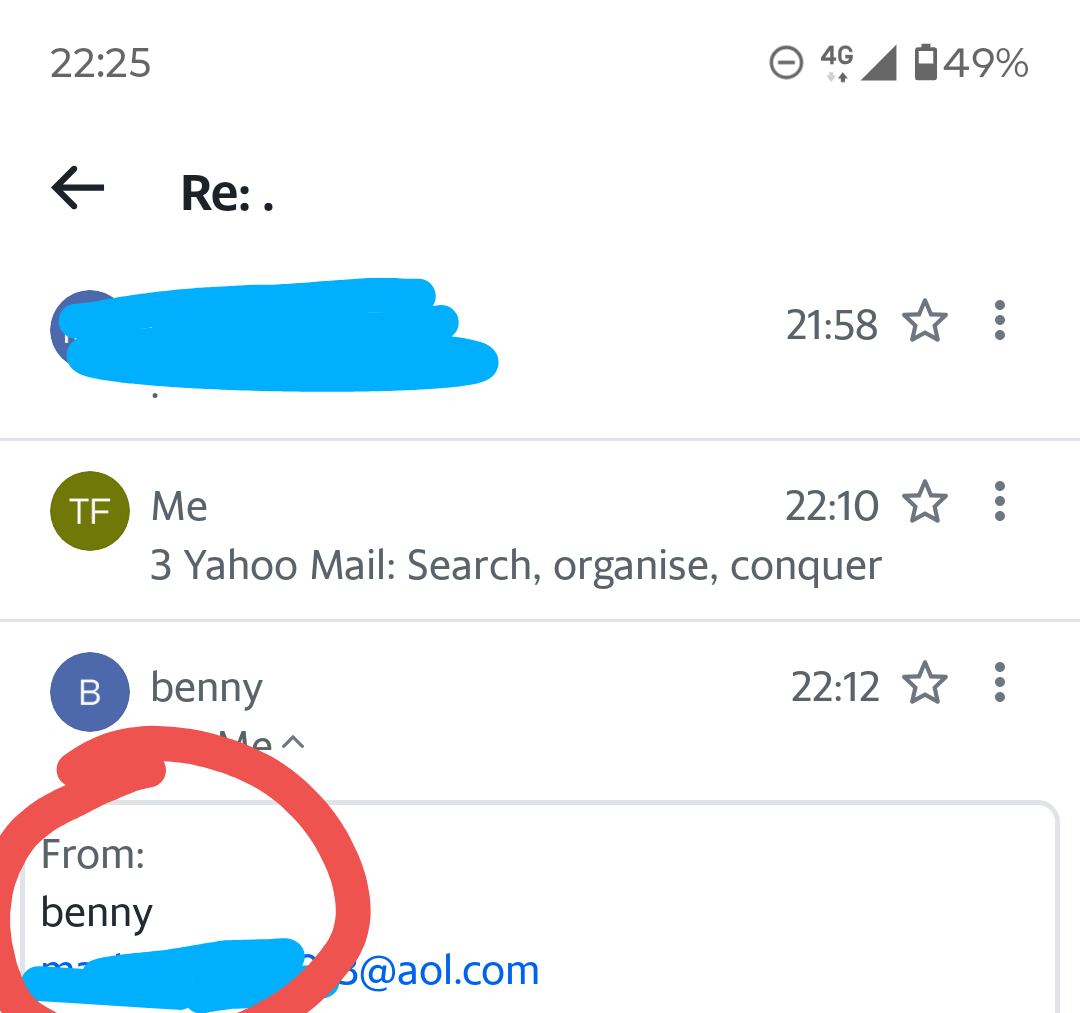
How do I stop my name being included when I send an email? If I log in through the AOL app it sends the name registered on the email but if I send it thru thunderer it sends my nickname which I don't want for privacy reasons, I added a photo hopefully makes sense! Thanks
How do I stop my name being included when I send an email? If I log in through the AOL app it sends the name registered on the email but if I send it thru thunderer it sends my nickname which I don't want for privacy reasons, I added a photo hopefully makes sense! Thanks
ప్రత్యుత్తరాలన్నీ (1)

The following steps might be helpful: 1. "Settings" > "Accounts" section > tap the account you want to configure > "Sending mail". 2. Use either of the following steps: 2.1. (In "Sending mail") "Composition defaults" > change the value of "Your name" field. 2.2. (In "Sending mail") "Manage identities" > tap the identity you want to configure > change the value of "Your name" field.