


Unable to set up Thunderbird Mobile on my Android phone.

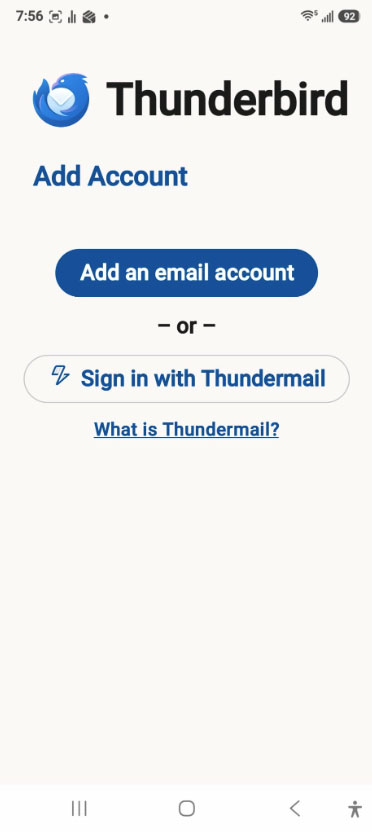
I have been trying to set up Thunderbird Mobile on my Android phone. I scanned the QR code to export my settings. However, when I open the app on my phone, the only options I have are "Add an email account", or "Sign in with Thundermail". The instructions state that clicking on "Get Started" should bring up the option to "Import Settings" but it does not.
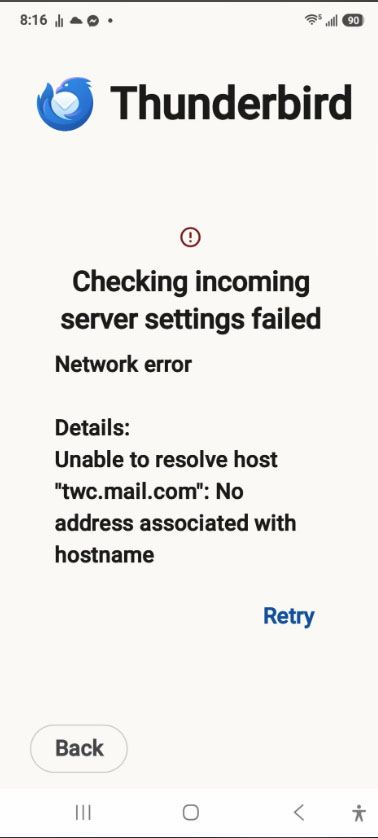
I should also add, when I try to put in the settings (which I know are correct, same as what I have in Thunderbird Desktop), it comes up with "Checking incoming server settings failed Network error Details: Unable to resolve host "twc.mail.com": No address associated with hostname. I positively know that is correct.
I am aware that Spectrum has had problems. However, it works fine with Thunderbird Desktop.
All Replies (9)

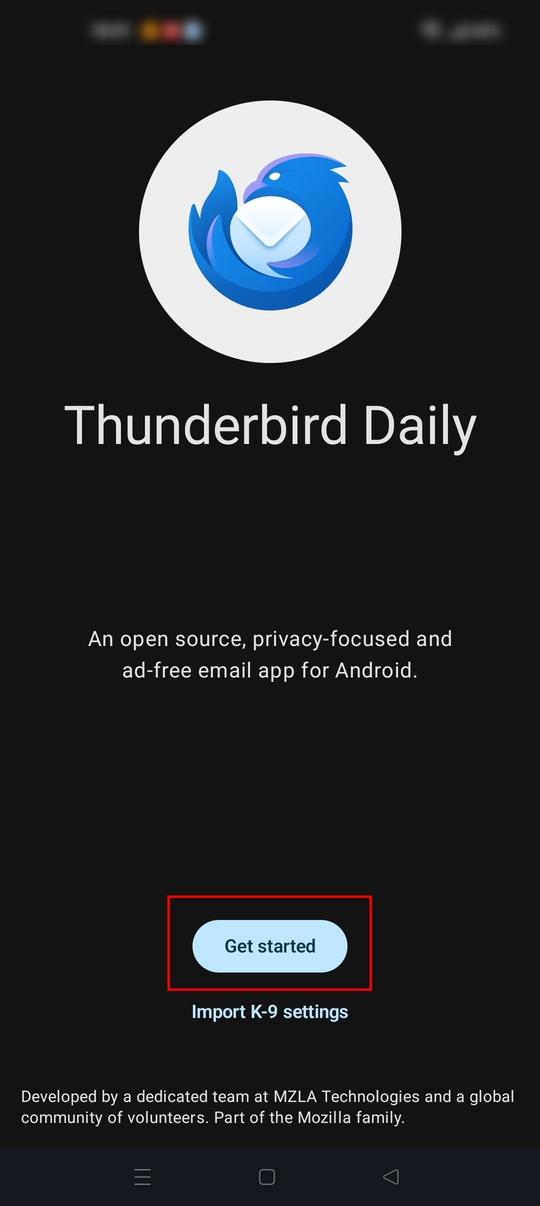
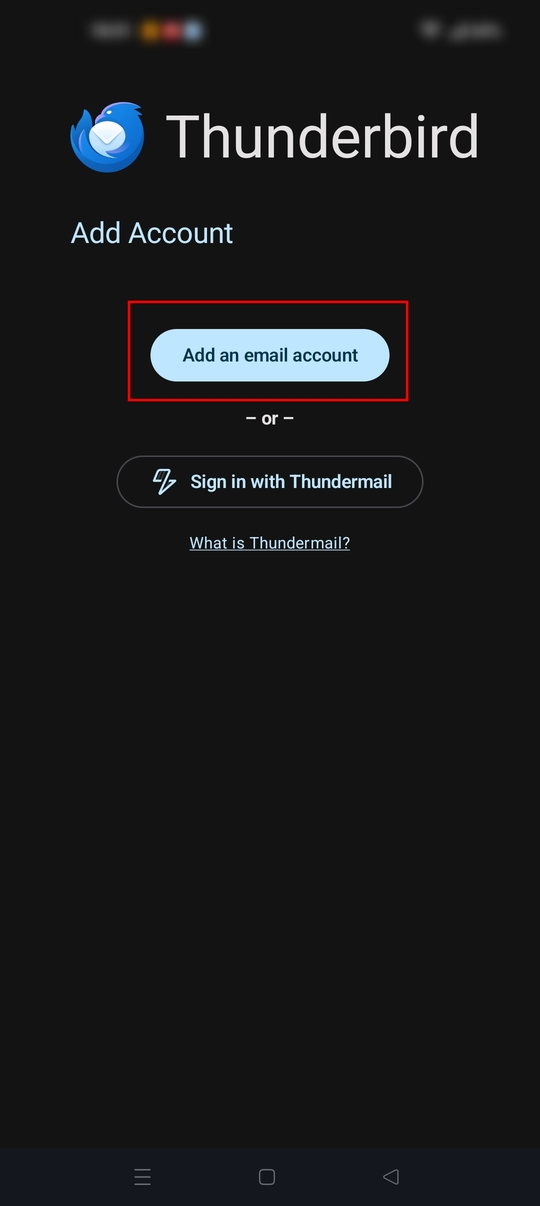
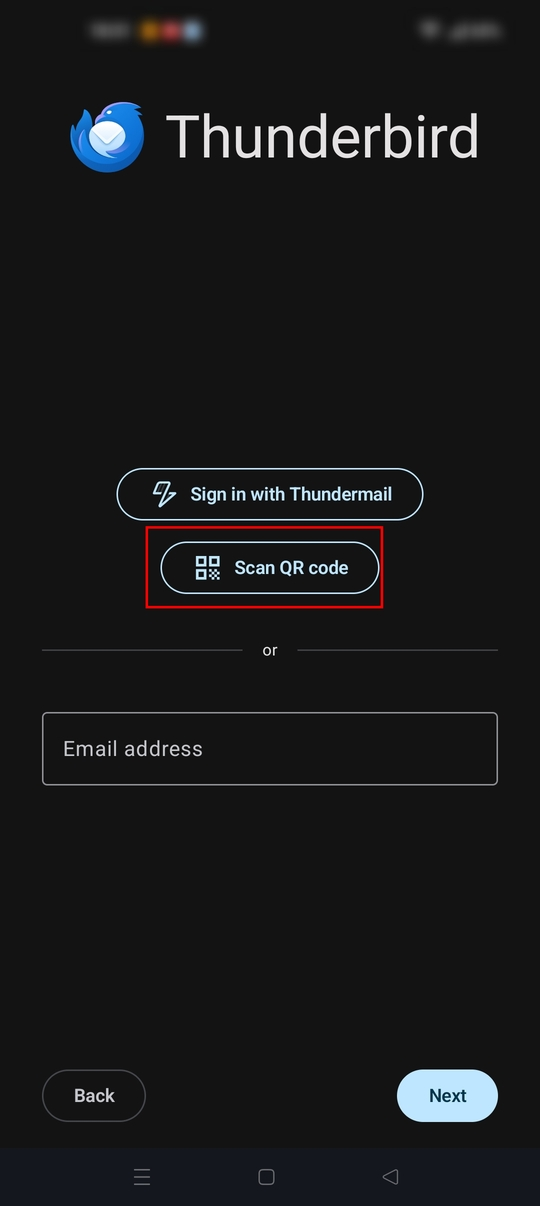
To add your account(s) via QR code, at setup, select get started > add an email account > scan QR Code. See screen shots.
For your manual setup attempt, you've entered an incorrect server name, mixing up mail and twc placement. The correct name is mail.twc.com, not twc.mail.com
https://www.spectrum.net/support/internet/mobile-email-setup?cid=eml_ehh_782
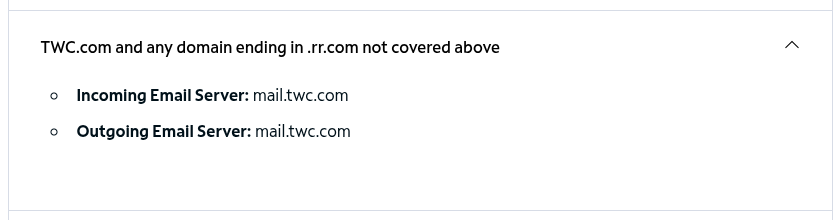
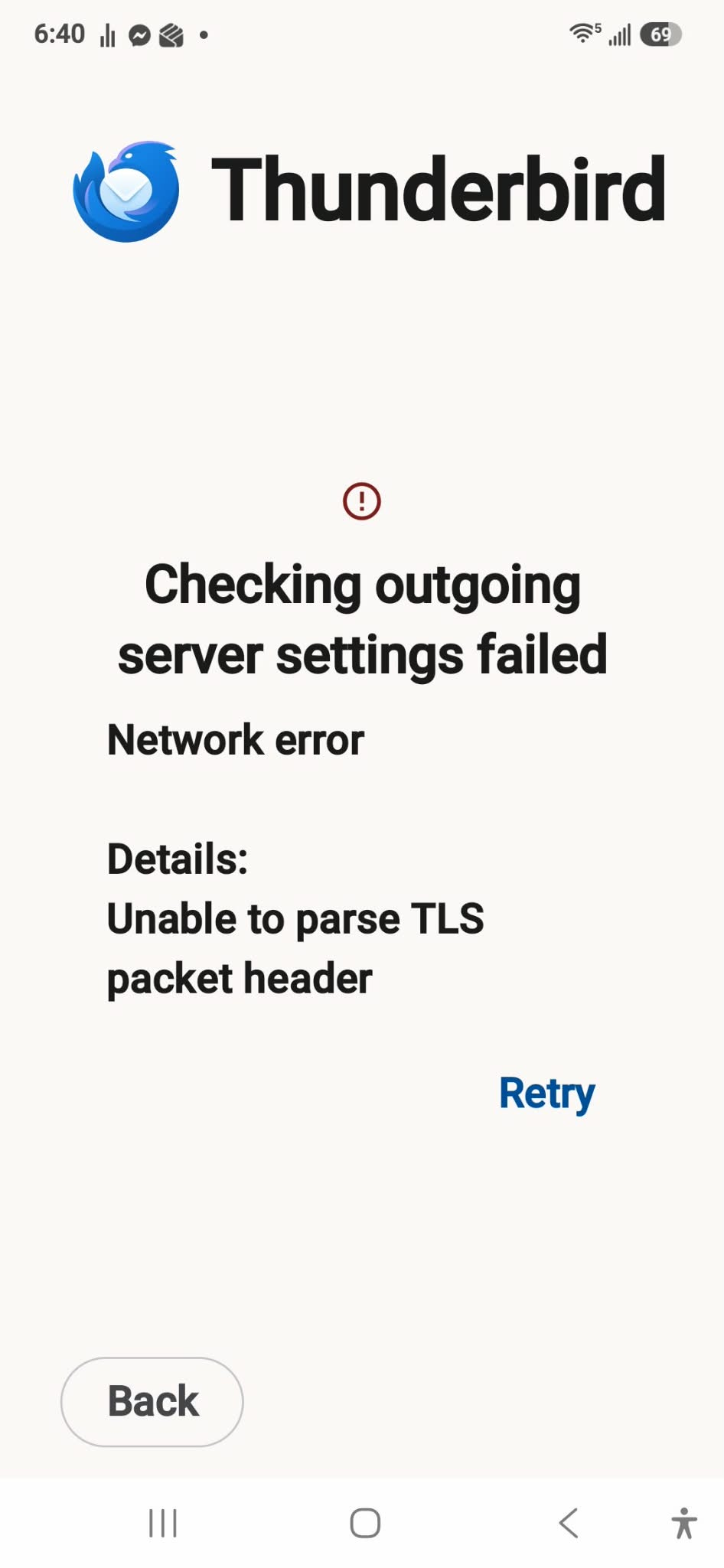
Thank you for pointing out that error I made for the server name. I thought it might work! However, instead it came up with this screen after putting in the info for the outgoing server.
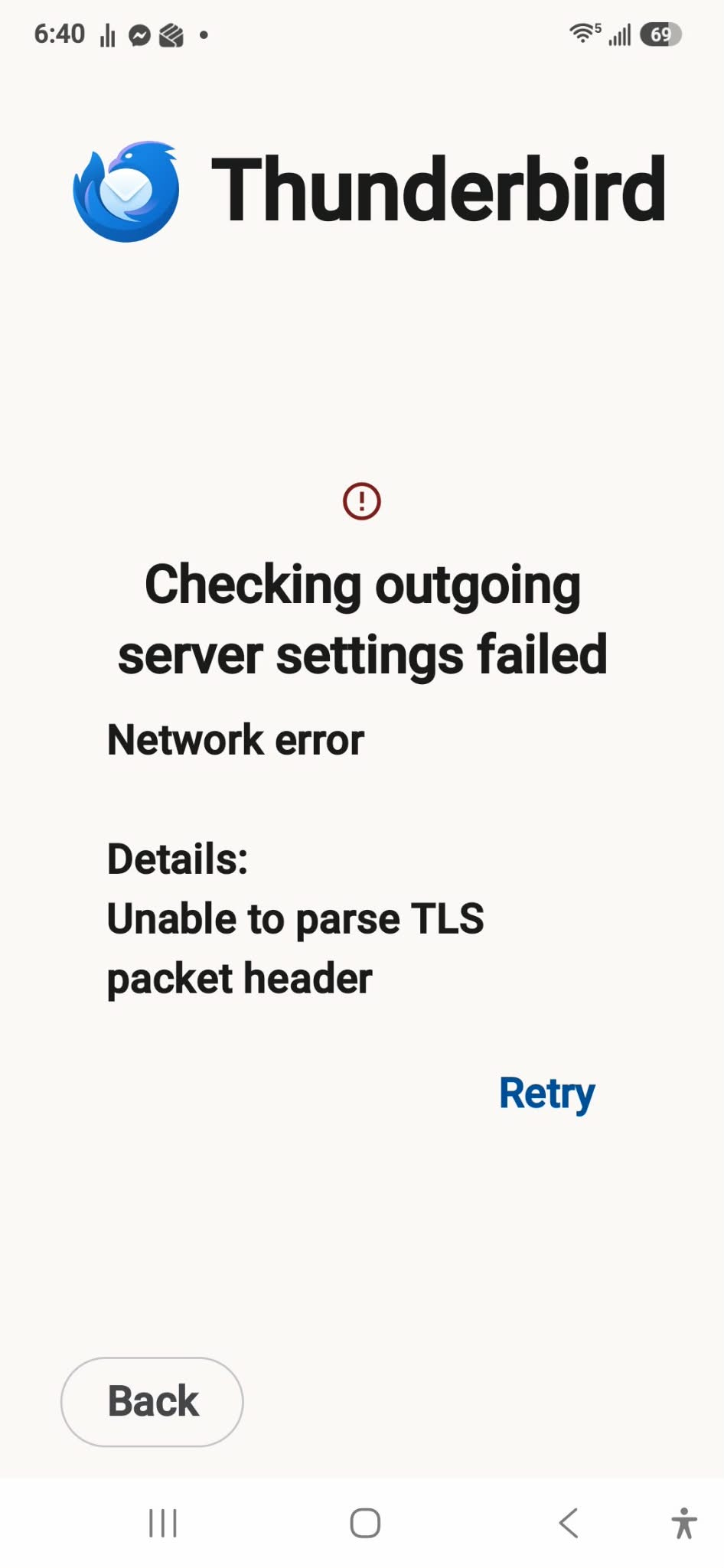
Can you confirm your applying the below on the outgoing server settings.
Server = mail.twc.com Port = 587 Security = StartTLS
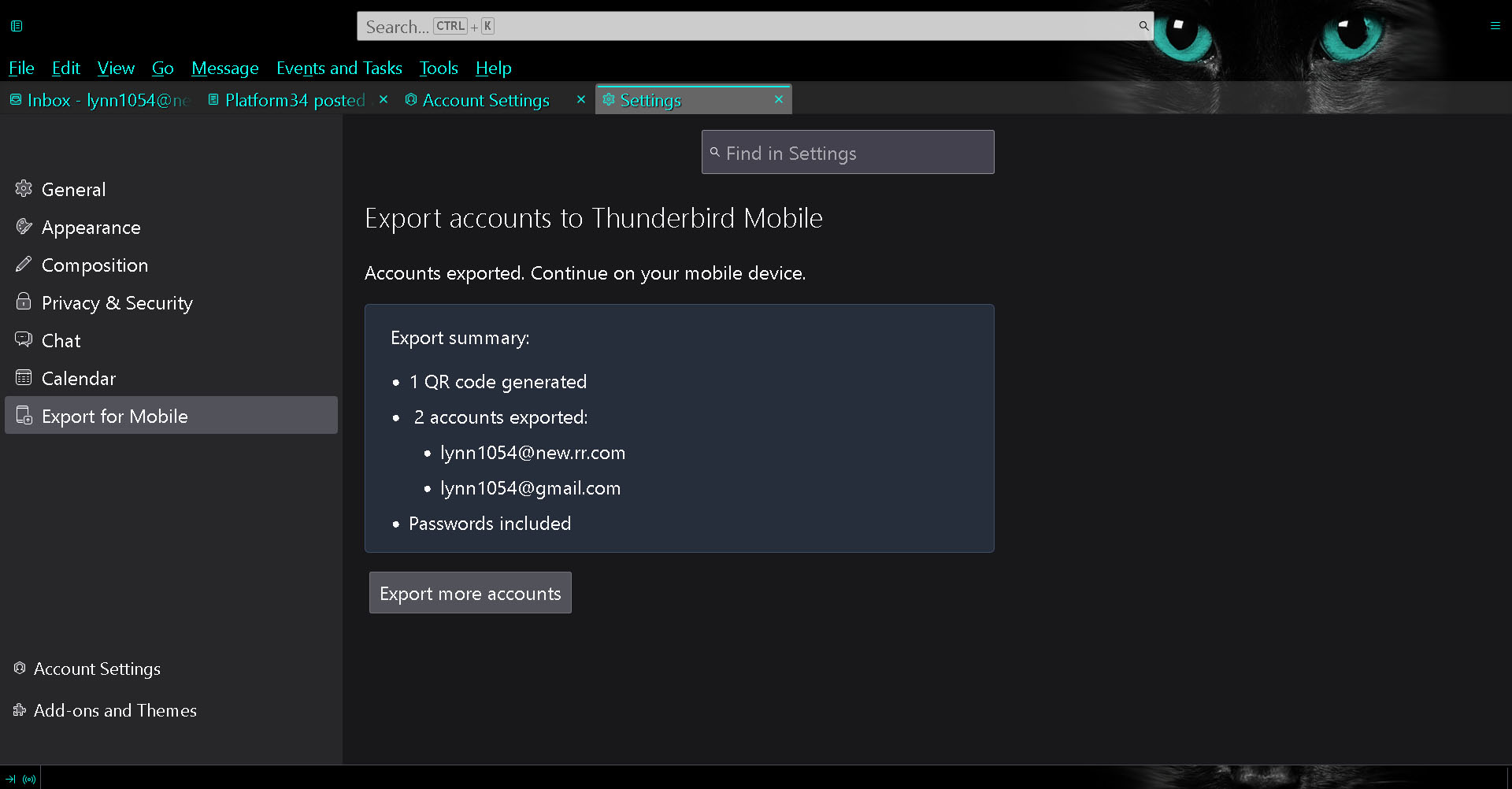
This is where I get confused. When I scan the QR code, it tells me it exported everything. Yet on the phone it is still on the screen where I would "Add an email account". I've read various messages that say something saying "import settings" should come up on Thunderbird Moblie,but it never does. As for the server and port, yes, that is what is there. However, for Security, nothing comes up for me to choose from but if it truly exported the settings to Thunderbird Mobile, that would be it. Incoming is SSL/TLS, Outgoing is STARTTLS (in Thunderbird Desktop).
I'm including the screenshot that says it exported the settings but it sure doesn't seem like it has.
Hi Lynn
Are you saying after scanning the desktop QR code using your mobile phone and completing the import, your being returned back to the add account screen?
If so, you may be experiencing a bug described in the github link below. https://github.com/thunderbird/thunderbird-android/issues/11275
Does launching the TB Android app after a phone reboot open to the Unified Inbox, or remain on the get started screen?
If the later, manually adding each account by typing your email address and following the setup wizard may be the easier option.
Yes, launching the app after rebooting, the phone remains on the get started screen.
I've tried manually adding my main email account but that's when I get this screen.
When trying to manually set it up, it comes up saying "Client certificate: None" - I don't know if that is correct or not.
And one part that comes up, with the boxes checked are for: Auto-detect IMAP namespace Use compression Send client information
I also don't know if that is correct.
I've tried unchecking the boxes one by one, still can't get it set up. The incoming server settings go through fine but the outgoing server settings come up with that error (the screenshot I included in my previous message).
Hi Lynn
Please confirm you have the following settings entered on the outgoing server settings. Incorrect Security and port values are the likely reason for the error message you observe.
Server = mail.twc.com Security = StartTLS Port = 587 Authentication = Normal password username = [your email address] password = [your password] client certificate = none
The other options you mention below apply only on the incoming server settings screen.
Client Certificate = None Auto-detect IMAP namespace = Ticked Imap path prefix = empty Use compression = Ticked Sent client information = Ticked
Thank you! Thank you! Thank you! You are a miracle worker. The problem was I did not have it set as StartTLS - once I changed that, everything is working fine. Plus I was able to add my gmail account easily. I cannot thank you enough - you are so appreciated!