


I cant turn off Enhanced Tracking Protection

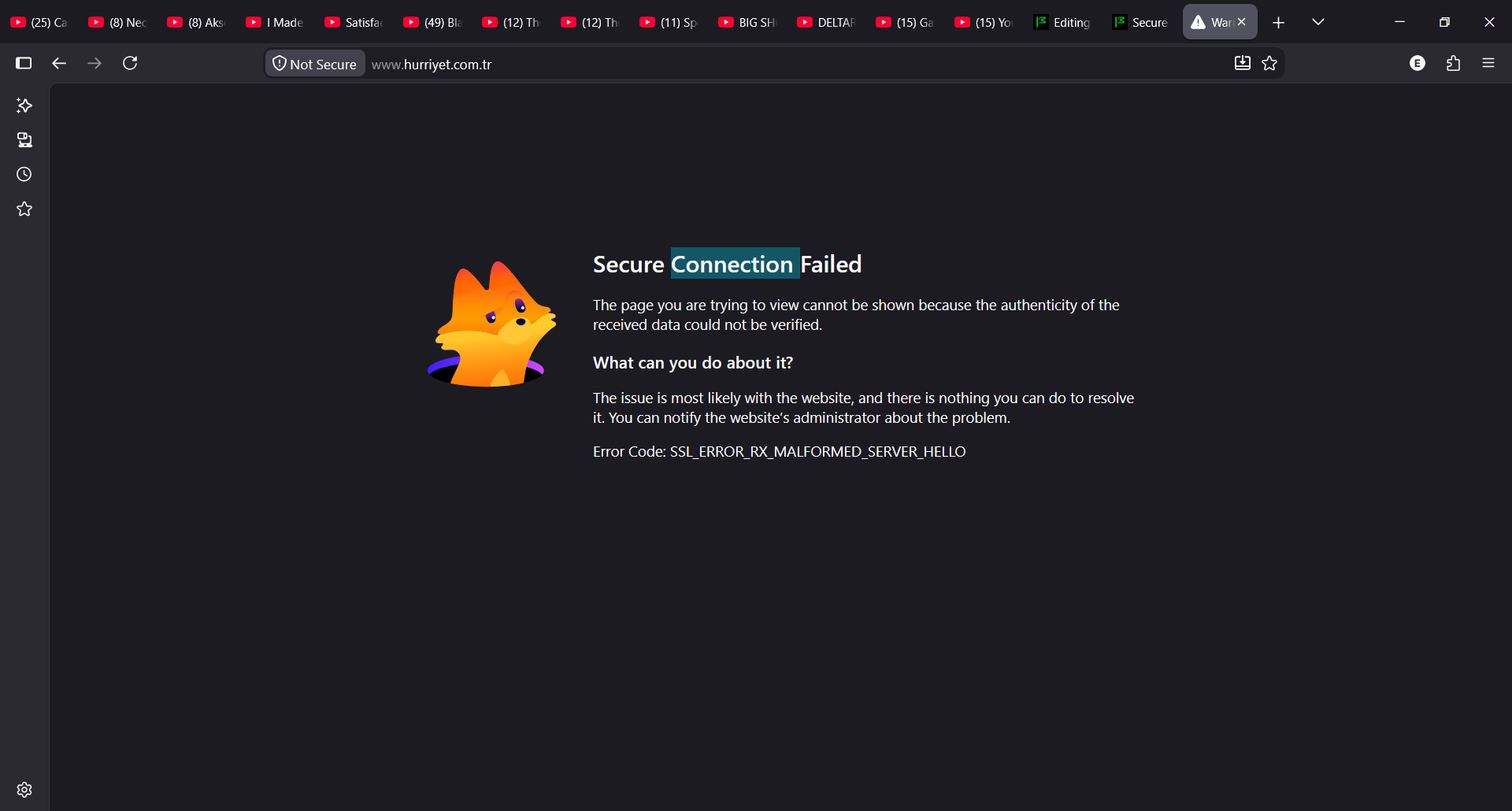
I cant turn off Enhanced Tracking Protection and its blocking me from way too many websites

All Replies (10)
This is not Enhanced Tracking Protection blocking your from anything. This is a connection issue.
The actual error on that page underneath, with any "Advanced" sections expanded, is actually useful.
For details see:
If it is an connection issue will you kindly explain to me why the same websites work on chrome without any issues ? as a note : there is no Advanced
Foxy Toxic மூலமாக திருத்தப்பட்டது
This is not ETP. You should not disable it.
SSL_ERROR_RX_MALFORMED_SERVER_HELLO happens when a web browser receives an invalid or corrupted response from a server during the initial TLS/SSL secure connection handshake. It is commonly triggered by third-party interception, corporate firewalls, or mismatched security protocols.
You could try solutions from this reddit thread.
Still doesnt answer why no other browser causes this problem except firefox Reddit thread wasnt useful either.
On Windows it's usually some "security" software that tries to intercept the HTTPS connections, and doesn't "speak" the right protocol versions and fails the connection.
Or you might have an older session in the browser that triggers bad data from the server so you can try in a Private Window or a clean testing profile on the side.
For some people I recommend disabling VPNs, for some conversely using VPNs to circumvent their systems' kinks;) — hiding the TLS into a single tunnel usually fixes some of these intrusions from external software — all depends on your exact setup tho.
Just fyi I am NOT a tech guy and I did not understand a single thing from any of that.. Anyways I think I am going to abondon firefox and go back to chrome in this case :P
Then please do yourself a favor and tell the guy who sets up your tech "something" they most likely installed (or the employer, school, network provider) is seemingly listening into your secure connections and doing a bad job of covering their tracks afterwards;)