


Secure Connection Failed” after SSL certificate was re-issued – cannot clear cached certificate
Subject: Persistent “Secure Connection Failed” after SSL certificate was re-issued – cannot clear cached certificate Hello Firefox Support, I am experiencing a persistent SSL certificate problem that only occurs in Firefox. Background
Domain: j3tourshongkong.com (and www.j3tourshongkong.com) The domain was recently moved to a redirect service (redirect.pizza) A new valid SSL certificate was issued by Let’s Encrypt via the redirect service The certificate is confirmed working by the certificate issuer and by redirect.pizza support
Current situation
HTTPS works correctly in Chrome, Edge, Safari, and on mobile browsers HTTPS works correctly on the same computer when using Chrome In Firefox (both normal and Private windows) I continue to receive “Secure Connection Failed / Not Secure”
What I have already tried
Cleared cookies and site data for the domain Cleared all recent history (including cache) Tested in a Private Window Restarted Firefox multiple times
None of these steps resolved the issue in my current Firefox profile. It appears Firefox has cached the previous (invalid) certificate state and is not refreshing it, even though a valid certificate is now being presented by the server. Could you please advise:
Is there a more thorough way to force Firefox to discard a cached SSL certificate for a specific domain? Or is this a known issue that requires a fix on the Firefox side?
I am happy to provide any additional technical details or screenshots if needed. Thank you for your help. Best regards, Jamie Lloyd
All Replies (9)
Hi Jamie,
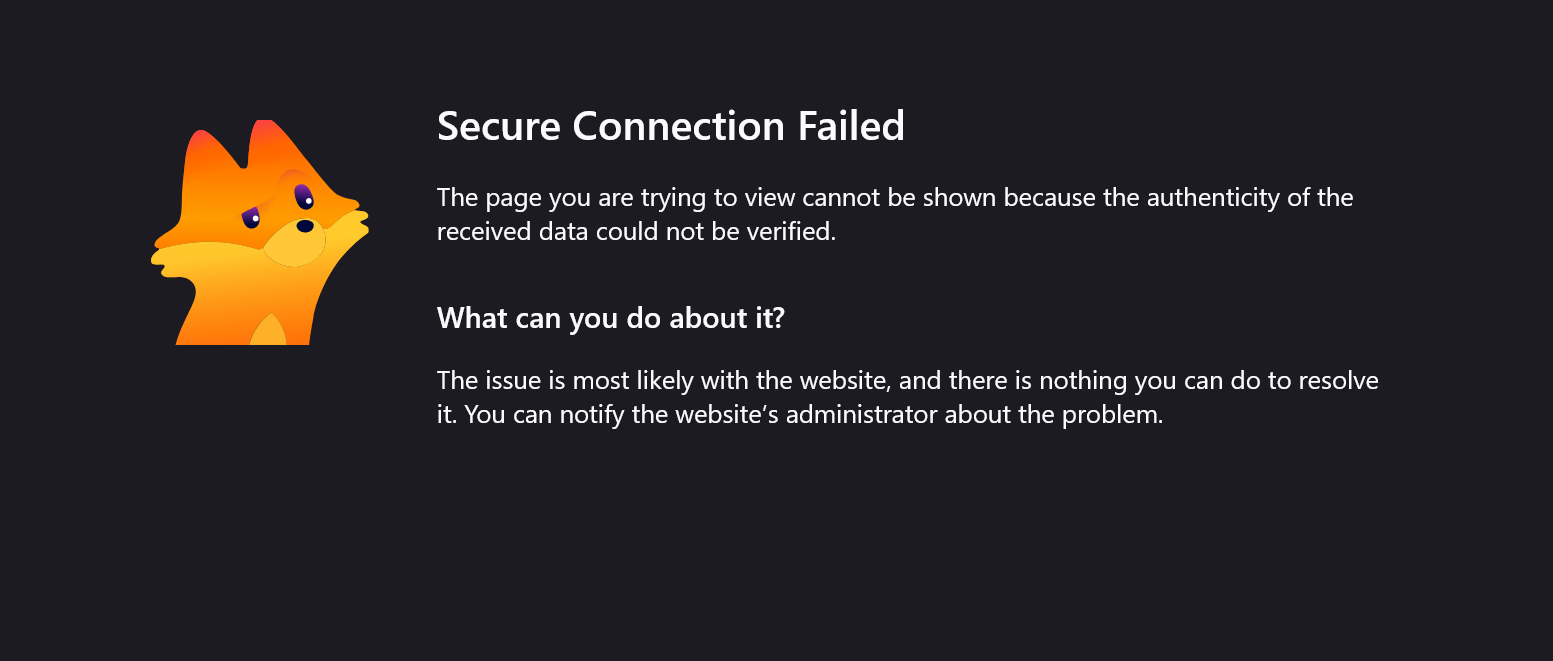
To help us understand better, could you please provide a screenshot of the specific error page you are seeing in Firefox?
If you click on the "Advanced..." button, it will reveal a specific Technical Error Code.
Hi George
See attached screenshot of the image which I have seen a hundred times in the past 36 hours, I did a search for J3 Private Tours on Google and clicked on many of the results, same error message
also what advanced button am I supposed to click? it is 4,30am in the morning here and I am rather fuzzy!
Hi George
Seee image attached
will this help
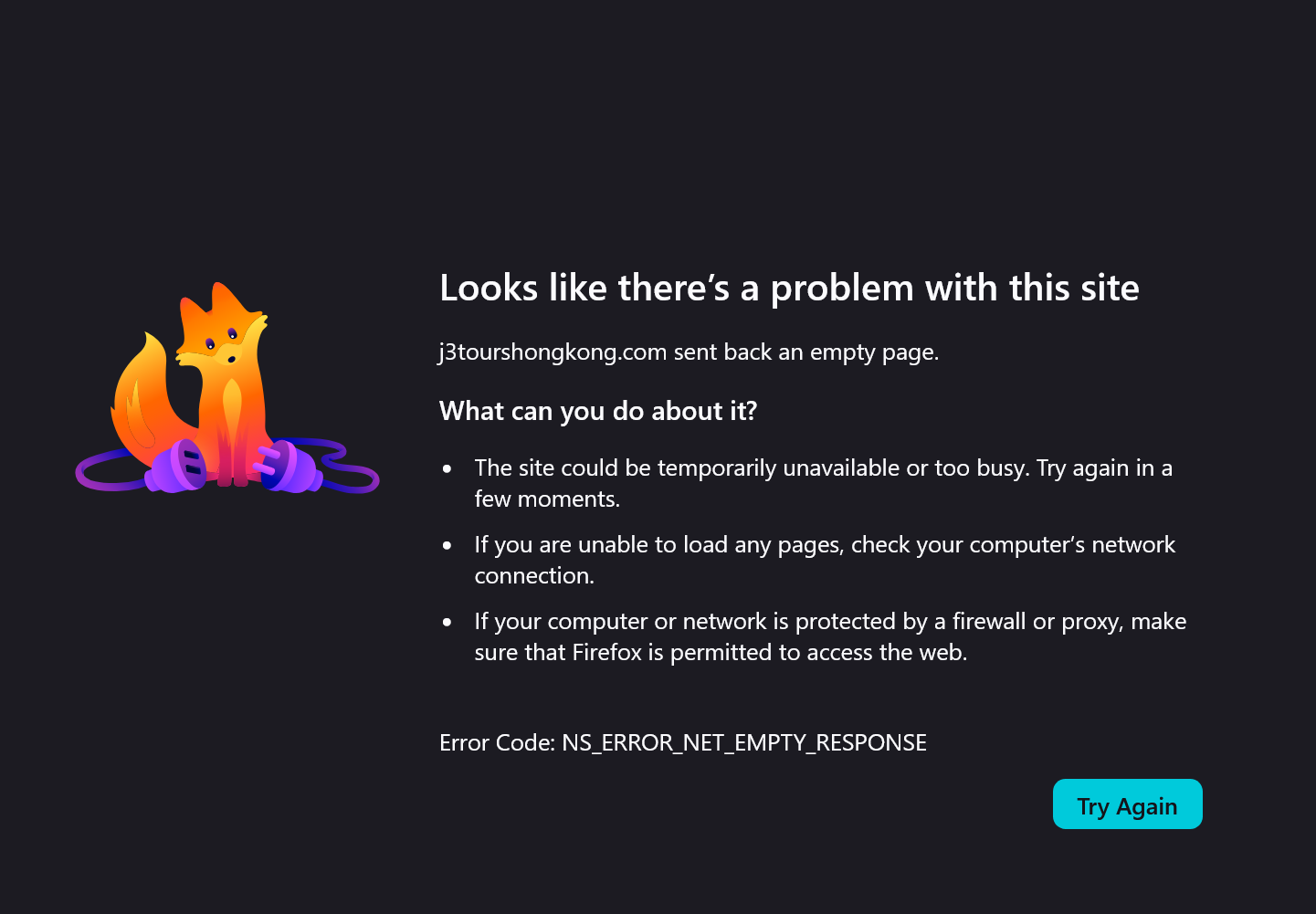
Hi Jamie, none of the subsequent errors are related to certificate issues. What you're seeing is probably just your old deployment now not responding correctly, and the DNS service you've used is returning their/your cached results that might have been set on the old provider.
For most people around the globe, this would show just fine.
It's just that you might have cached the old rules with the DNS provider you have set in Firefox that it will take a little longer for you to resolve over time now.
(You can try going into Settings, looking for "DNS over HTTPS", and disabling/enabling that feature, or changing the provider offered to someone else, which should flush things for you enough to see the live deployment now.)
Hi George,
I have done this twice and it does not work
I tried this
It’s currently set to Custom with Cloudflare. Change the provider:
Click the dropdown that currently says Cloudflare (Default) Choose a different one (for example NextDNS or Quad9 if available) Close Firefox completely Reopen it and test the link again
If NextDNS / Quad9 aren’t listed, just pick whatever other option appears in the dropdown.
So back to square 1
I just want to clarify, that this is a specific issue with Firefox, I do not have the issue with Chrome or Edge
thanks
Jamie
Possibly because you haven't cached your now defunct endpoints in those other browsers before you switched the providers etc.
If you're so inclined, you can type about:networking in a new tab and go to the DNS pane to see where the host is pointed, and push the button to "Flush DNS cache" if that makes any difference.
Hi George,
Thank you for the suggestions.
I have now tried all of the steps you recommended:
Toggling DNS over HTTPS (Off, Default, and Custom with different providers) Flushing the DNS cache via about:networking
Unfortunately none of these have resolved the issue. I am still receiving the same error in Firefox (both normal and Private windows). The links continue to work correctly in Chrome on the same computer and on mobile devices. Is there anything else you can suggest that might clear this persistent problem? Thanks again for your help. Jamie
Hi
This support article should help:
https://support.mozilla.org/en-US/kb/secure-connection-failed-firefox-did-not-connect
Hi Paul,
Thank you for the link.
I have already been working through this issue in detail with George. We have tried all of the relevant steps (clearing cache and site data, Private Windows, toggling DNS over HTTPS, changing providers, and flushing the DNS cache via about:networking). None of them resolved the problem.
The support article you linked covers the standard causes, but does not address the specific situation I am experiencing, where the same domain works correctly in other browsers on the same computer and on mobile devices, yet continues to fail only in this Firefox profile.
A generic support page does not offer a solution in this case.
If there are no further specific suggestions, I will leave the matter here.
Best Regards, Jamie