


Question on Profiles

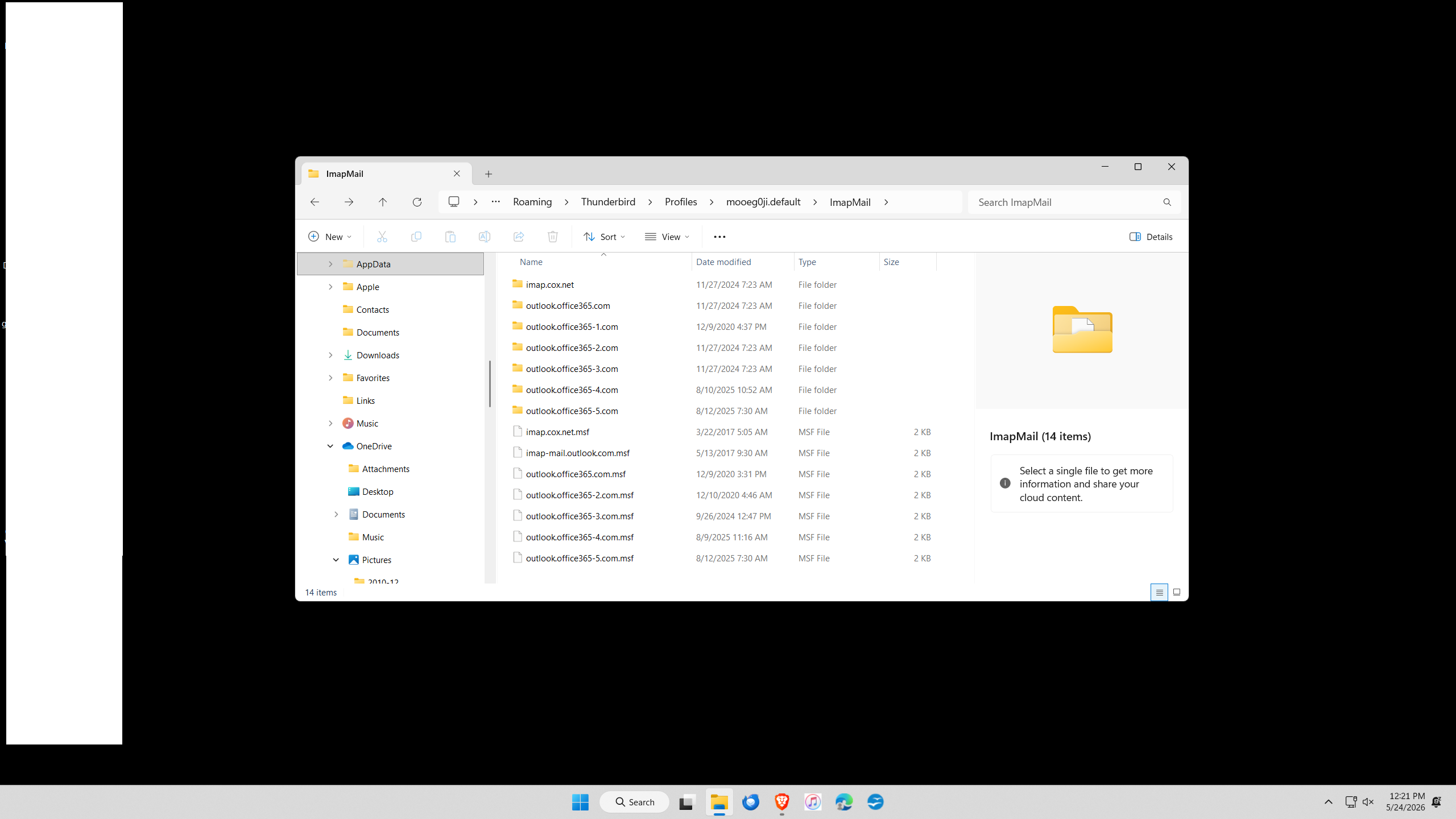
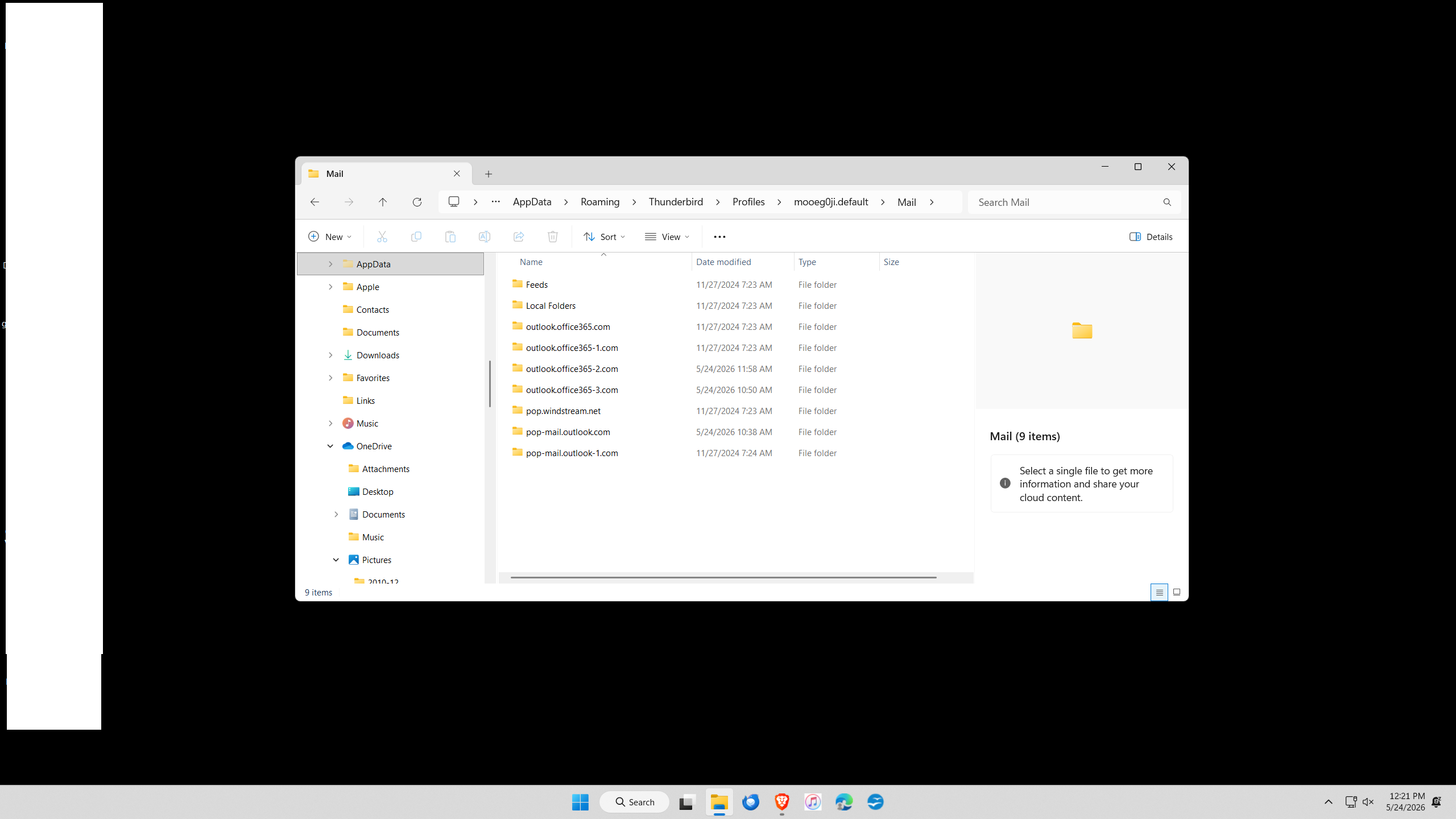
I'm having a connectivity issues. Did some searching which directed me to the Appdata Profiles folder. When looking inside I see Mail and ImapMail. Both have numerous folders inside. Too may I believe. Based upon the screen prints of the folder's contents, do you see conflicts?
I have three email addresses with Outlook.com.
Pop.windstream I have not used in many years. Not sure what others I could possible delete.
Thanks.
All Replies (6)
The server settings pane identifies the actual accounts. and also check the copies&folders pane for any folders that you might have assigned locally. once done, you will know which are legit and which are not needed. but go carefully. :)
Thank you for the reply David. I'm still not sure what to do.
This has me confused on what is required.
Under AppData / Local is Thunderbird Profiles. In the Profiles folder there are 14 files. 13 are old with no new activity. All with dates in 2024. Only one file has current date which I suspect is the current and active profile. Can the older folders be deleted ?
Under AppData / Roaming is another Thunderbird Profiles. This folder has only one folder. It has the same name as the active profile in AppData/Local.
appdata\roaming has the active profile. the appdata\local has never been of use for me and I deleted it years ago.
Did you delete the Thunderbird folder with included subfolders or just the profiles in the Local folder?
Toby99 மூலமாக திருத்தப்பட்டது
On your other questions, it looks like you have five IMAP accounts, one POP windstream account, and possibly two POP outlook accounts. The folders for what appears to be the same five as the IMAP accounts might be for any local folders you have for the accounts, such as archives? To do an accurate assessment, you would need to review all accounts to see in which folder is set for each account,