


How to refresh News Panel in Android
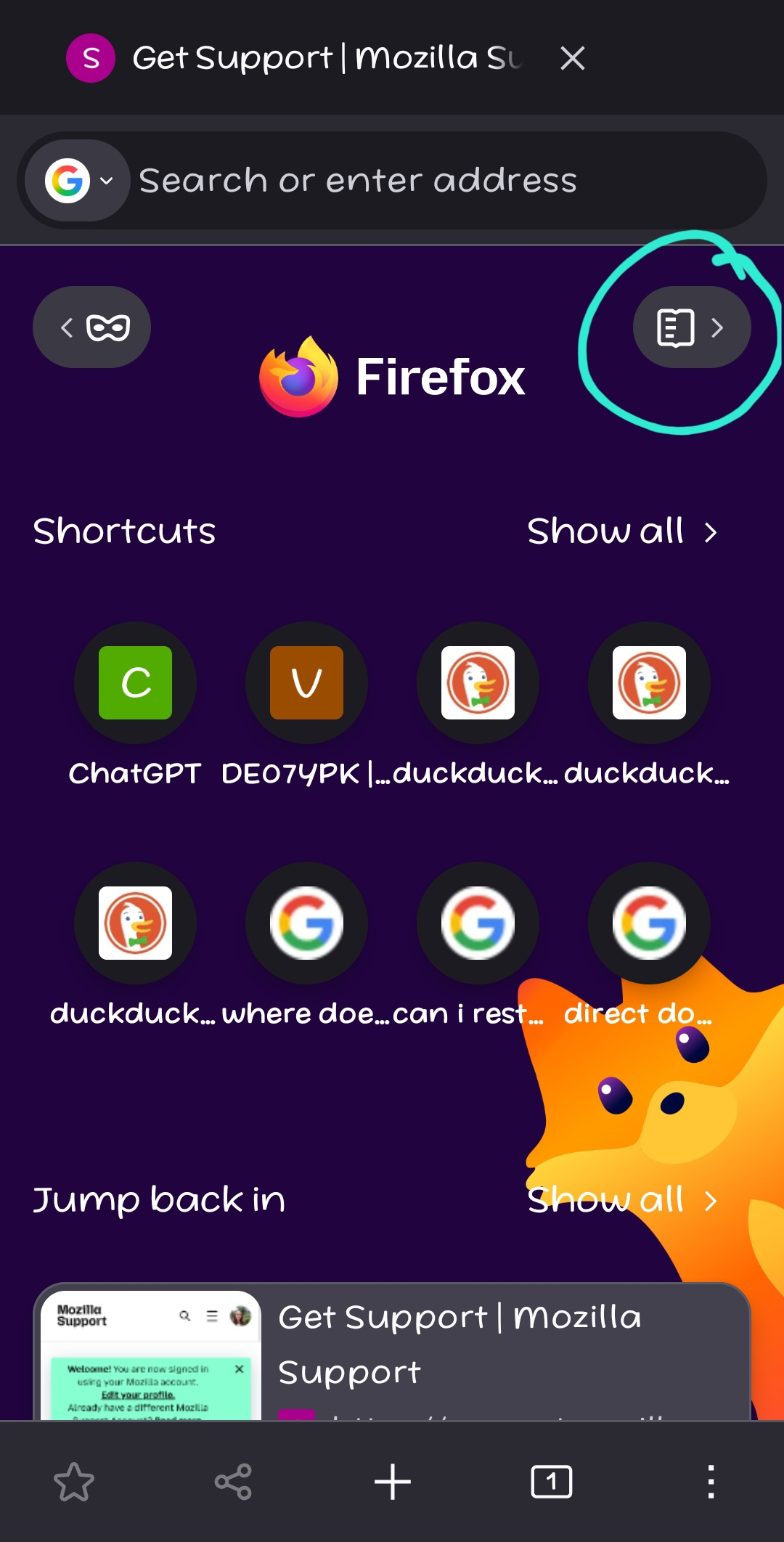
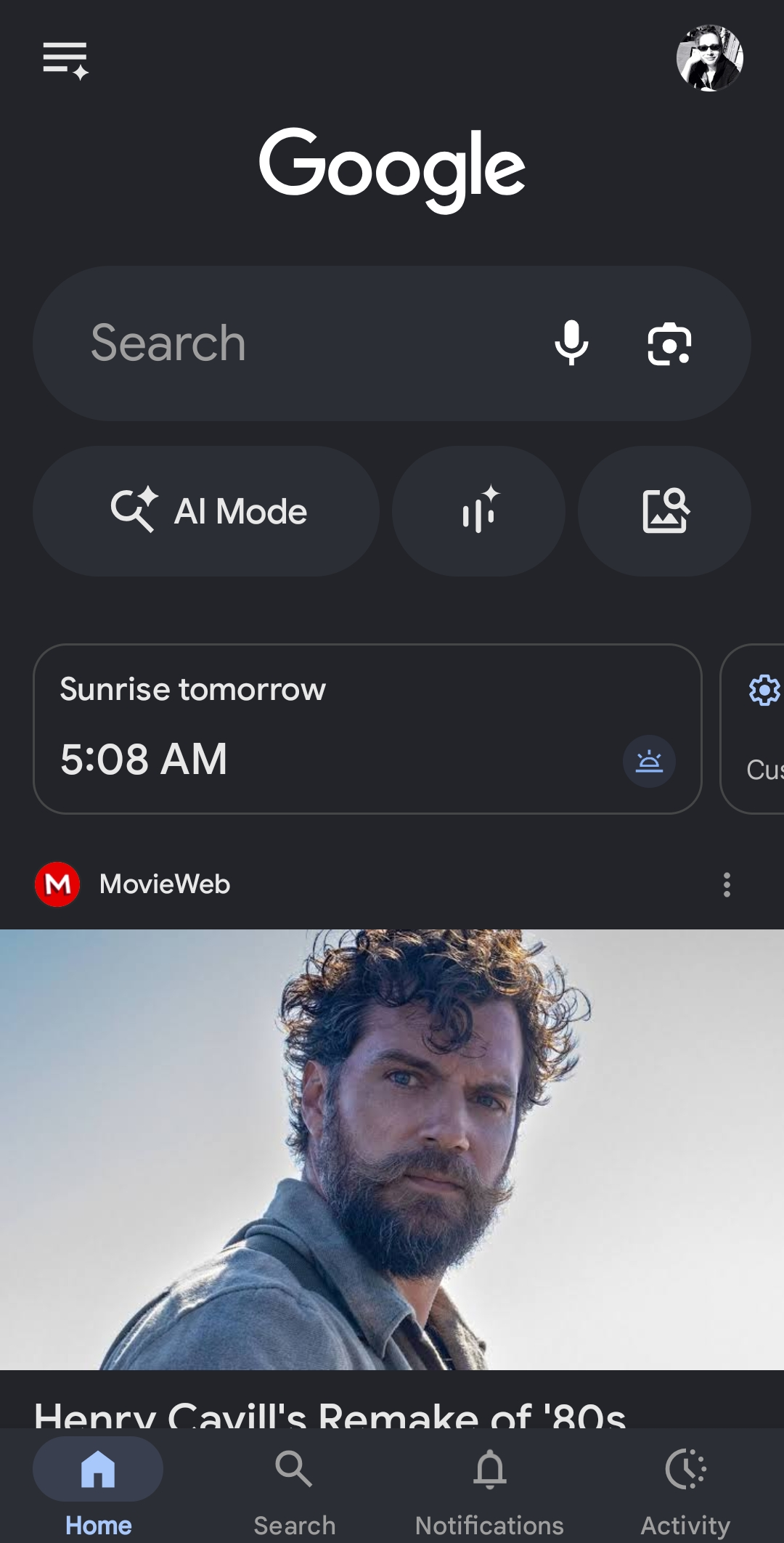
I just switched to ff from chrome on both desktop and phone as well, and I was very pleased to discover how much ff has to offer. My question is: how do I see new news on the "News" panel which can be accessed from the home page on the right top (see pic attached). The contents are various, which is good and I understand I have to train it first to know my interests, which is not a problem. However, since installing (about a week ago) I have not seen anything new there. The pull to refresh is not working, there is no button I can press. I even thought I have to open them to sort of knock them out from the row, but that would be silly. But even after opening and reading the full article, upon returning to the panel, the same article is still there... 🤔 So, no news for me 😅 Is this a bug? Chrome got soo bloated with AI like Windows and has as many adverts like Facebook, so I looked for an alternative. Ff looked promising and after switching to Linux from Windows, it came as preinstalled browser. Ff is an old acquaintance, I have used it back in the time from since it was launched. Even then it was a better option, than Internet Explorer. We all get hijacked now and again to the new and shiny alternatives (hence the change to Cromer some time ago). But when the new and shiny is not so shiny anymore... Anyways, please help me out in where I'm missing something. The experience is very nice in any other way and extra medal for giving us the option to tailor AI features and not just cramming them down our throats. I am including a screenshot from the most recent chrome browser for Android to see the cramming and the layout. There a simple pull to refresh does the job.
Thank you for reading my rambling Kind Regards Zsanett

All Replies (1)
Hi,
Sorry for the late response.
First, welcome to Firefox! It's really great to have you with us.
If you still experience the issue with stories not updating, the following should help:
- Open Firefox Settings by tapping the three-dot menu icon and and selecting Settings.
- Scroll down and tap About Firefox.
- Tap the Firefox logo at the top 5 (five) times. This will display Firefox secret settings.
- Tap back to return to Settings.
- Now tap Secret Settings that appear.
- Under Homepage, disable "Enable Private Mode and Stories Entry Point".
Looking forward to your update!