


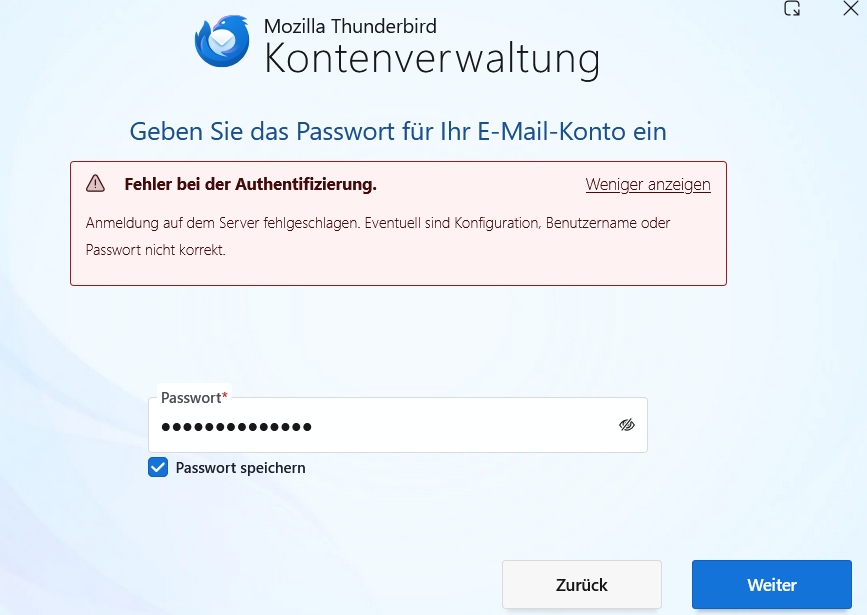
I installed thunderbird 150 and get always an authentication error, when adding a new account

I double checked all data (IMAP and SMTP ports, passwords, mail adress, ... And I tried it on 2 brandnew computers (one PC; one laptop), running on Windows 11 I've no idea, what else I could do
All Replies (3)

Try to turn off the new Account Hub, and use the New Account Wizard instead. At the top right of the Thunderbird window, click the menu button ≡ > Settings > General > Account hub Uncheck 'Create accounts in the new Account Hub'. Also see https://support.mozilla.org/kb/automatic-account-configuration
The account hub can't be disabled in 150. State the account provider so we can confirm the settings. Some require a type of password or authentication that is different from the regular one.
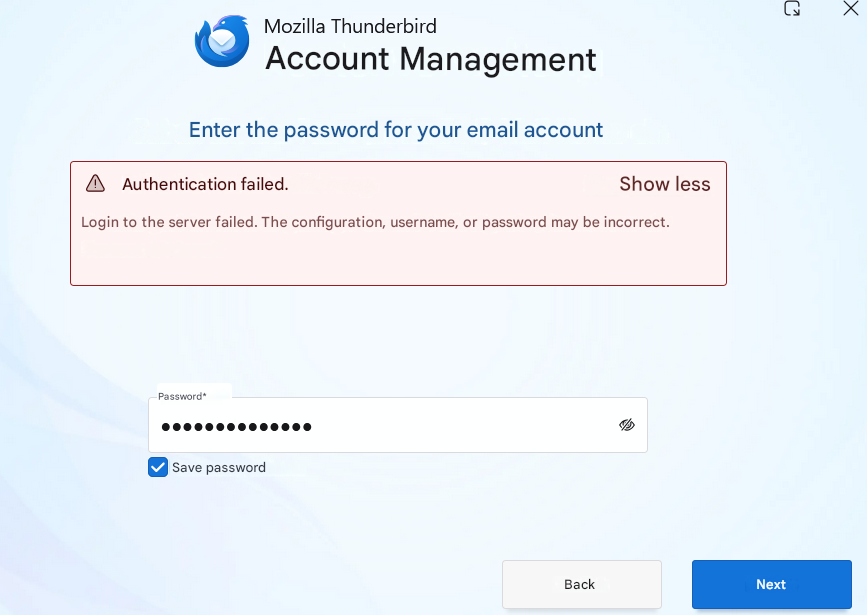
thanks a lot for your quick reply. meanwhile, I installed an older version (149.0.2), which worked on an other laptop. However, also with this version the same problem. So I concluded, it can't be Thunderbird. Finally, I found that I need to enable IMAP access on the gmx account. That did it Sorry guys, for bothering you.
Kind regards