


firefox veryfing my traffic recently, problem it shows my ip..i mean what if i'm live while browsing...that is not normal..

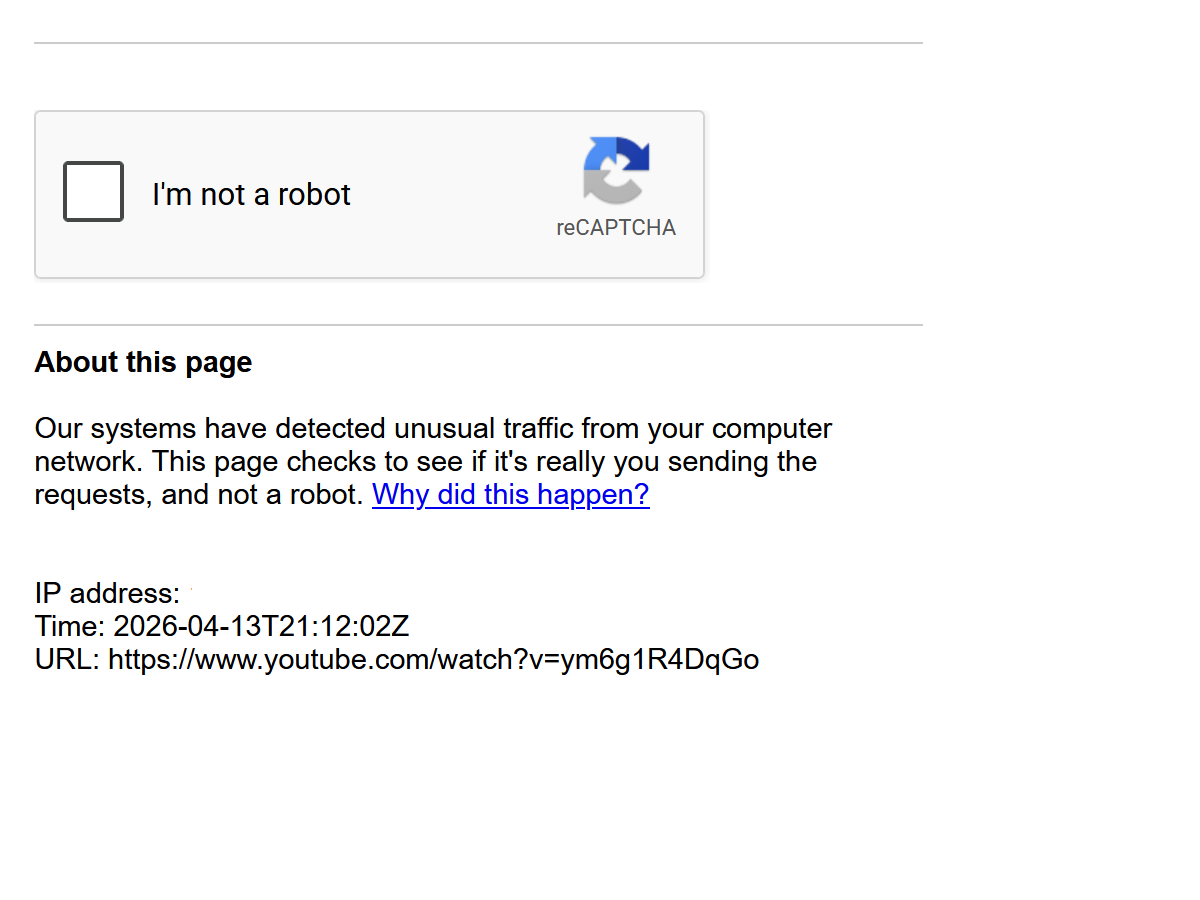
so...firefox veryfing my traffic recently..maybe to see if i'm human? idk but problem is when i go to a new tab it shows my ip...and i would like that not to happend...i mean what if i'm live while browsing...that is not normal..wanna verify my traffic okay..make a toggleable eye button where i can see or not see my ip so that if am browsing live it doesn't cause my ip to be public?
so...firefox veryfing my traffic recently..maybe to see if i'm human? idk but problem is when i go to a new tab it shows my ip...and i would like that not to happend...i mean what if i'm live while browsing...that is not normal..wanna verify my traffic okay..make a toggleable eye button where i can see or not see my ip so that if am browsing live it doesn't cause my ip to be public?
All Replies (1)
Hi,
It's Google, not Firefox, verifying your session. By default, your IP address is always public when you browse the internet, unless you use a dedicated tool to hide it (VPN or proxy). Try the built-in VPN in Firefox if you already have access to it, Mozilla VPN or any third-party VPN/proxy you like.