


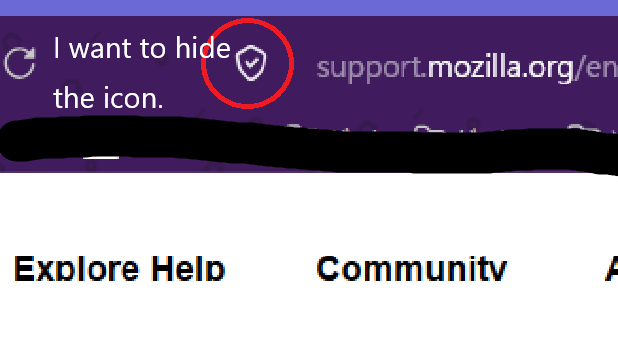
I want to hide the enhanced tracking icon in Firefox.
Hello. I have a question: Is it possible to hide the "Firefox Enhanced Tracking" icon? Or is it better not to hide it? Firefox 149.0 64bit
தீர்வு தேர்ந்தெடுக்கப்பட்டது
You can't hide it via Firefox settings, but it is possible to hide the button via userChrome.css.
Read this answer in context 👍 0All Replies (8)
It is better not to hide this icon as it gives access to Enhanced Tracking Protection setting in Firefox and shows info about what is blocked.
Firefox shows a purple shield instead of a gray shield at the left end of the location/address bar in case Enhanced Tracking Protection is blocking content.
- click the shield icon for more detail and possibly disable the protection
Hello. So hiding it isn't possible, huh? It reappeared after I updated Firefox, so I thought maybe I could hide it in the settings.
தீர்வு தேர்ந்தெடுக்கப்பட்டது
You can't hide it via Firefox settings, but it is possible to hide the button via userChrome.css.
Is it okay to hide it using userChrome.css? If it's possible to hide it, I'd like to hide it.
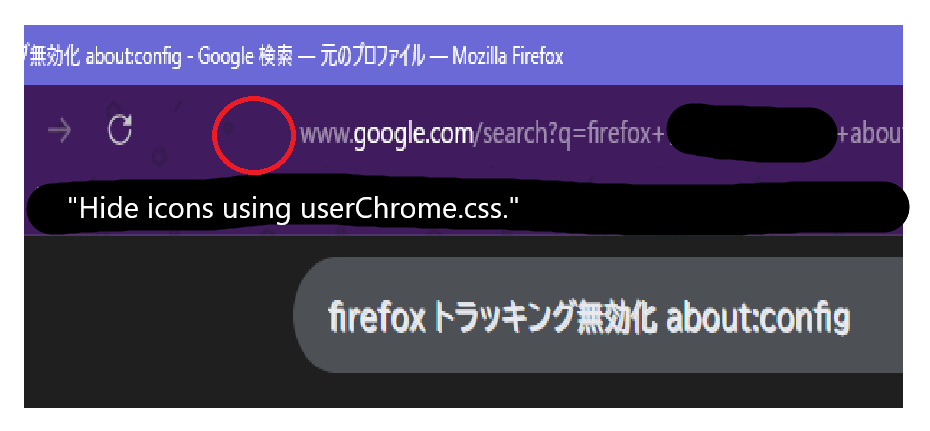
Thank you, cor-el, for the information. I was able to hide the icons by implementing the "userChrome.css" code provided on the website you shared. Thank you again for the website information.
Hello
sweet0670, test, oaklandwiki, and read this answer https://support.mozilla.org/en-US/questions/1573386#answer-1808671, in your context.
Agent virtuel மூலமாக திருத்தப்பட்டது
Enhanced Tracking Protection in Firefox. According to your enhanced tracking protection settings. Other test: https://www.youtube.com/watch?v=1DuUePAXIuo
Agent virtuel மூலமாக திருத்தப்பட்டது