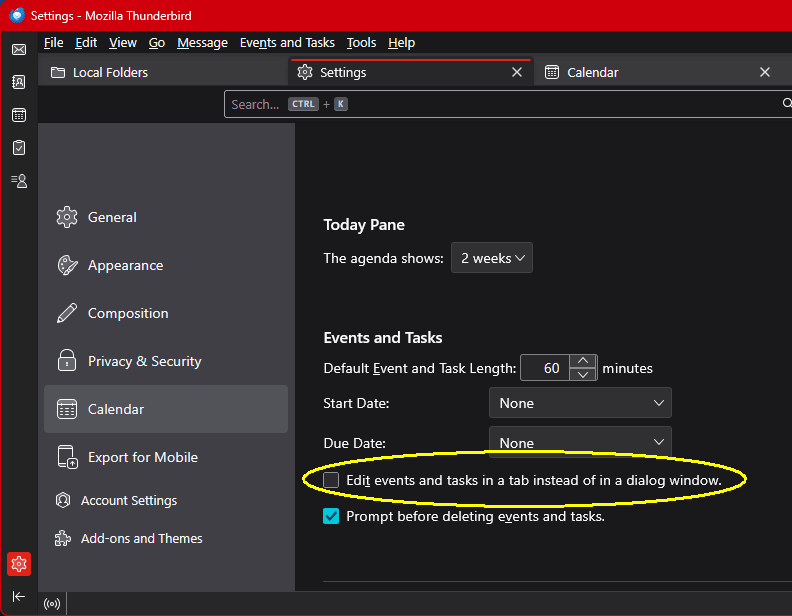
When I enter a new event in calendar, the 'save and close' button is not present.

Can I get this button back with a setting, or is it gone? 140.8.1esr (32-bit)
தீர்வு தேர்ந்தெடுக்கப்பட்டது
No. This is both a Windows desktop and laptop. See image...
Read this answer in context 👍 0All Replies (8)

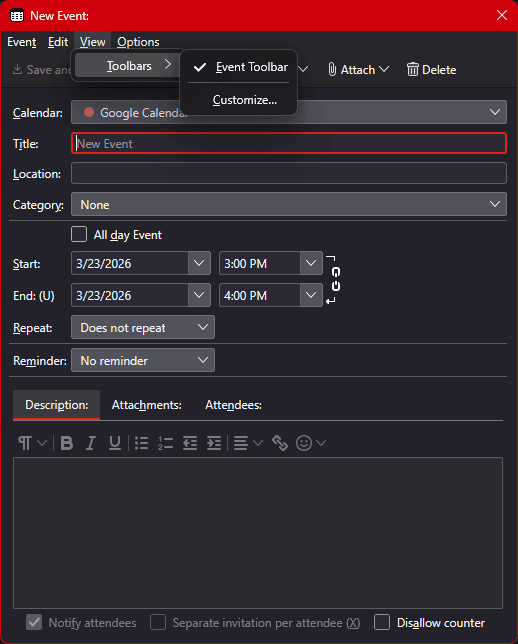
My View menu does not list that under View->Toolbars, just Menu Bar, Spaces Toolbar, Status Bar, and Customize... are active.
Are you looking at a New Event window, the one I show in the image? Double click a Day square or choose "+ New Event" from the Calendar Pane. If not, please provide a screen shot.
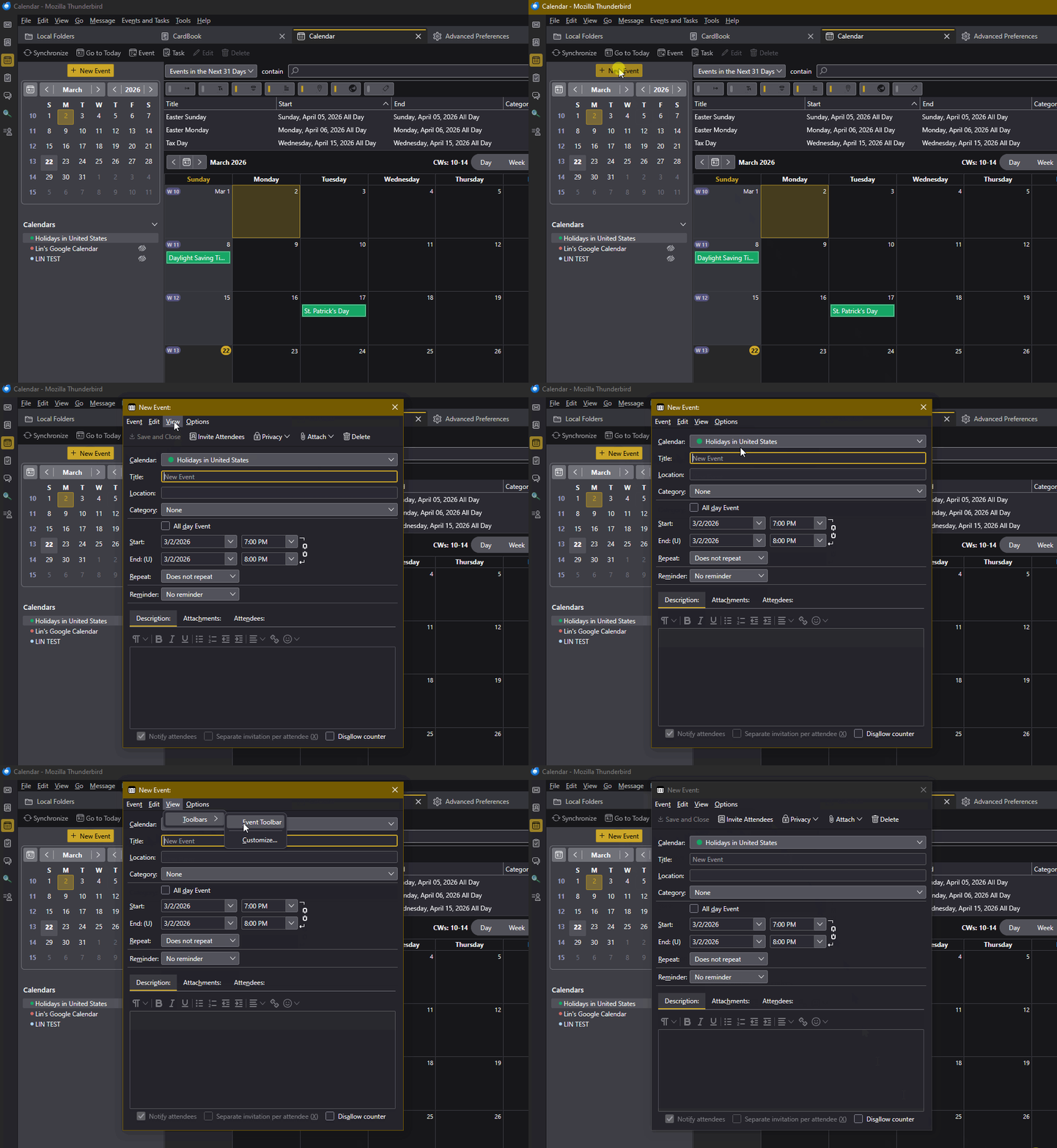
I restarted Thunderbird and now it's on the View menu when I open a new event. Glitch.
I see why your images look like they may be from a cell - your new event opens in it's own window, while mine shows up as a third tab in the main window, with email and calendar on the first two. That makes it look very different.