Thunderbird 140.7.0esr (64-bit) page does not fit screen

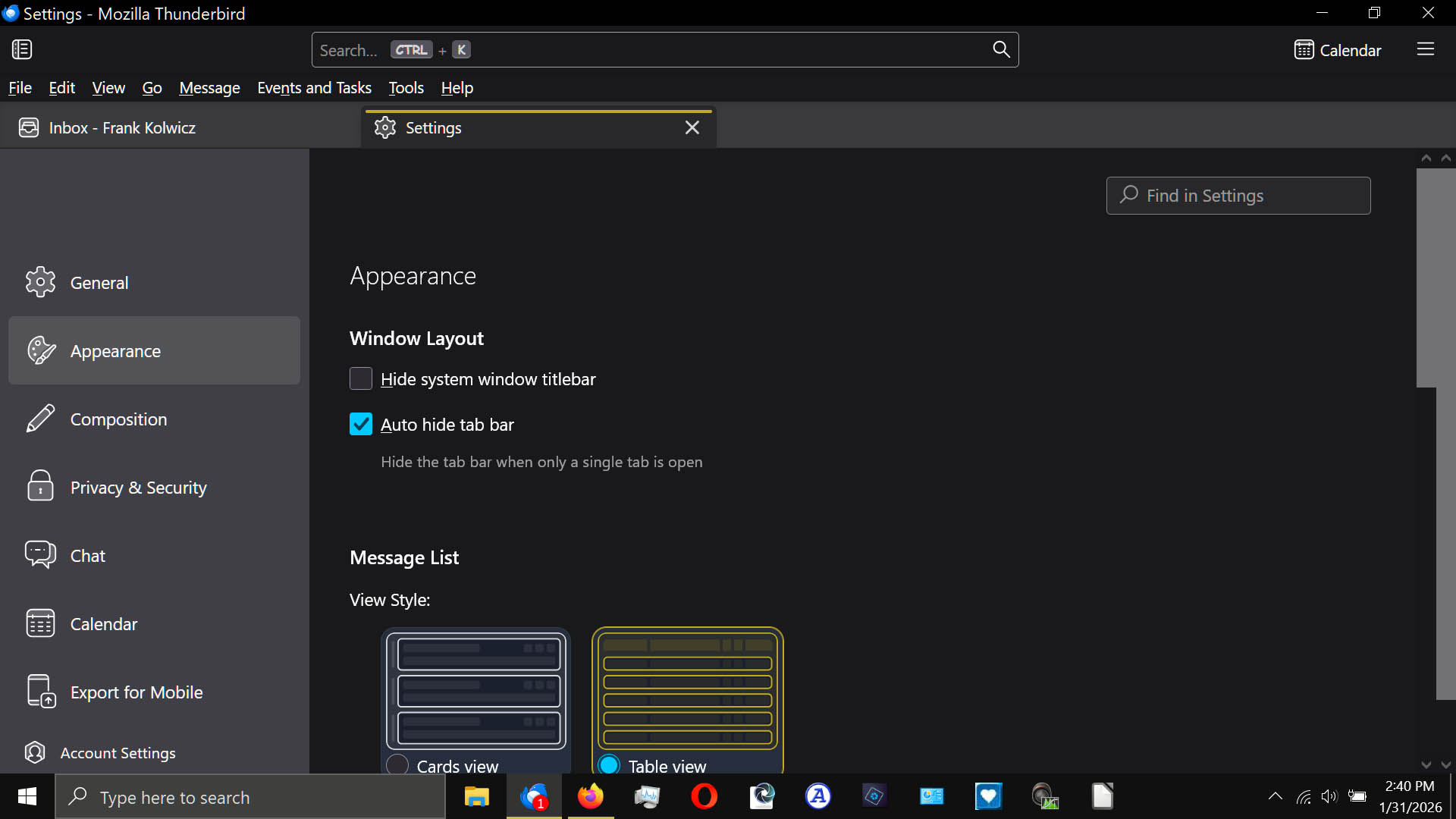
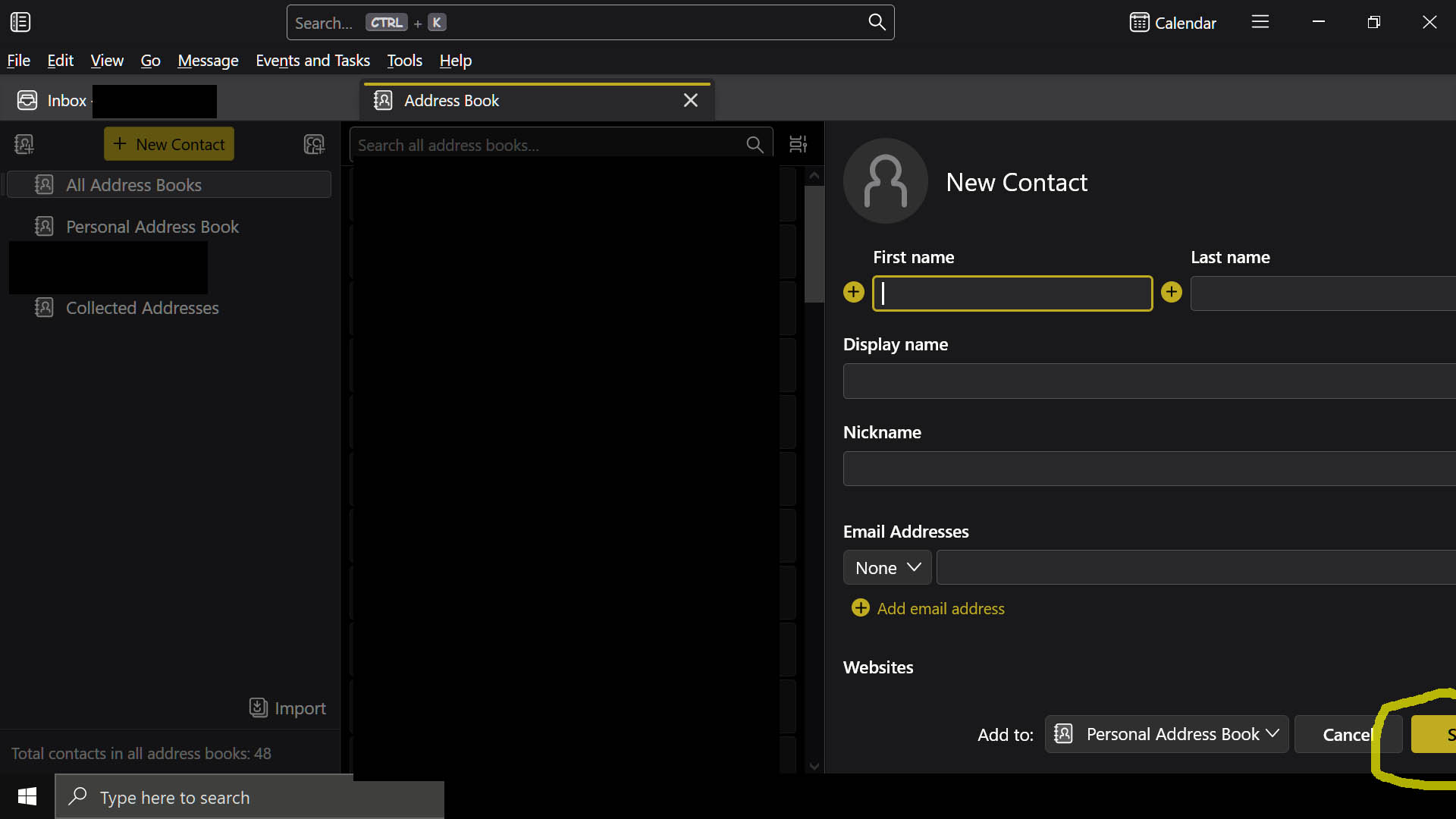
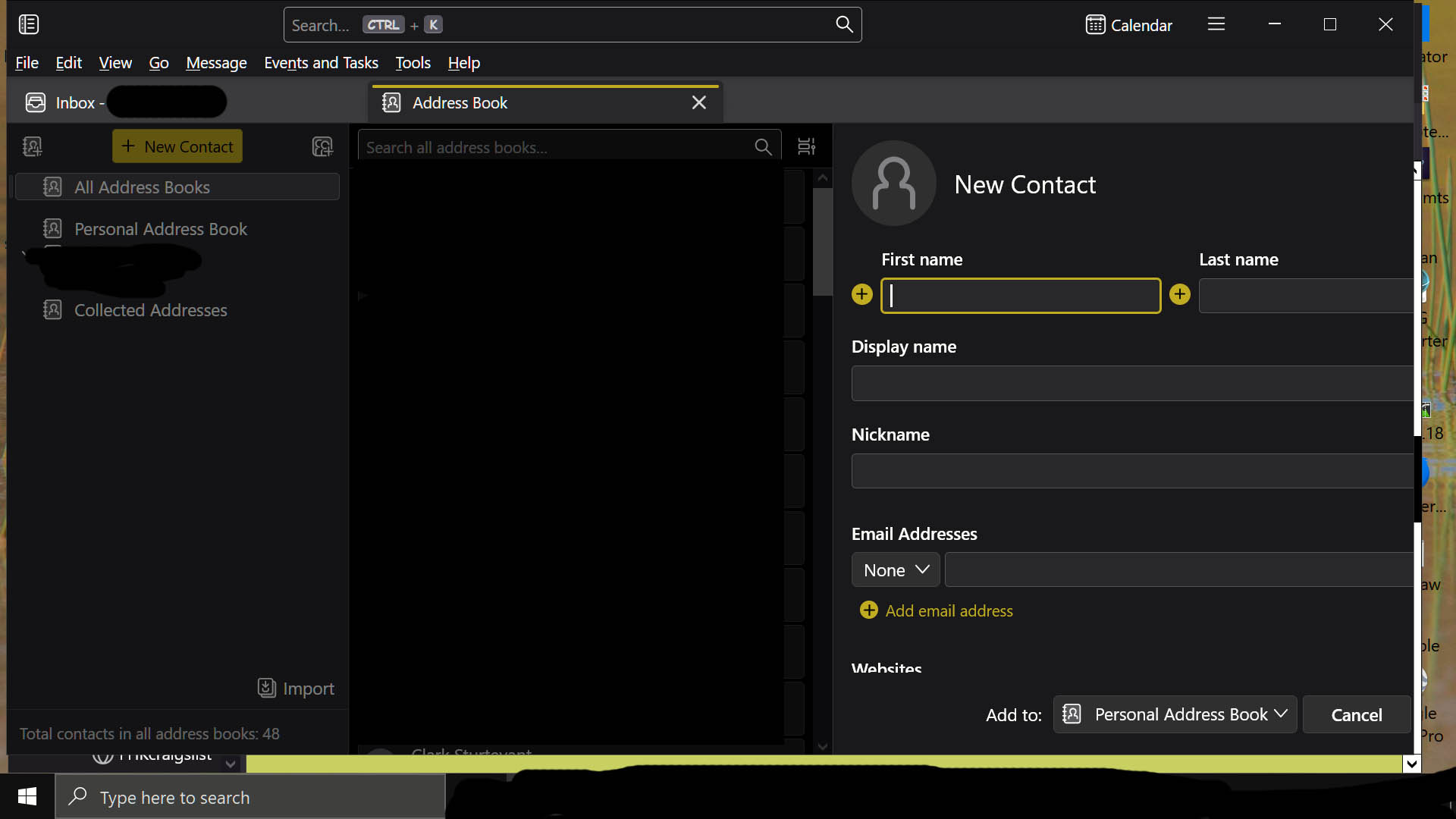
The ability to select "Done" for New Contacts is totally off-screen on the right when using part-screen (screenshot2 below). When in full screen only a part of the box is available to complete and entry (screenshot1 below).
I've tried adjusting font size and other stuff in Windows 10, but nothing changed the way the Thunderbird looks in this regard.
Frank
The ability to select "Done" for New Contacts is totally off-screen on the right when using part-screen (screenshot2 below). When in full screen only a part of the box is available to complete and entry (screenshot1 below).
I've tried adjusting font size and other stuff in Windows 10, but nothing changed the way the Thunderbird looks in this regard.
Frank
All Replies (2)
To the right of the search bar in your screenshots is a tiny icon. click that and select 'table layout' and see if that allows you to add contact.