


Heavy memory usage with Firefox

While running Firefox on MacBookAir with macOS 15.7.2 to browse simple websites I keep getting the below warning message. I may have 2 or 3 other apps open (like Apple Mail, MS-Word, Preview). "Heavy memory usage You're running out of memory and your Mac may become noticeably slower. Consider quitting some applications. Firefox 2,48 GB" So I quit Firefox to re-open again and continue my work. Does somebody has an hint where this message can come from ? Any settings to change on my MAC ? Thanks for helping

All Replies (4)
WOW!!! How much memory does you mac have? 2 or 3 apps open and getting low ram warnings...
jonzn4SUSE மூலமாக திருத்தப்பட்டது
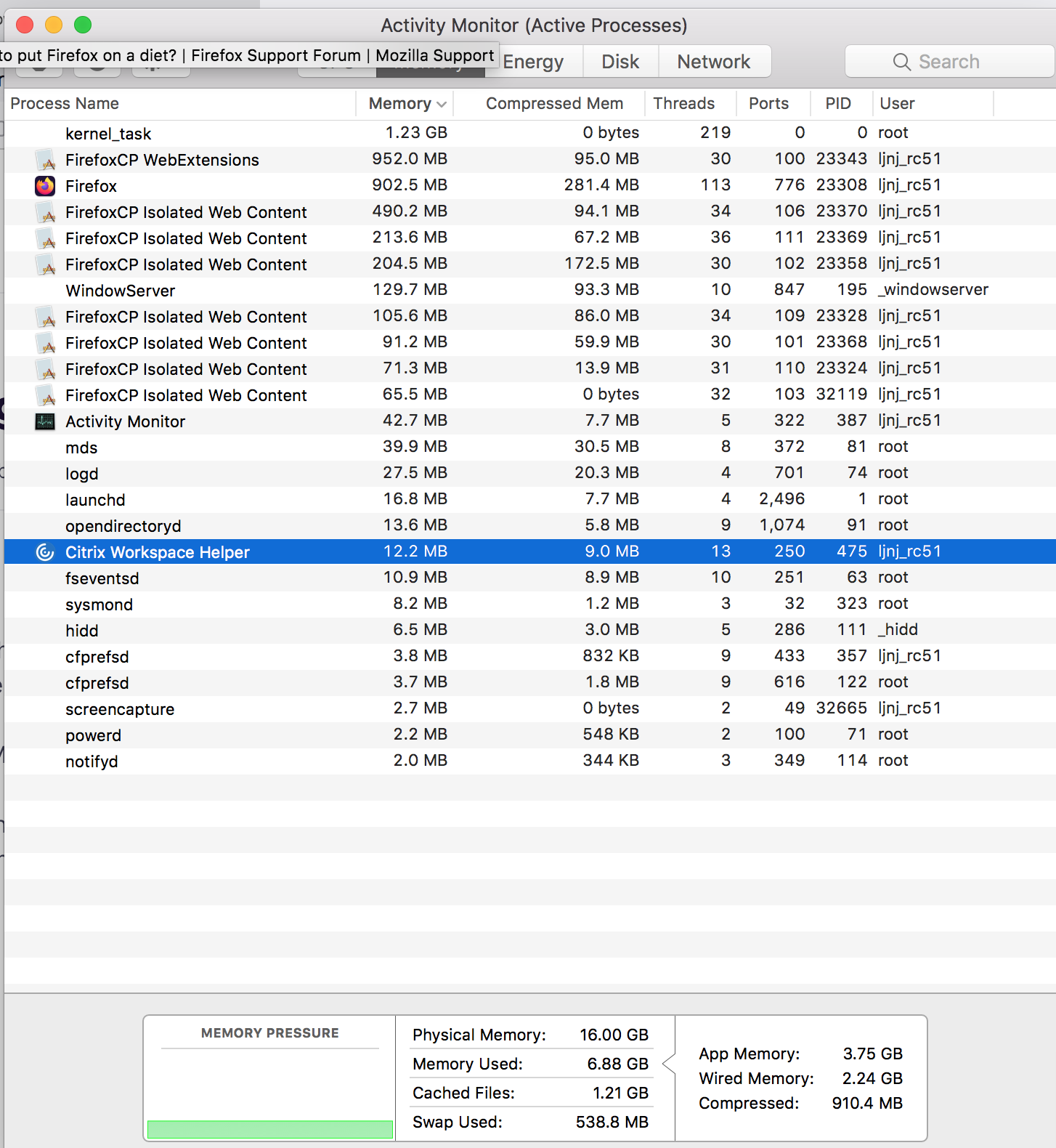
Here's the activity from my 2012 mac running 10.13.6. see screenshot The isolated web content is from the FISSION Project. links below
Firefox's Project Fission:
Introducing Firefox’s new Site Isolation Security Architecture https://hacks.mozilla.org/2021/05/introducing-firefox-new-site-isolation-security-architecture/
Firefox's Project Fission: better security and more processes https://www.ghacks.net/2019/02/07/firefoxs-project-fission-better-security-and-more-processes/
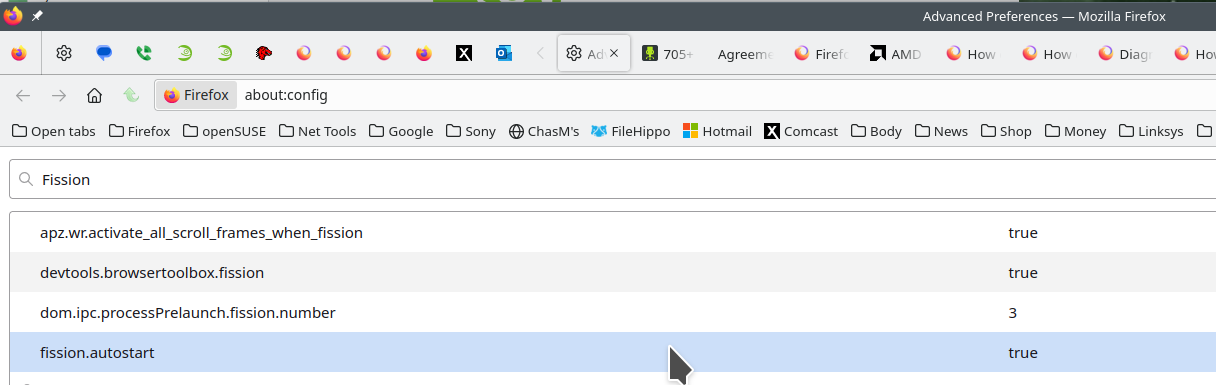
Enable Fission in Firefox https://www.ghacks.net/2020/09/20/you-can-try-firefoxs-site-isolation-feature-fission-in-nightly-now/
Change how many processes multi-process Firefox uses https://www.ghacks.net/2016/02/15/change-how-many-processes-multi-process-firefox-uses/

2,48 GB doesn't make sense. However, 48 = 32 + 16, so I'm guessing it means there are two sticks totalling 48 GB. Still quite a bit.
Not sure if it's the same in your version of mac, but if you have something similar to the activity monitor in my screenshot take a look at it. Or just click on the apple icon in the upper left corner and then about this mac.
jonzn4SUSE மூலமாக திருத்தப்பட்டது