


Windows 10 reached EOS (end of support) on October 14, 2025. If you are on Windows 10, see this article.

Search Support

Avoid support scams. We will never ask you to call or text a phone number or share personal information. Please report suspicious activity using the “Report Abuse” option.

Learn More

side bar

  • 1 பதிலளி
  • 0 இந்த பிரச்னைகள் உள்ளது
  • 78 views
  • Last reply by Paul

how can i make the chat gpt sidebare not take halfe the screan size down

how can i make the chat gpt sidebare not take halfe the screan size down
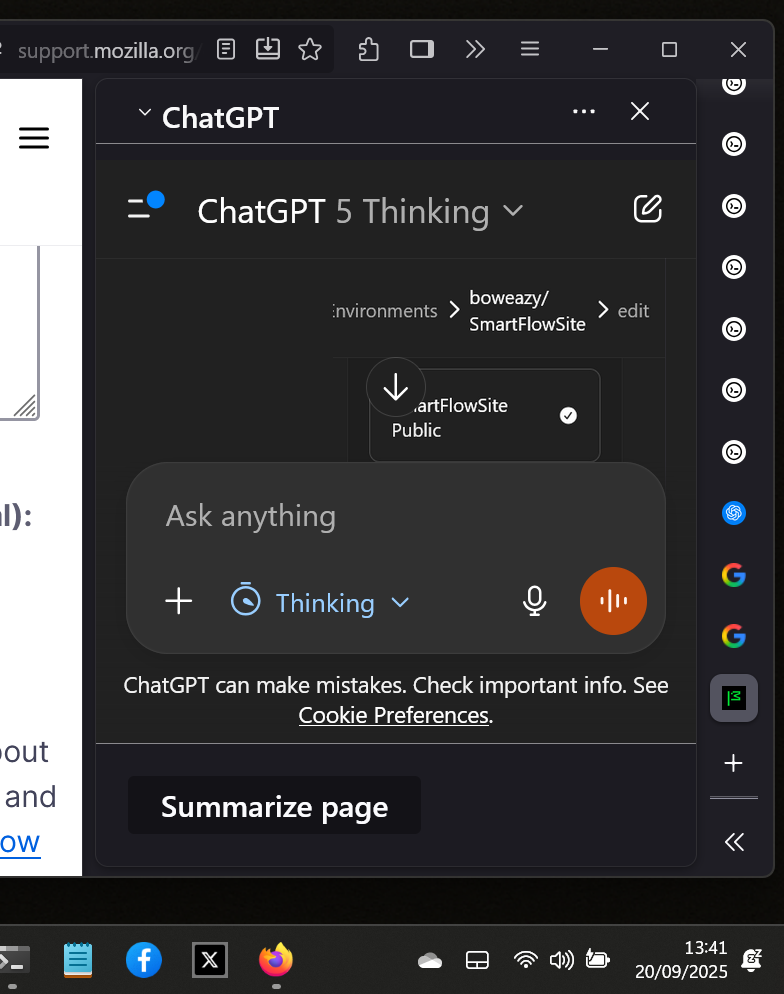
Attached screenshots

All Replies (1)

Hi Gary

If you hover your mouse cursor on or near the line between the chatbot and the browsing parts of the window, you should be able to move the border to a point more suitable to you.

கேள்வி எழுப்பு

You must log in to your account to reply to posts. Please start a new question, if you do not have an account yet.