


Search

I need help for if i search a site it automatically fills out stuff i dont want like instead of me needing this www.(site).com it dose www.(site).com/de and i DO NOT want this de at the end bc yesterday it all worked fine but since de is there it dosnt work anymore and i cant remove de it gets automatically added back
All Replies (4)
Hello,
If you are referring to the URL autocomplete feature, try setting the browser.urlbar.autoFill.adaptiveHistory.enabled Firefox preference to false in the Configuration Editor:
- Type about:config in the address bar and press Enter.
- A warning page may appear. Click "Accept the Risk and Continue" to go to the about:config page.
- Enter browser.urlbar.autoFill.adaptiveHistory.enabled in the Search preference name box.
- Set the browser.urlbar.autoFill.adaptiveHistory.enabled preference (named exactly like that) to false (if it is not already) by toggling the Toggle
 button (or just double-click on the preference).
If it does not help, you can completely disable the URL autocomplete feature by setting the browser.urlbar.autoFill Firefox preference to false:
- Type about:config in the address bar and press Enter.
- A warning page may appear. Click "Accept the Risk and Continue" to go to the about:config page.
- Enter browser.urlbar.autoFill in the Search preference name box.
- Set the browser.urlbar.autoFill preference (named exactly like that) to false by toggling the Toggle button (or just double-click on the preference).
its still filling the de thing
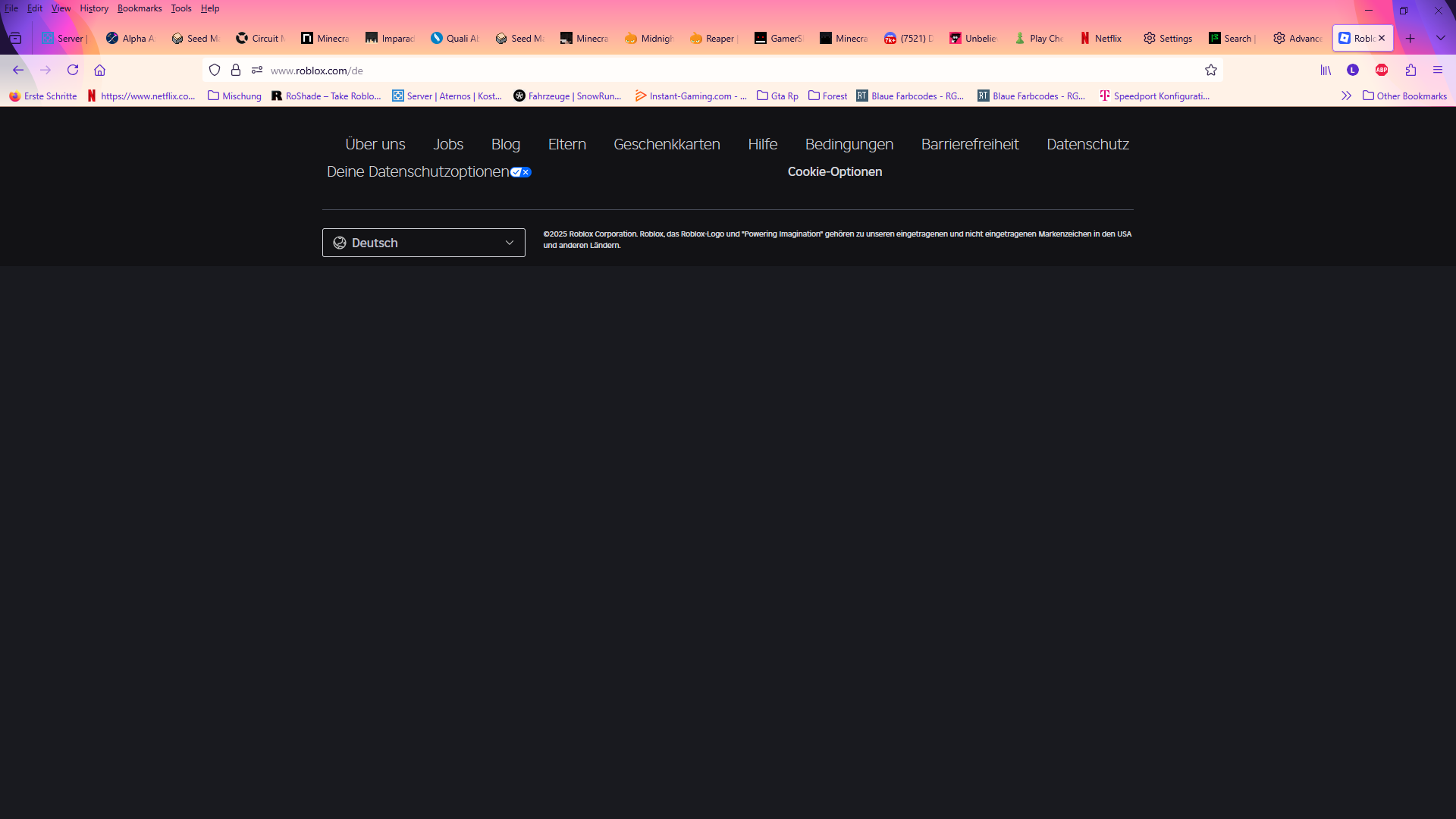
and for other few applications too but in this one the whole site dose not load
Hello again,
Does actually Firefox autocomplete it? Or does the website itself redirect you the German version?
You can determine that by checking the URL in the address bar before you press Enter. Does it contain /de?
Also, a website not loading is a separate issue. Please ask a new question if you need assistance with that.