Windows 10 reached EOS (end of support) on October 14, 2025. If you are on Windows 10, see this article.

Vyhľadajte odpoveď

Vyhnite sa podvodom s podporou. Nikdy vás nebudeme žiadať, aby ste zavolali alebo poslali SMS na telefónne číslo alebo zdieľali osobné informácie. Nahláste prosím podozrivú aktivitu použitím voľby “Nahlásiť zneužitie”.

Ďalšie informácie
Otvorené

I allow my Mic and camera, firefox blocks it

Hector odpovedal
Complex Autist

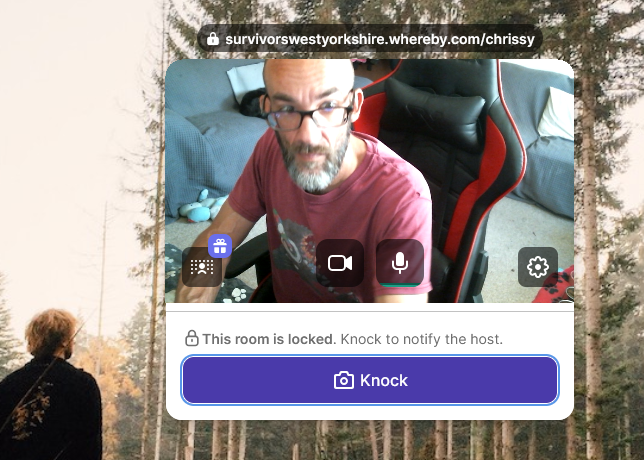
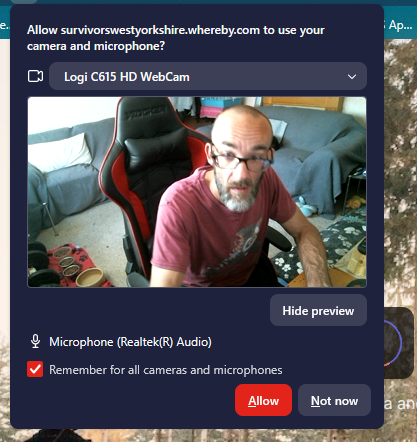
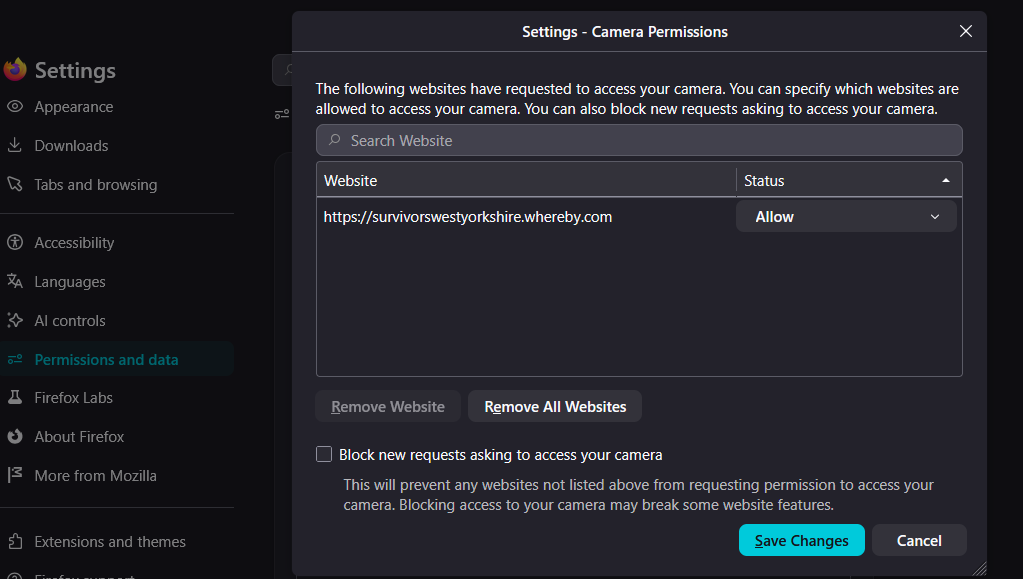
firefox on windows 11, keeps blocking my camera and Microphone despite express permissions to allow, i look in permissions and the site is clearly marked to allow camera, but when i goto sitye, no camera or mic is allowed until i delete the permission that is supposed to allow it.

I have counselling at https://survivorswestyorkshire.whereby.com/chrissy

I allow my camera and mic.

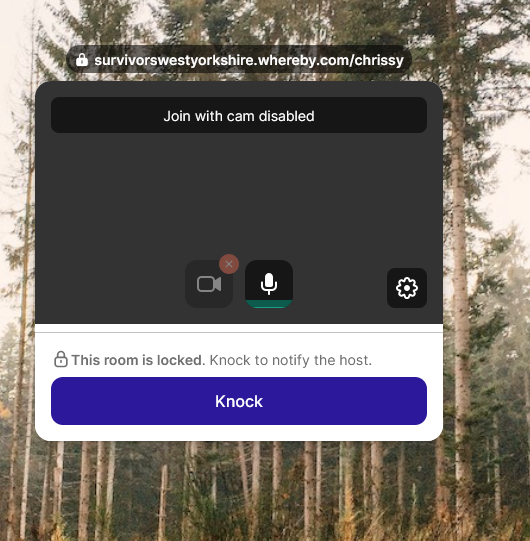
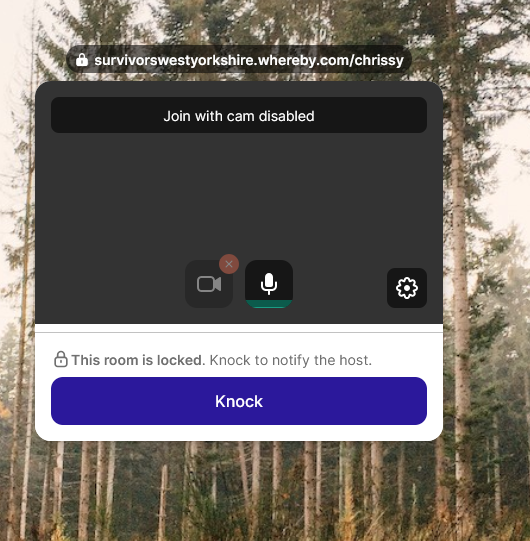
I return to the site and it tells me camera and microphone blocked.

I goto0 settings>Permissions>Camera

It clearly states that the website is allowed to use the devices, but when on the website the devbices are blocked. Whats messed up is, if i delete your settings>Permissions>Camera, it allows me to use my camera and mic, until i refresh the webpage and its blocked again.

This makes zero sense and is every reason for me not to use Mozille Firefox as a browser at all.

Sincerely

Complex Autist
firefox on windows 11, keeps blocking my camera and Microphone despite express permissions to allow, i look in permissions and the site is clearly marked to allow camera, but when i goto sitye, no camera or mic is allowed until i delete the permission that is supposed to allow it. I have counselling at https://survivorswestyorkshire.whereby.com/chrissy I allow my camera and mic. I return to the site and it tells me camera and microphone blocked. I goto0 settings>Permissions>Camera It clearly states that the website is allowed to use the devices, but when on the website the devbices are blocked. Whats messed up is, if i delete your settings>Permissions>Camera, it allows me to use my camera and mic, until i refresh the webpage and its blocked again. This makes zero sense and is every reason for me not to use Mozille Firefox as a browser at all. Sincerely Complex Autist
Priložené obrázky

Všetky odpovede (2)

Bonjour, déjà vérifier si firefox est à jour, ensuite aller dans paramètre>caméra supprimer le site, retourner sur le site rafraichissez la page, la normalement il vas vous dire est ce que vous voulez autoriser le site à accédé au micro et à la caméra la fait oui "toujours autoriser". dit moi si le problème persiste.

Salut, comme tu utiliser un caméra logithec est ce que il y à un logiciel pour la caméra si oui regarde si tu à autoriser l'utilisation de la caméra pour firefox.

Položiť otázku

Ak chcete odpovedať na príspevky, musíte sa prihlásiť do svojho účtu. Ak ešte nemáte účet, položte novú otázku.