


Windows 10 reached EOS (end of support) on October 14, 2025. If you are on Windows 10, see this article.

Vyhľadajte odpoveď

Vyhnite sa podvodom s podporou. Nikdy vás nebudeme žiadať, aby ste zavolali alebo poslali SMS na telefónne číslo alebo zdieľali osobné informácie. Nahláste prosím podozrivú aktivitu použitím voľby “Nahlásiť zneužitie”.

Ďalšie informácie
Otvorené

Images appearing too dark on Firefox

Philippe GM odpovedal
Philippe GM

Hi There are image display issues with Firefox. The attached image shows a screenshot comparing the same page on Glazy.org: Chrome on the left and Firefox on the right. The image appears too dark in Firefox, making it difficult to work using that browser. Is this a bug or a setting that needs adjusting? I haven't been able to find a solution. Thanks for your help.
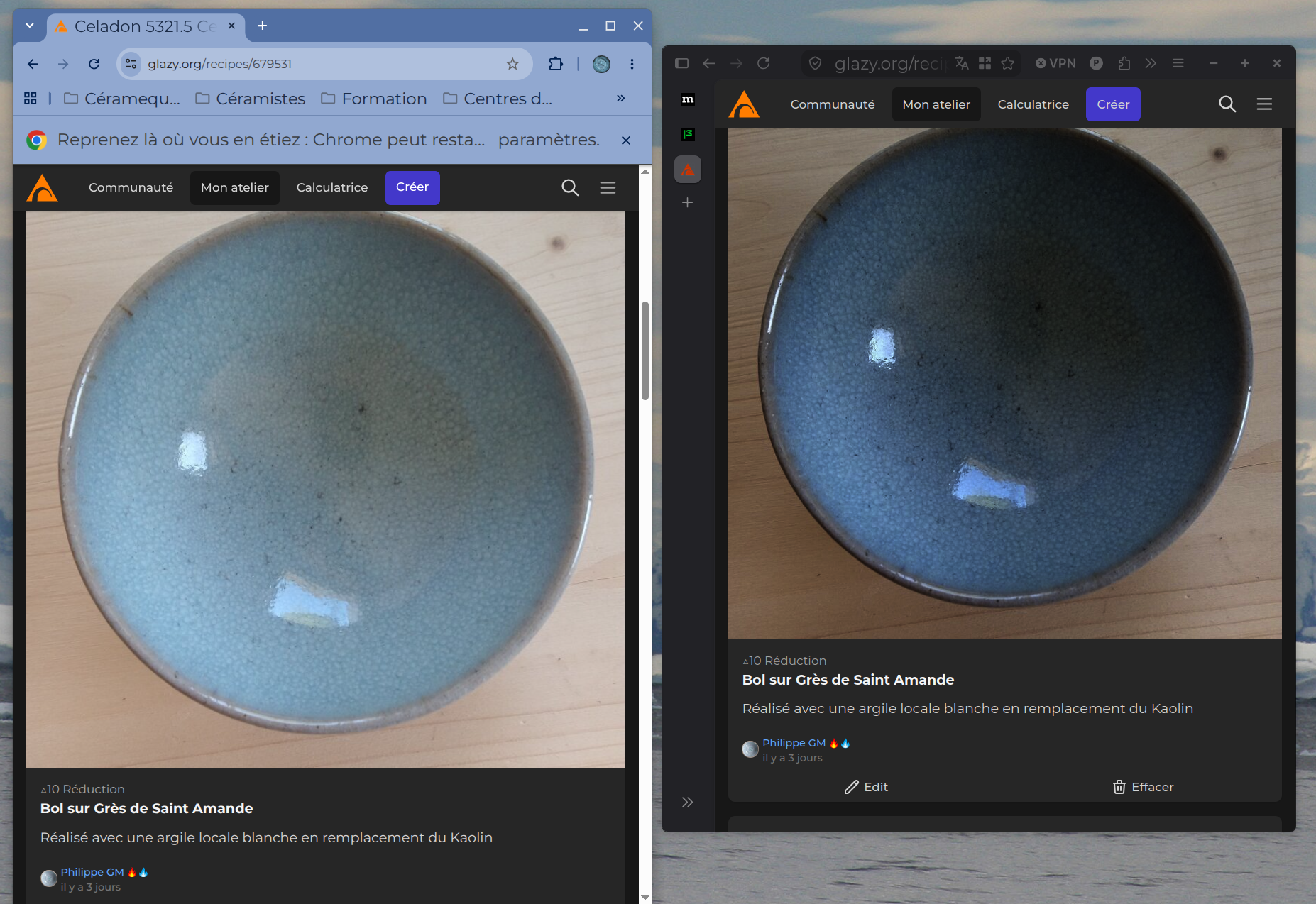
Hi There are image display issues with Firefox. The attached image shows a screenshot comparing the same page on Glazy.org: Chrome on the left and Firefox on the right. The image appears too dark in Firefox, making it difficult to work using that browser. Is this a bug or a setting that needs adjusting? I haven't been able to find a solution. Thanks for your help.
Priložené obrázky

Všetky odpovede (4)

I can't find this URL, but I guess it's a HDR photo.

Hi Thanks for the answer When I download it's a JPG file Dont know if its HDR or not Can't Firefox display HDR images correctly?
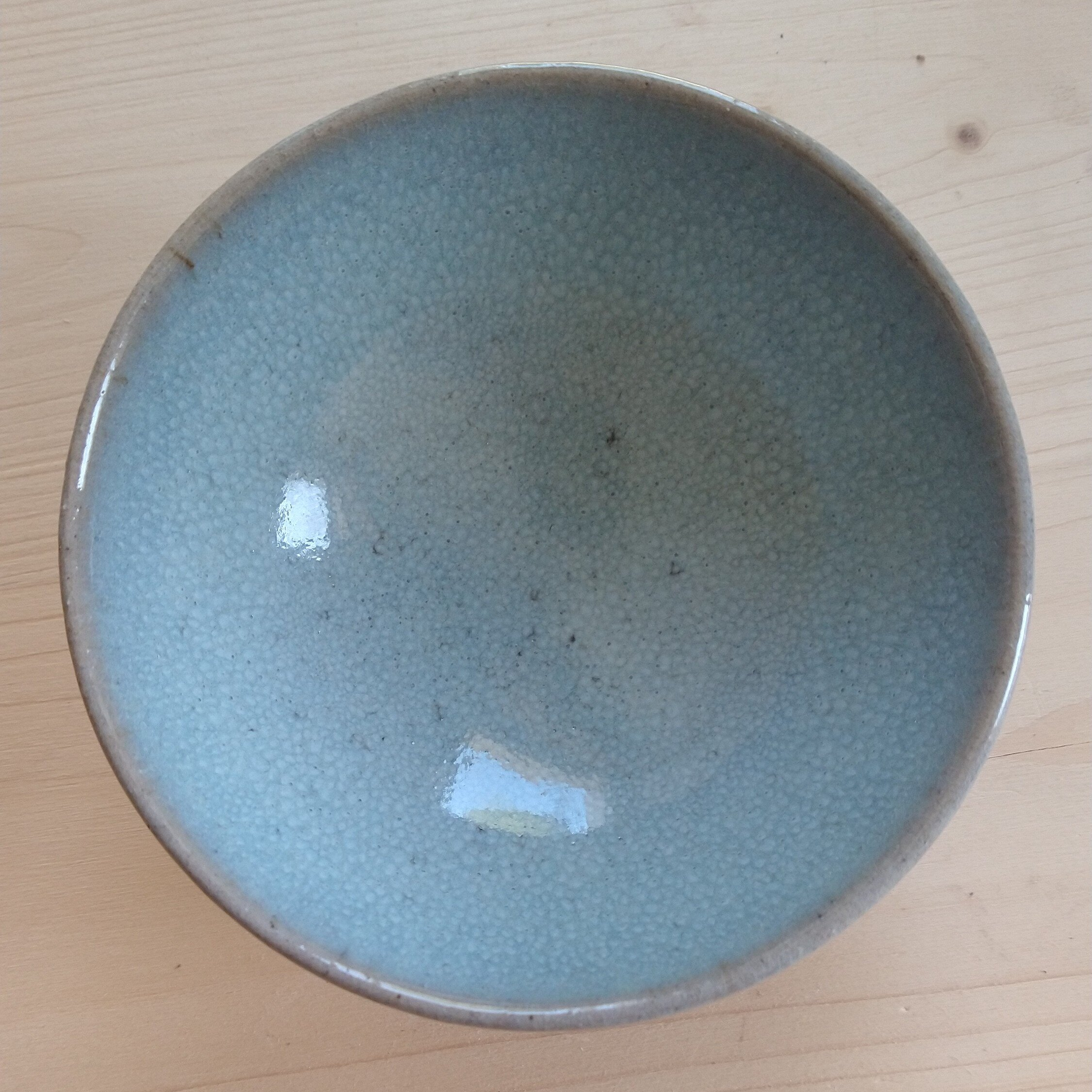
No it can't (yet). You can check it here -> https://www.wide-gamut.com/test/image-hdr

Every HDR photo is darker in Firefox.

Ok thank you That is not good news. I will therefore continue working with the Chrome browser

Položiť otázku

Ak chcete odpovedať na príspevky, musíte sa prihlásiť do svojho účtu. Ak ešte nemáte účet, položte novú otázku.