How to stop firefox from adding elements to drop down menu in address box

As of a few updates ago, Firefox keeps adding items to the drop down menu in the address box. It used to have all the sites I went to to check out headlines, but it started adding things I hardly ever use. For instance I went ONE TIME to the "no calls" registry to register my phone number, and for a month that was in that drop down menu. Another, I have a number of tabs that are always open, like the weather and local radar, etc. A number of them are now in my drop down menu. So, somehow Firefox decides to drop items that I go to EVERY DAY, and put in other things it likes, like the no-call phone registry link. I would like a setting that doesn't allow it to decide this. Or the ability to delete items it adds and say that I don't want these things in that menu. It's fine that it keeps all the items I go to every day, but stop dropping them to add the links to tabs that are ALREADY open in my browser.
Všetky odpovede (2)
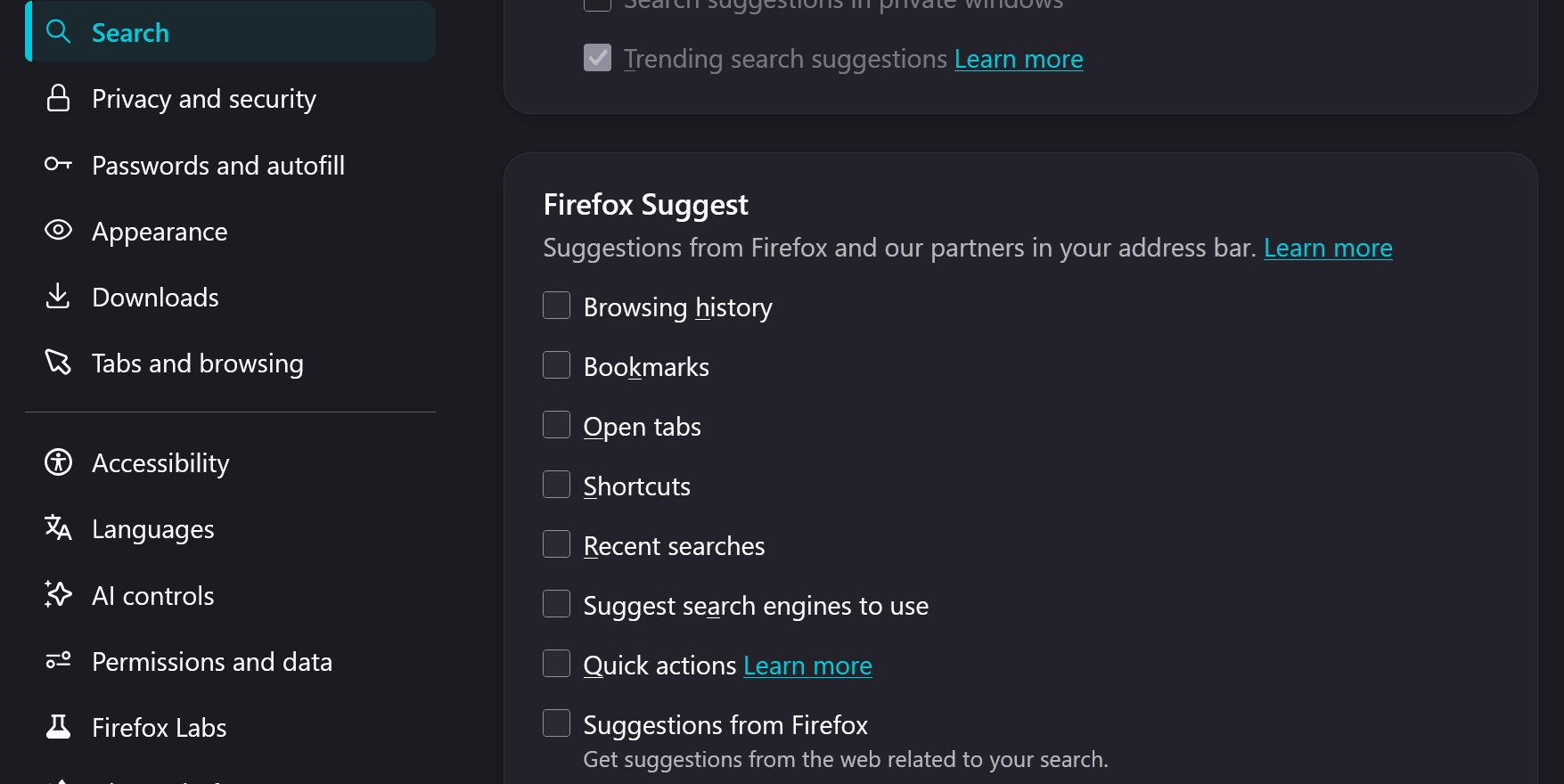
You can disable some categories, like open tabs completely — there's settings for that: Customize Firefox Suggest settings
You can get rid of old history items if they're bothering you there but the list generally should prioritize the most "useful" results for you. There was this bug few months ago: https://bugzilla.mozilla.org/show_bug.cgi?id=2010941
"On Release we found users often saw autofill results that were not relevant to them. This patch adjusts the algorithm and makes it less likely for origins matching URLs that were rarely visited and only through link clicks to appear more frequently than other origins that were typed more often in the address bar."
Seems the "frecency" is still not working for you — would you mind opening a bug so that the engineers understand the circumstances and investigate the reasons for this? Thanks!
Yes it's an option