


Cannot log in to X.com
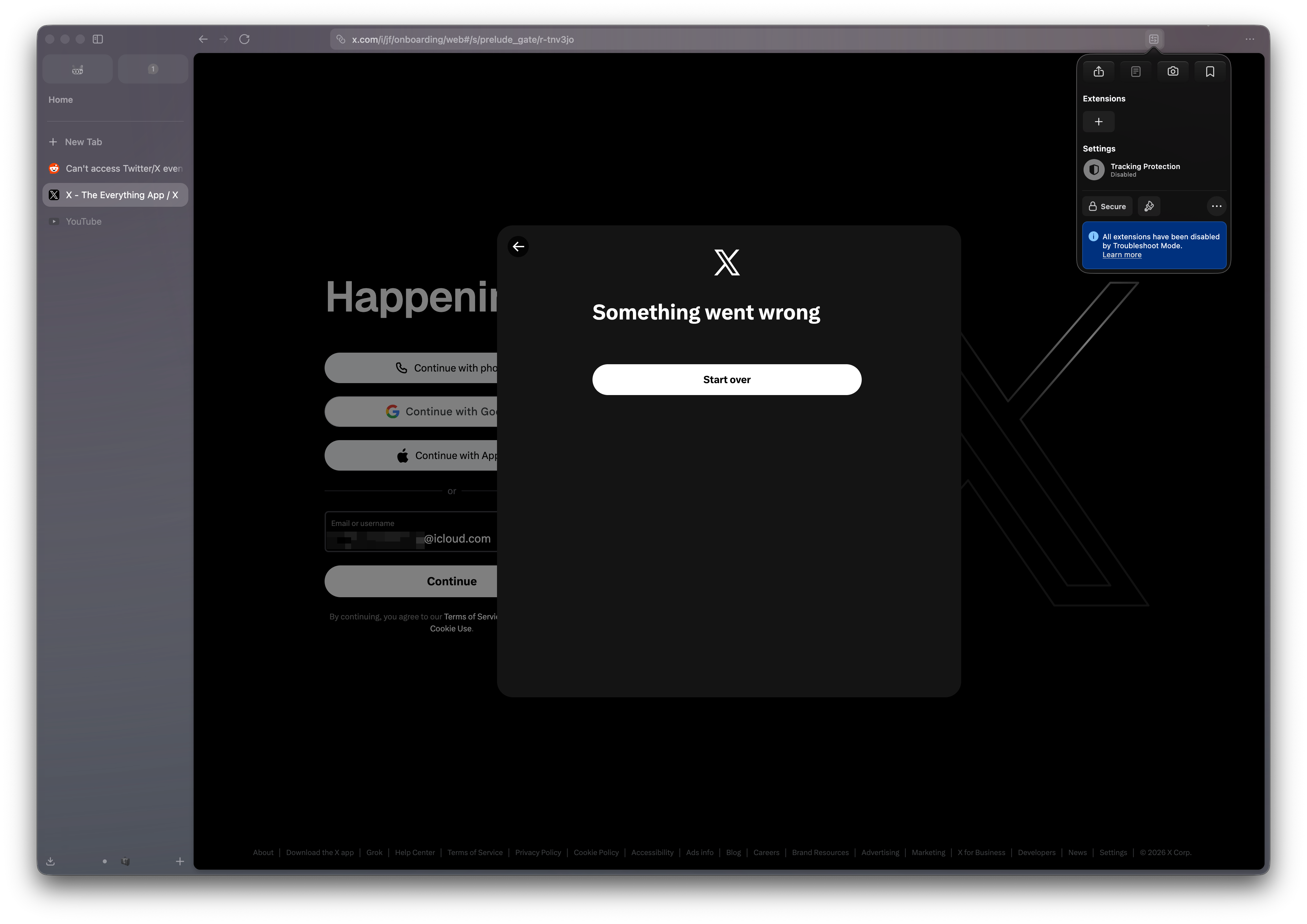
Content Security policy blocks essential scripts no matter what I do.
It's new Firefox installation, Troubleshoot mode, Enhanced tracking disabled, I'm not on VPN, can log into X.com in another browser just fine.
It's the reason #1 I don't use Firefox. I thought the issue would be fixed but it has been like this for long time.
Yet whatever I do, whatever I turn off this pops up:
Content-Security-Policy: The page’s settings blocked the loading of a resource (default-src) at https://abs.twimg.com/responsive-web/client-web/bundle.Conversation.721fc4aa.js because it violates the following directive: “default-src 'self'”
The screenshot is from Zen, but it uses Firefox and the issue is the same in Firefox.
Všetky odpovede (12)
Hi,
Sorry you experience that. While I can't reproduce the issue and it doesn't seem to be common, it's definitely not expected. To help us understand what's going on, could you please record a profile with the "Debug" preset as described here and drop a generated link to this thread? Thank you in advance!
Upravil(a) Denys dňa
Thank you for the response! Here you go https://profiler.firefox.com/from-browser/network-chart/?globalTrackOrder=0gdcf6217bw93e845&hiddenGlobalTracks=1we&hiddenLocalTracksByPid=83851-0wprwy4y6wyd~83887-0wx2~83910-0w5~83861-0w6~83853-0w8~83855-0w5~83909-0ws~83870-0ws~83889-0wr~83857-0ws~83867-0ws~83854-0ws~83888-0wx3~83860-0wt~83896-0wr~83852-0138wafwikmwr~83872-0wx8xawxo&thread=I4&v=16
And just in case what happens in the console
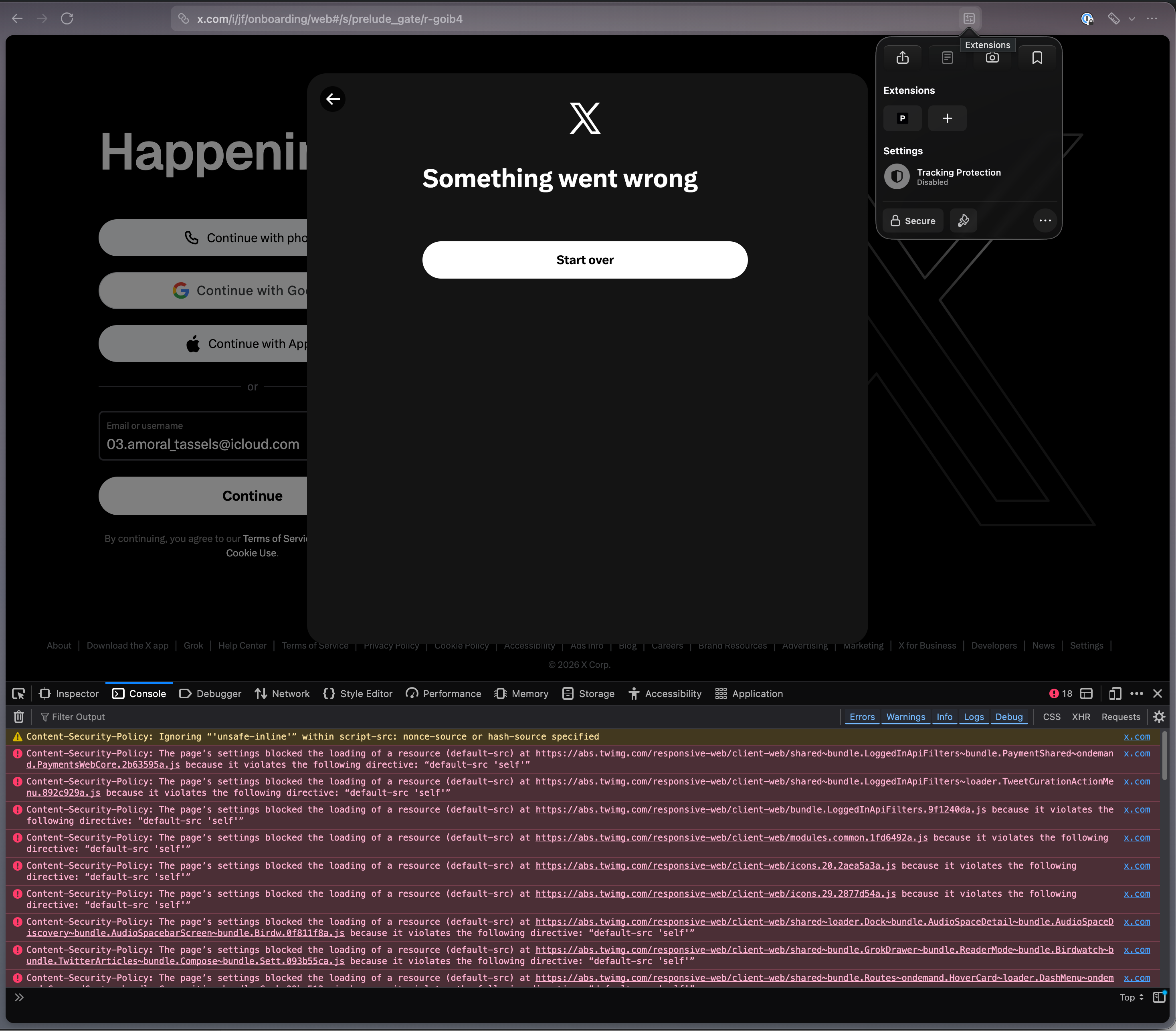
Sorry here's permalink to the profile https://share.firefox.dev/4xiqRLF
Thanks! That is not the link we need, though. You need to first click "Upload Local Profile" as described in the Share a profile section.
Oh, you got me there. Thanks once again!
Right I forgot to share first, it's in the comment above, but just in case: https://share.firefox.dev/4xiqRLF
Let me know if you need a share with more info included.

Can you try reproducing in Firefox Nightly, grab a new profile with the debug preset and share the result here?
Same in freshly installed nightly
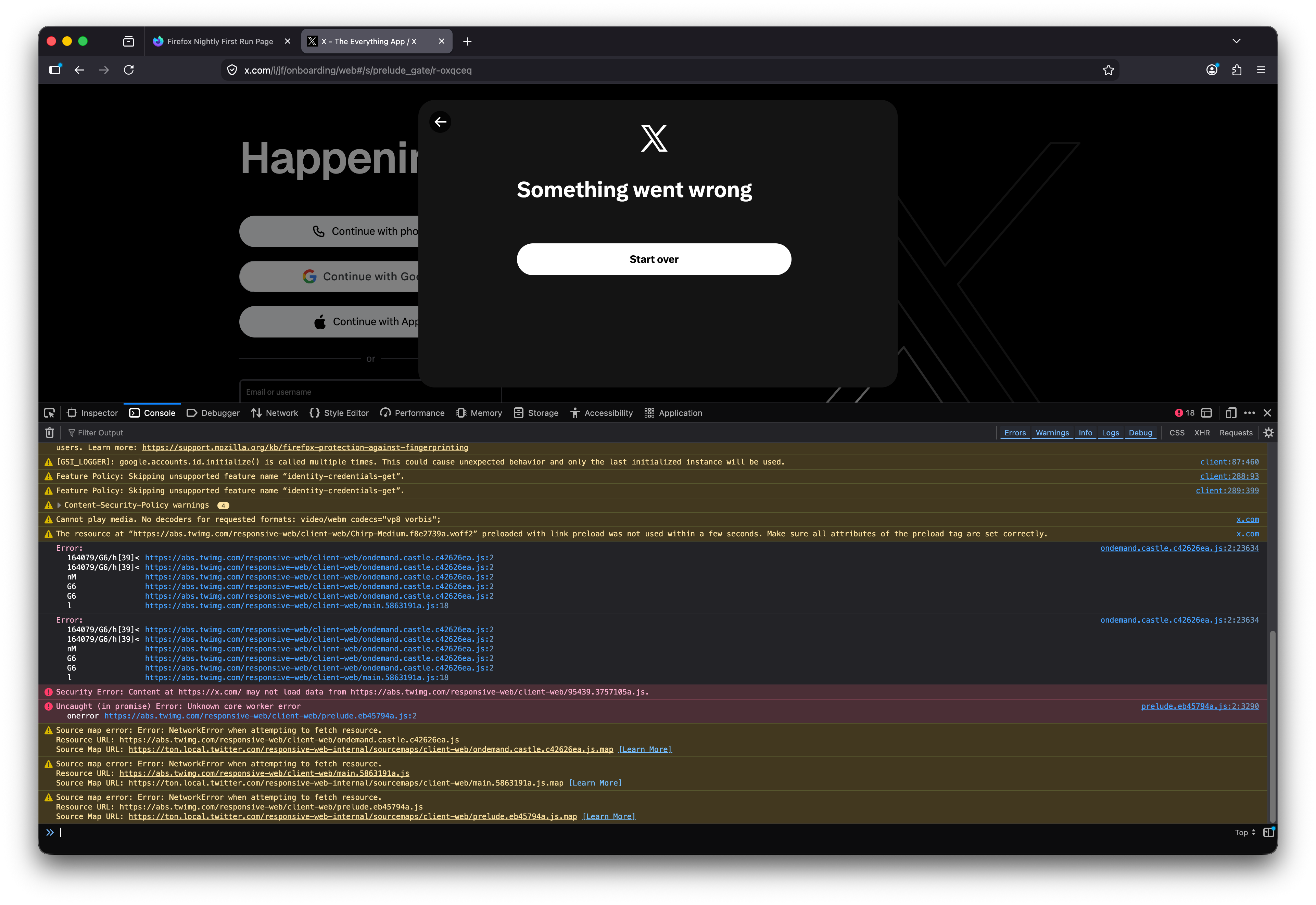
~~Debug from Nightly https://share.firefox.dev/4gc9ZzU~~
UPDATE Proper debug from Nightly: https://share.firefox.dev/3QiCukV
Upravil(a) Alexey dňa
Proper debug from Nightly https://share.firefox.dev/3QiCukV
Follow-up I tried logging in with *another* account and it worked. The only difference I can think of is that the account which doesn't work has email that starts with number 03.letters_here@......com
Which makes me think there might be something wrong with how JS executes in FF specifically.