


Otvorené
Is there a way to increase the size of the mozilla tabs w/o increasing text size of pages

bold text
'''bold text'''
Všetky odpovede (2)

Yes you can create a file [userChrome.css] to edit and theme all objects.
Search generally for a guide as to how to do that.
See the image below for part of what I have
Hello
About user interface.
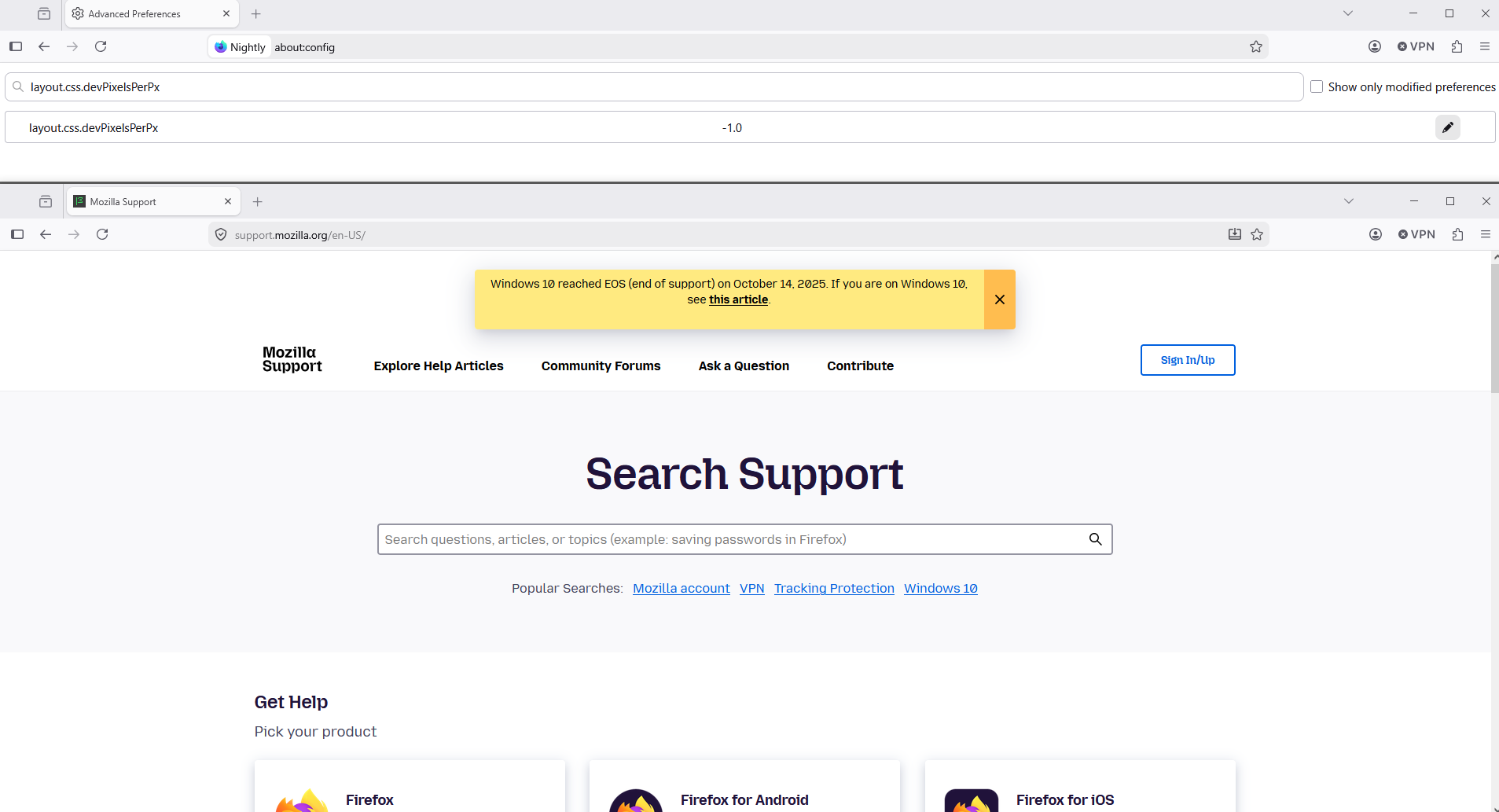
If you wish to test layout.css.devPixelsPerPx And there's propagates also side effects on the web pages
1 - Go to configuration editor https://support.mozilla.org/en-US/kb/about-config-editor-firefox 2 - Enter a search term layout.css.devPixelsPerPx value by default -1.0
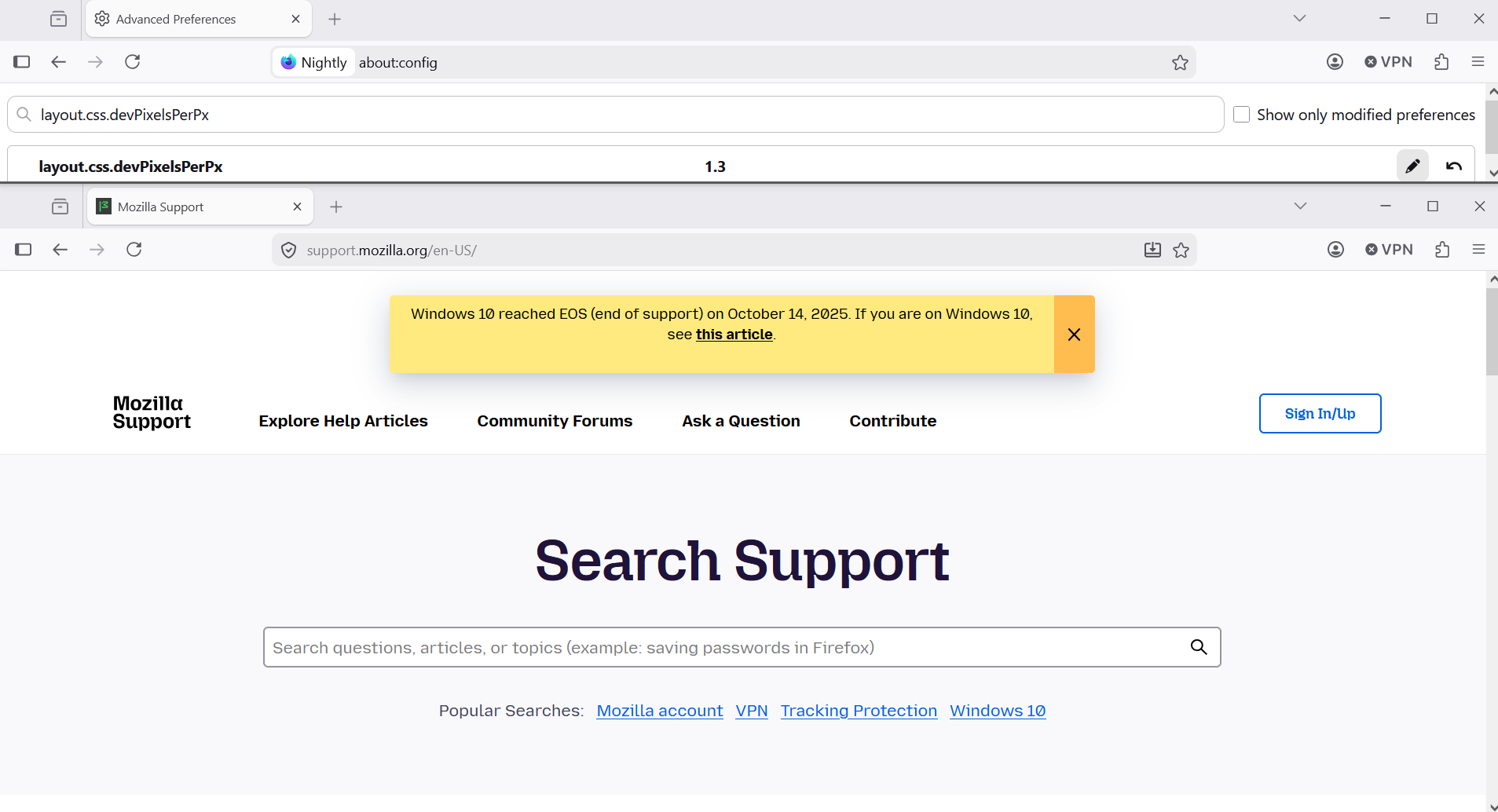
Second screenshot, a test 1.3
Upravil(a) Agent virtuel dňa