


Automated email states "Your email client does not support HTML"
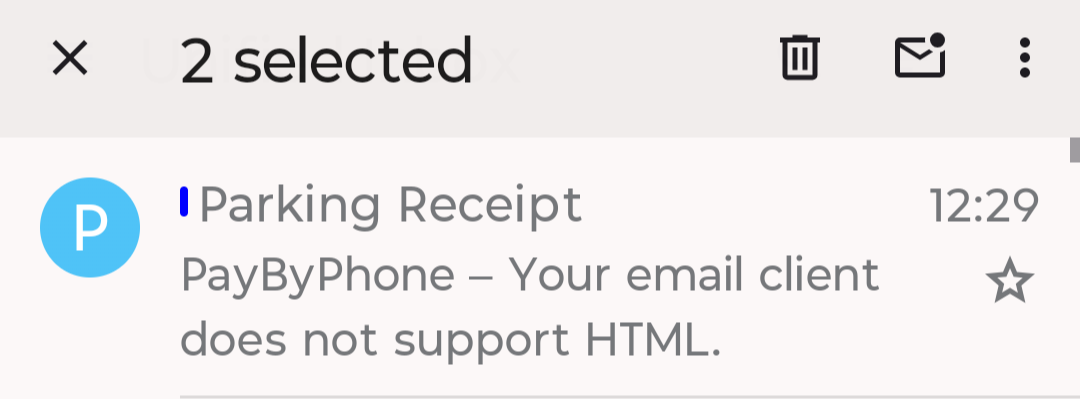
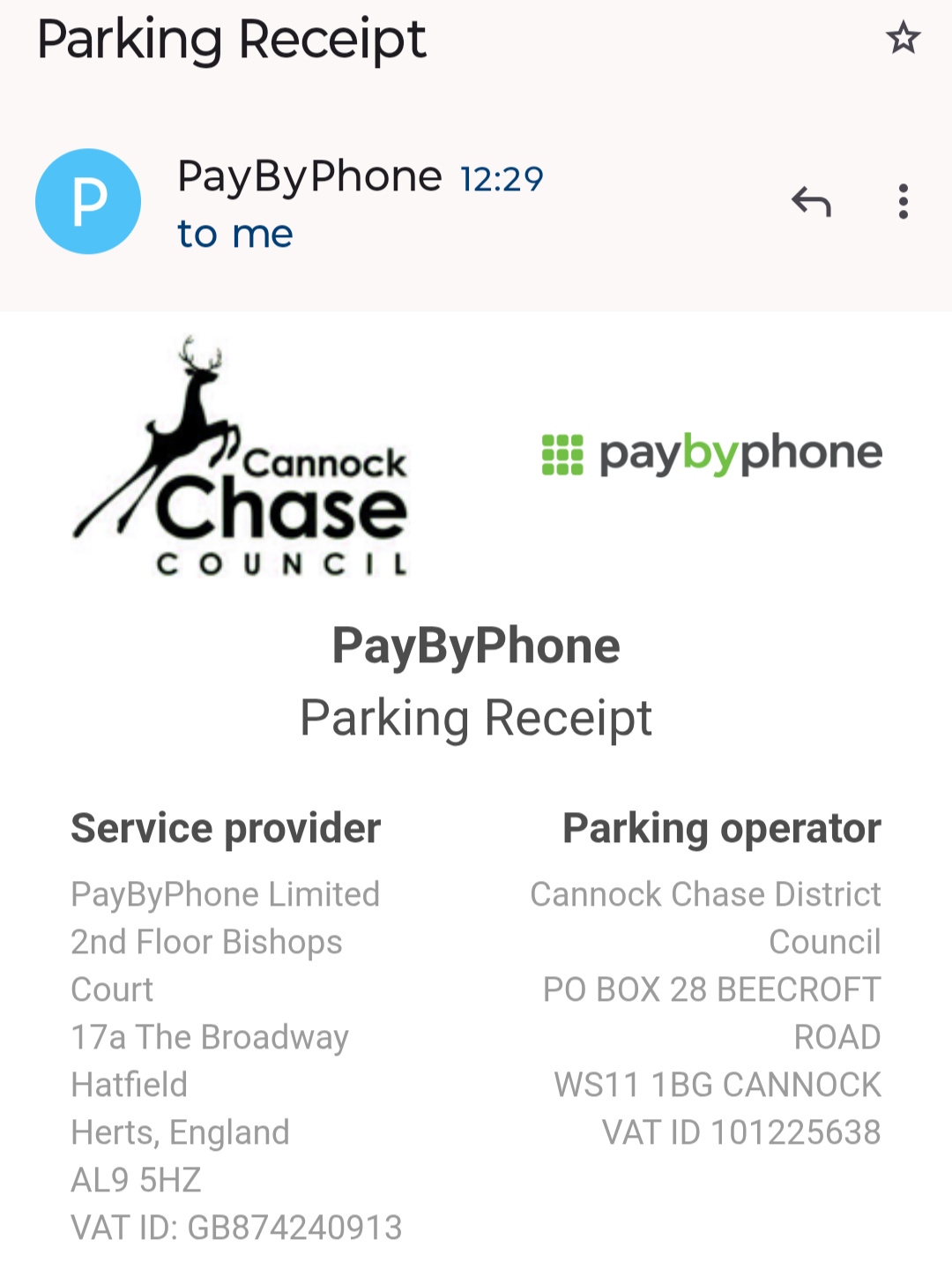
The automated email from one sender states in the Inbox summary that the email client does not support HTML (TB app for Android). Presumably the message format is changed accordingly. I don't see a setting for incoming email formatting. Can you help? Inbox summary view and partial view of opened message below.
Všetky odpovede (2)

The app does support displaying HTML emails.
The subject field is displayed as plain text however the body of your email is HTML. Otherwise there would be no inline images or text formatting: font type, size, weight (bold) etc.
You can toggle a message between HTML and plain text.
- Press the 3 dot menu in the tool bar.
- Select "Show unformatted message.
You can also set the default message format between HTML and plain text in the settings menu. Settings > general settings > display > Body Content-Type
Vybrané riešenie
Thanks @platform34. When I use the three dots to show unformatted message, the whole email is replaced with "your email client does not..." The Body-type setting shows HTML/text. Thanks for your help.