Lost all data after a crash

My firefox recently crashed (f5ea38ba-f4f8-4224-8ab8-982e19cc72f7) is the crash code if that helps it happened just now, i dont have any additional profiles and no folder such as "old firefox" is there any way i can recover all the information and my old settings or passwords or anything? I tried to log into my firefox account to sync up data but there was no update on the information
Všetky odpovede (3)
Hello, here is a potential solution to finding previous versions of data. Open Firefox, then type about:support Find the sessionstore-backups folder Copy and rename the backup file of choice (e.g., previous.jsonlz4) to sessionstore.js (after backing up current files) and restart Firefox.
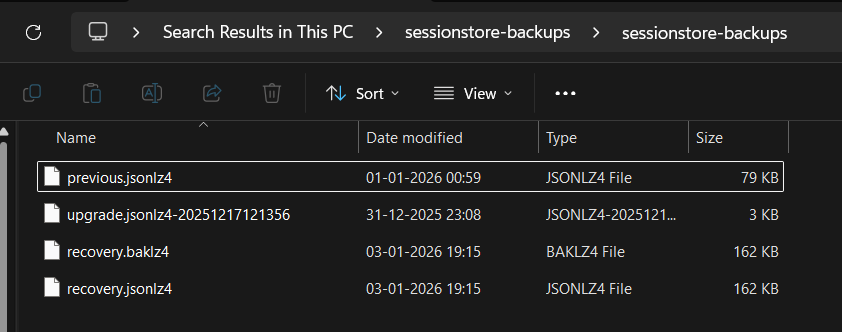
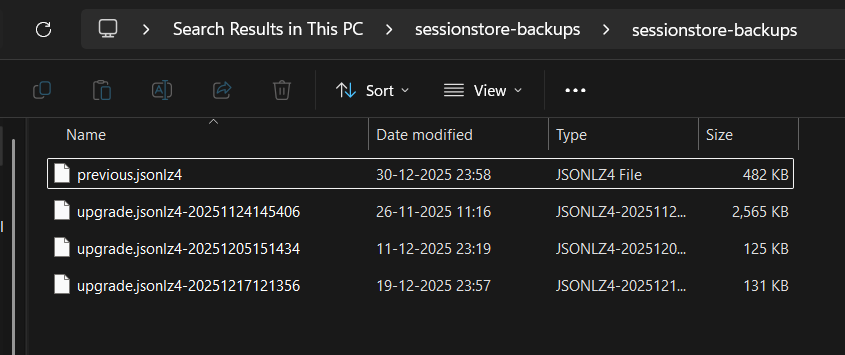
Ok i found all the relevant folders you mentioned, but i found 2 sessionstore-backups folders on my device probably one from before the crash and one after, would just renaming the backup file from the older file work out fine? or do i need to copy paste it into the new folder. Or I think the 2 folders are for different profiles as the end of the file url had [.Default User] and the other had [.default-release]
default release had the older files of the two.