Setting up Syncing in Fire Fox
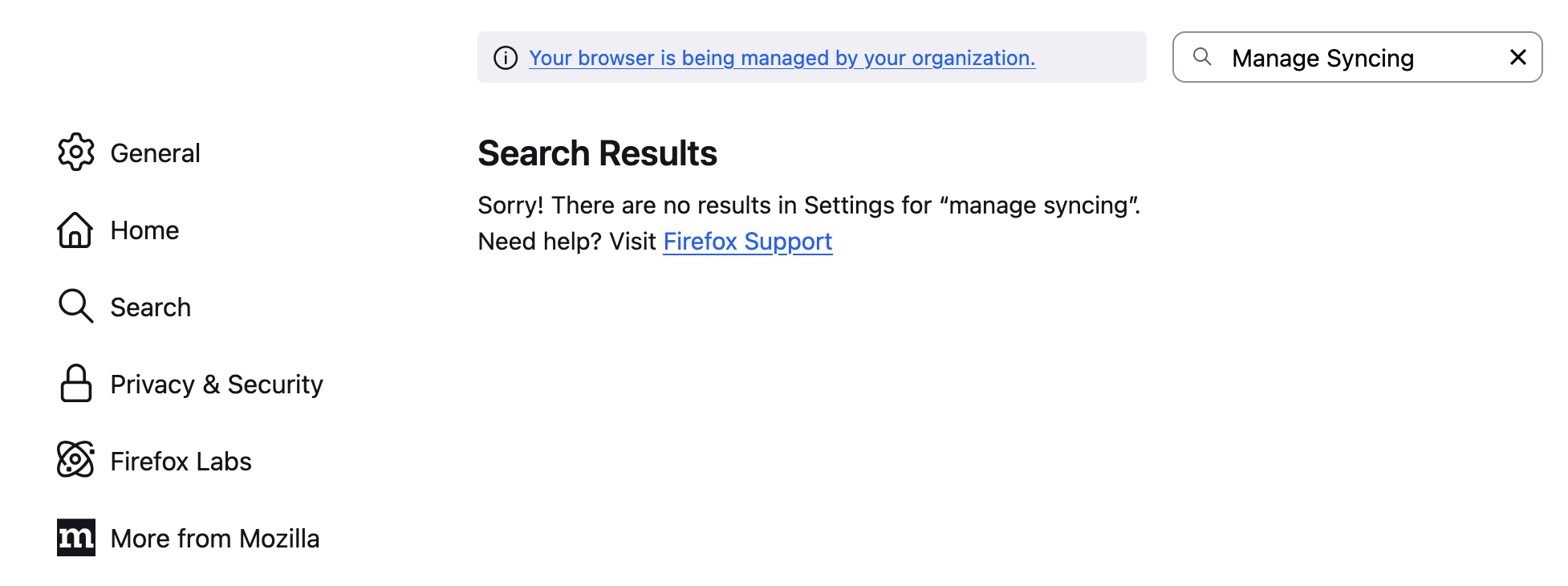
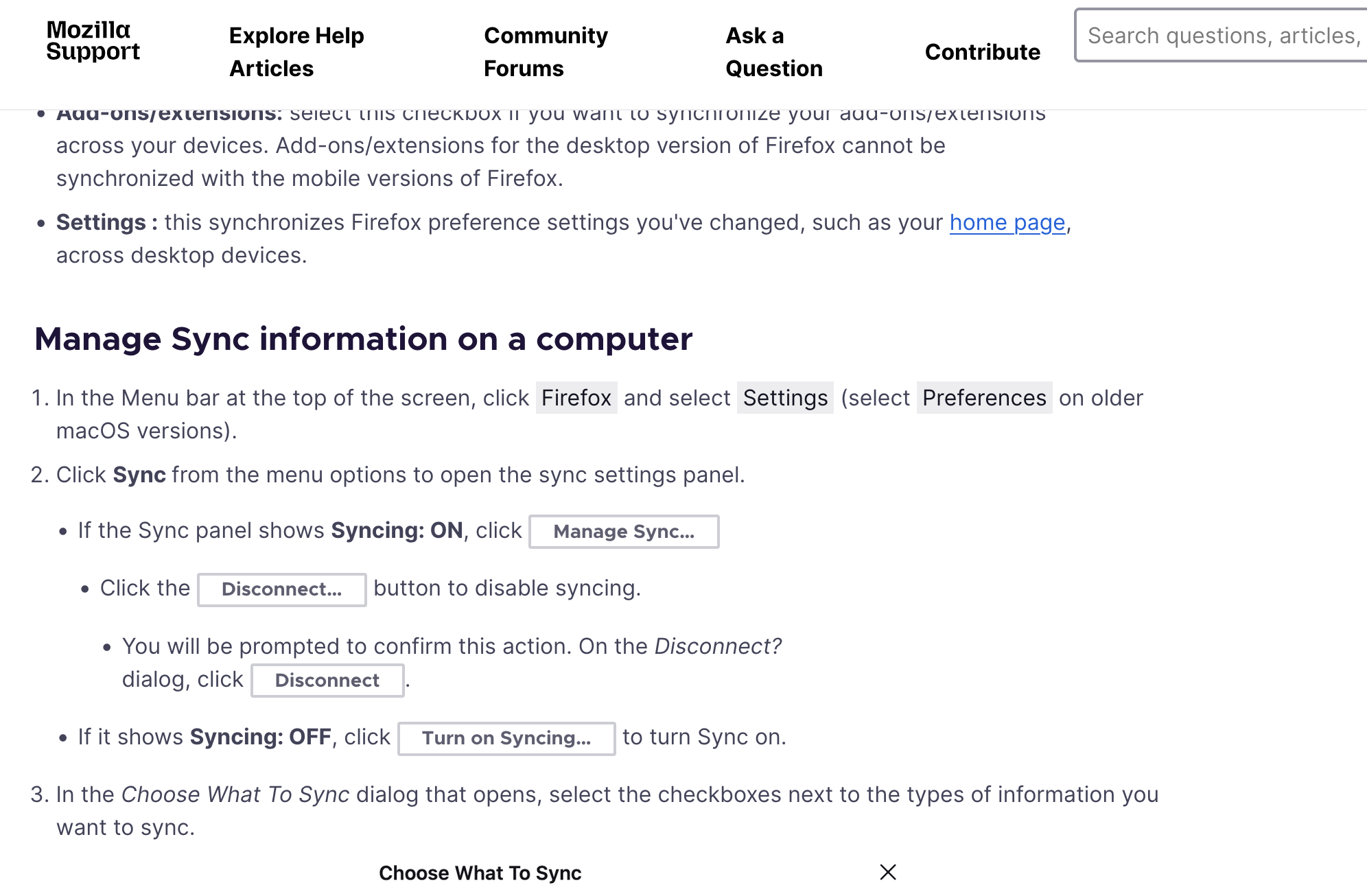
I could not locate Sync Options in my Firefox. I need to activate Sync to enable transfer of Book Marks and History in Firefox to other systems
I could not locate Sync Options in my Firefox. I need to activate Sync to enable transfer of Book Marks and History in Firefox to other systems
Všetky odpovede (2)

I see the sync option is missing from your browser. Did you notice in your 1st screenshot that your browser is being managed. Interesting to see that on a mac, usually a windows issue with security software. Are you running security software and where did you get Firefox from?
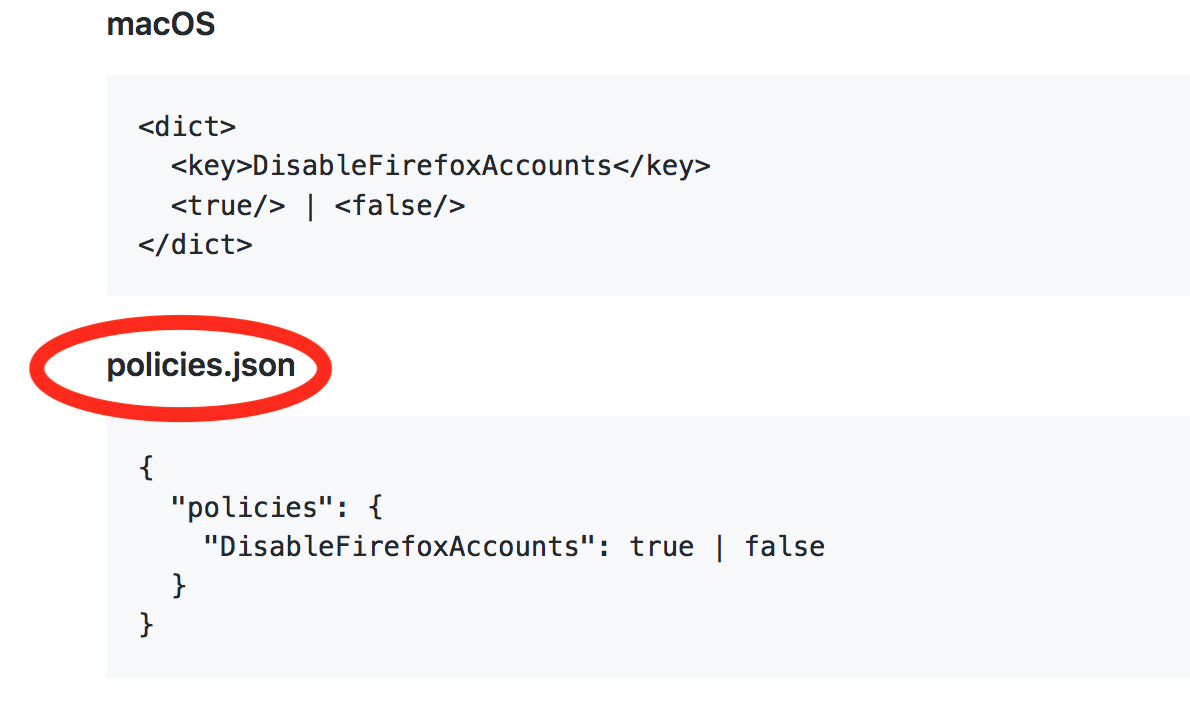
In the browser go to about:policies to see what's running. Looks like this is the policy that's blocks sync. https://mozilla.github.io/policy-templates/#disablefirefoxaccounts

Look for this file in your profile folder and make the change, rename the file, or just delete it. see screenshot