


x.com no longer works

page doesn't load, simply spins even if you leave it for an hour. Works well in every other browser I've tried
Všetky odpovede (4)

jeski said
page doesn't load, simply spins...
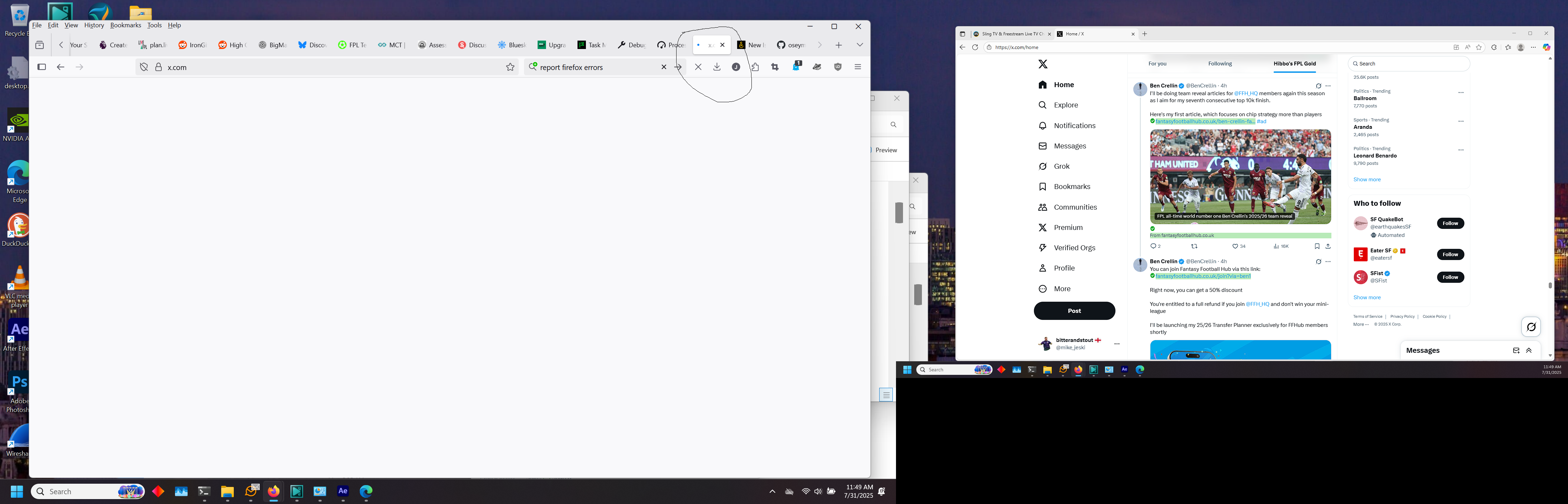
Site works for me. see screenshot Sounds like something is being blocked. Are you running any security software besides MS Defender? Did you try with Firefox in Troubleshoot Mode? https://support.mozilla.org/en-US/kb/diagnose-firefox-issues-using-troubleshoot-mode#w_how-to-start-firefox-in-4troubleshoot-modesf5safe-modesf
Did you clear your browser cache? https://support.mozilla.org/en-US/kb/clear-cookies-and-site-data-firefox
Windows home or pro?
If Windows Pro version, try testing in Windows Sandbox (VM) to see if you have the same issue. https://www.howtogeek.com/399290/how-to-use-windows-10s-new-sandbox-to-safely-test-apps/
You can also see what happens with windows in safe mode.
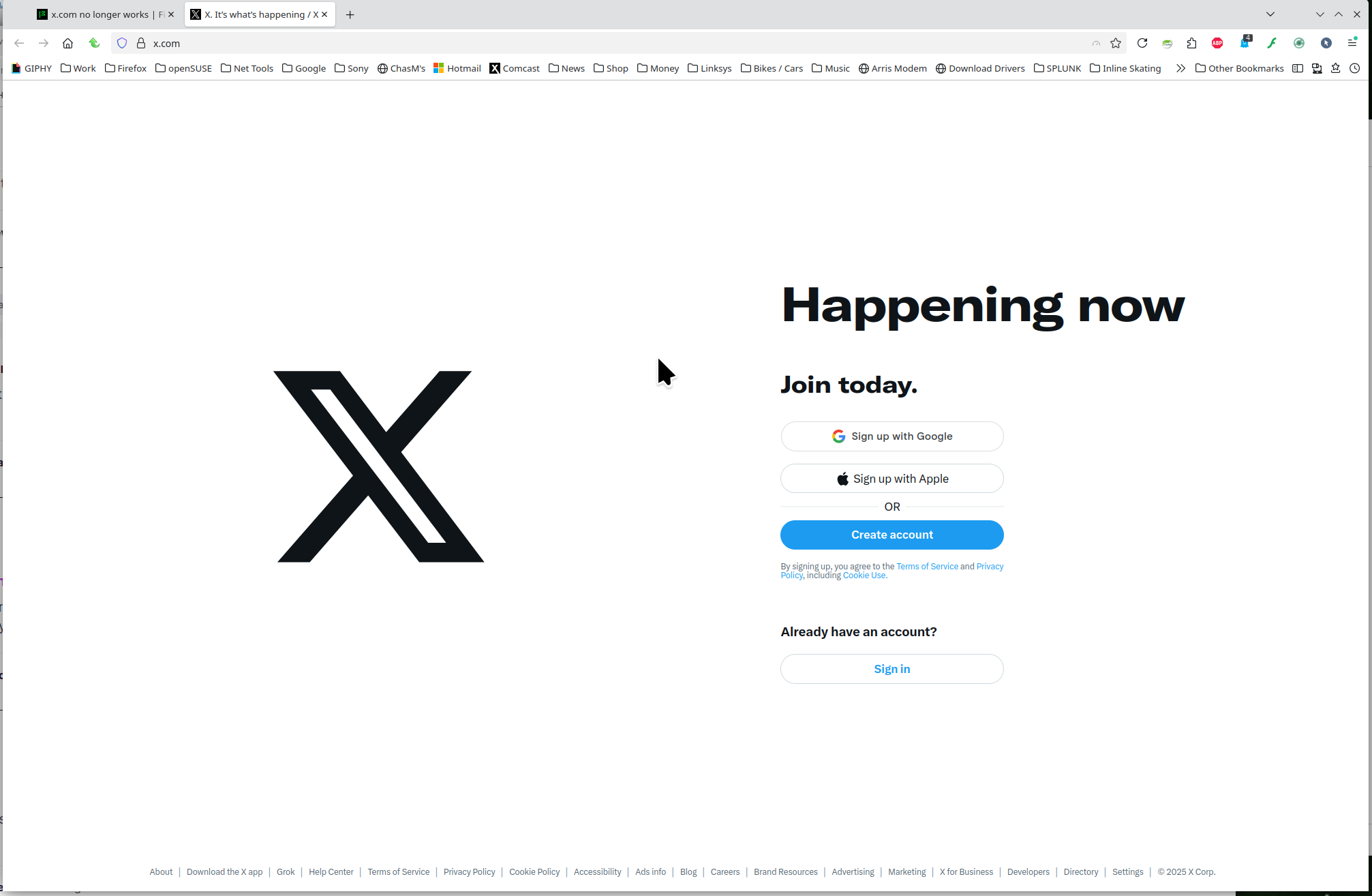
Thanks for your response running firefox in troubleshoot mode works. I've loosened all the rules in trend micro and disabled duckduckgo security as well as all ad blockers and x.com still just spins.
Sounds like an add-on issue. Need to disable one by one.
tried that, no joy.