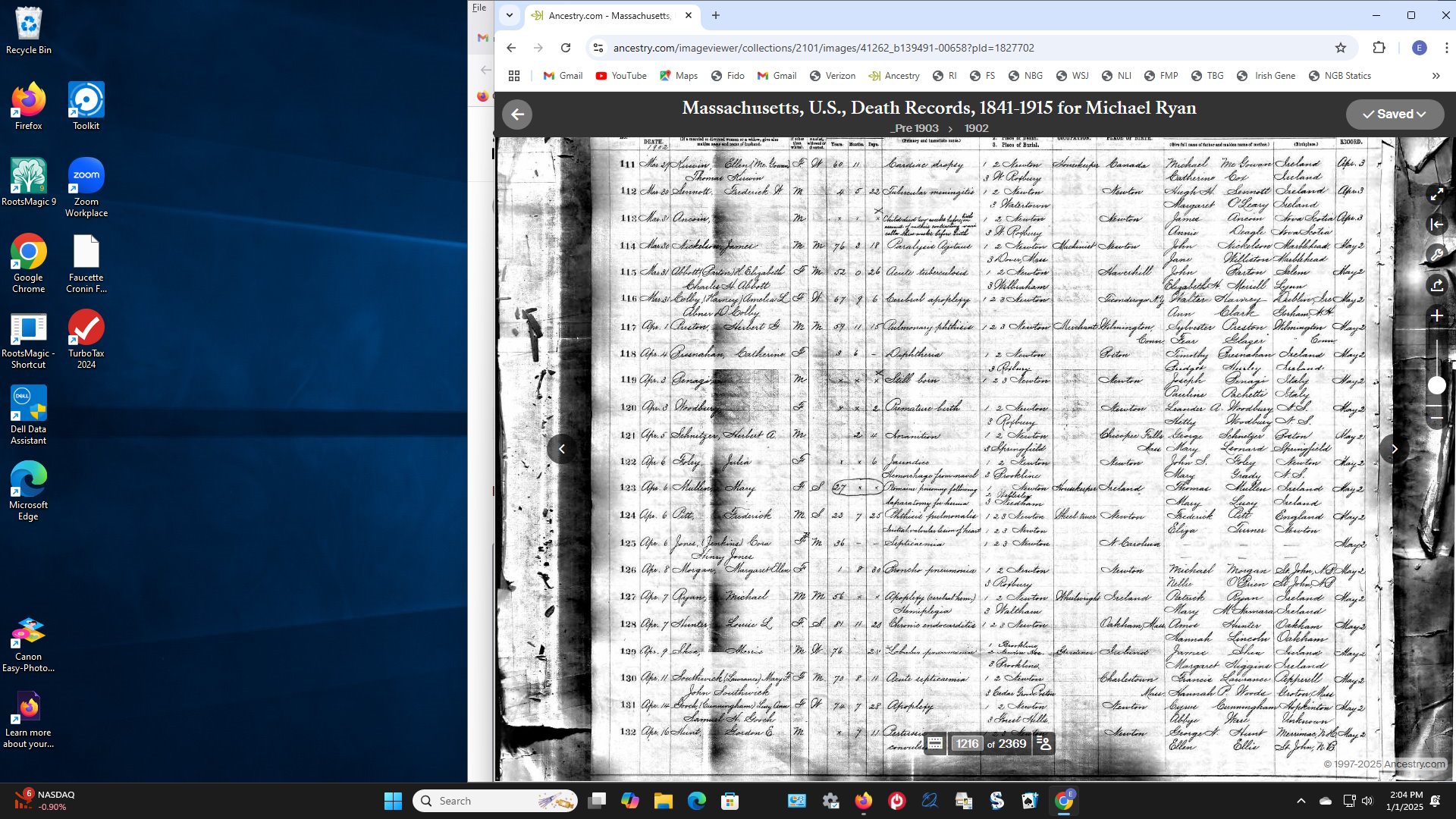
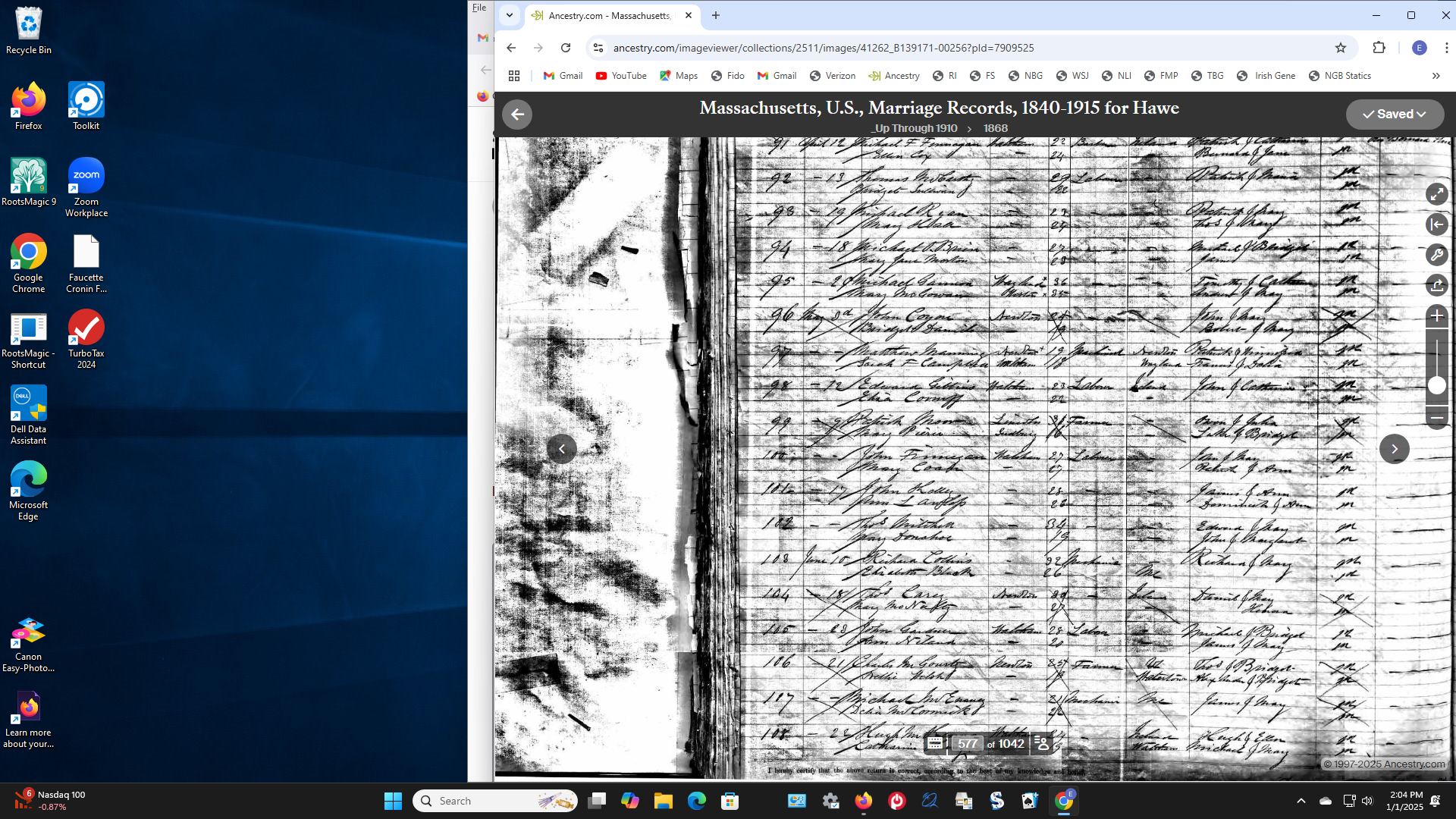
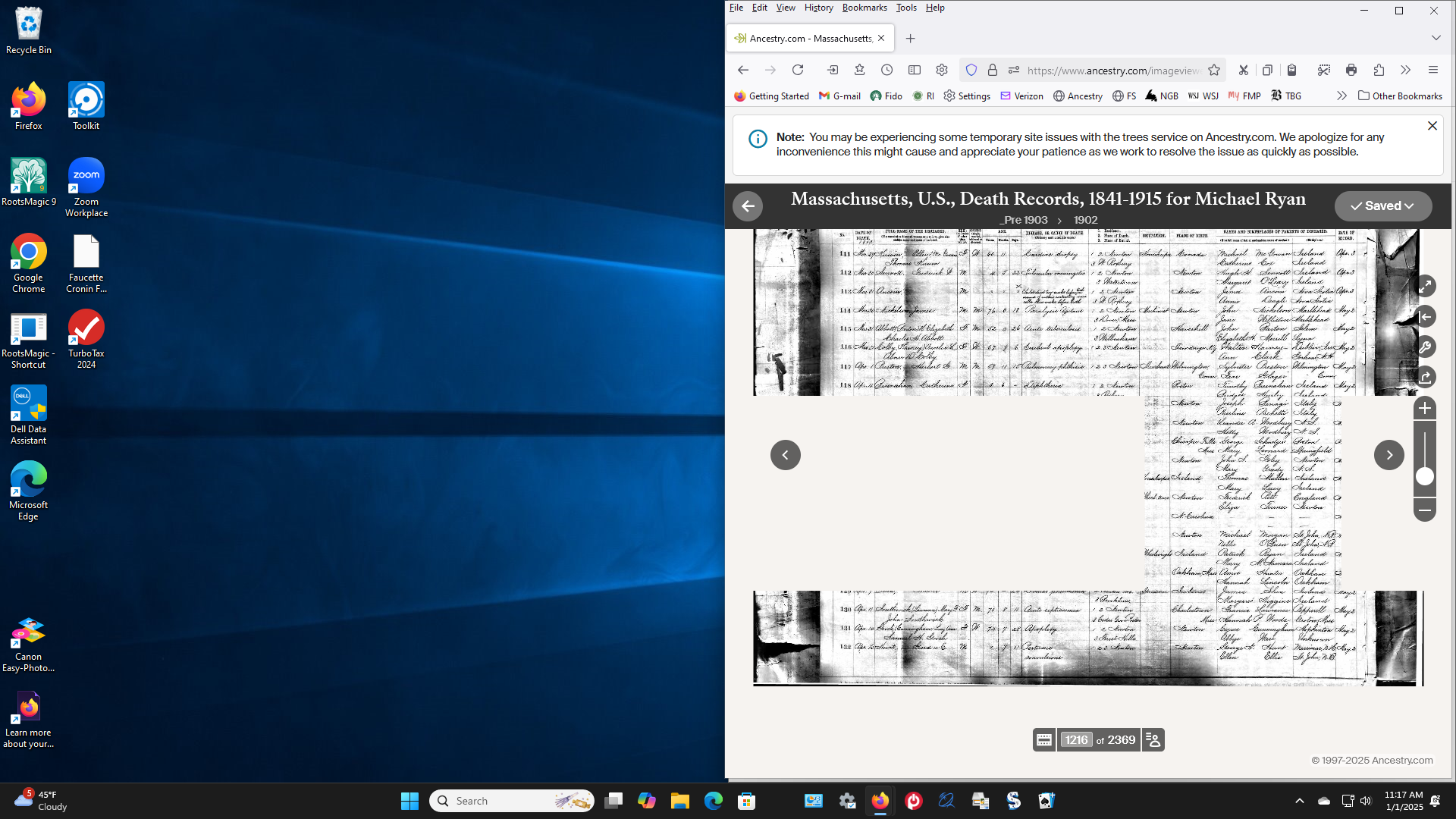
Blank squares on docuents

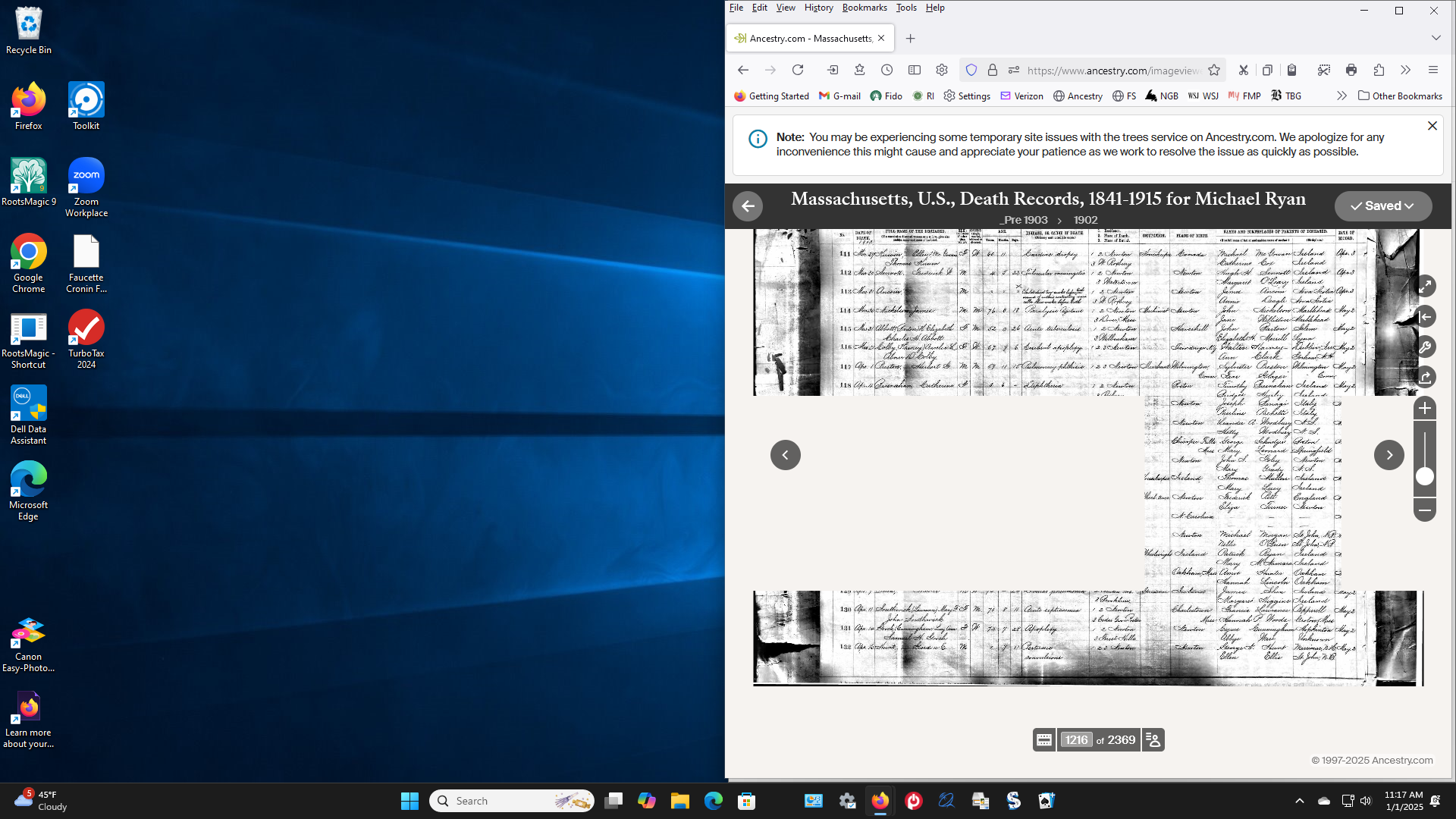
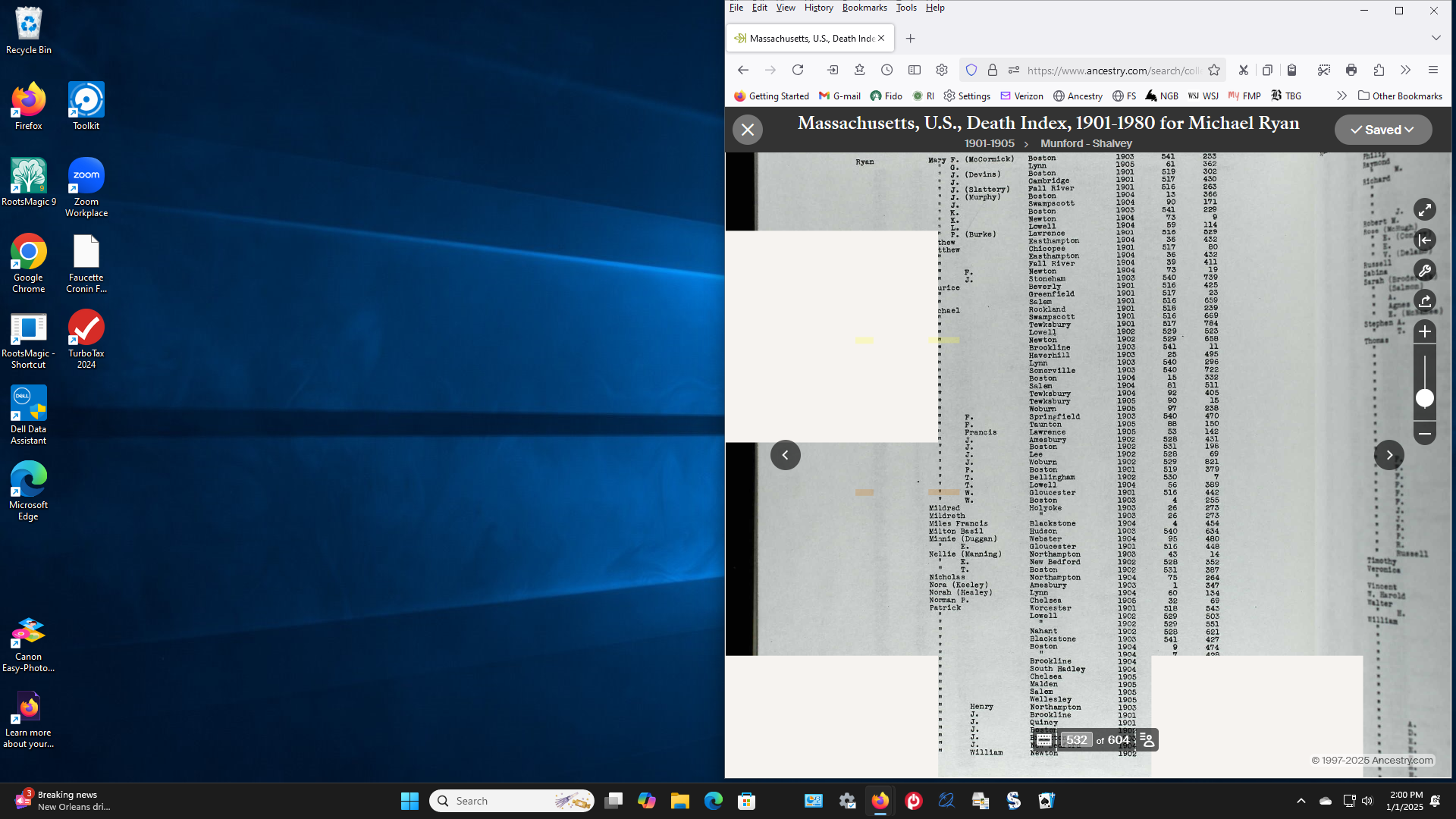
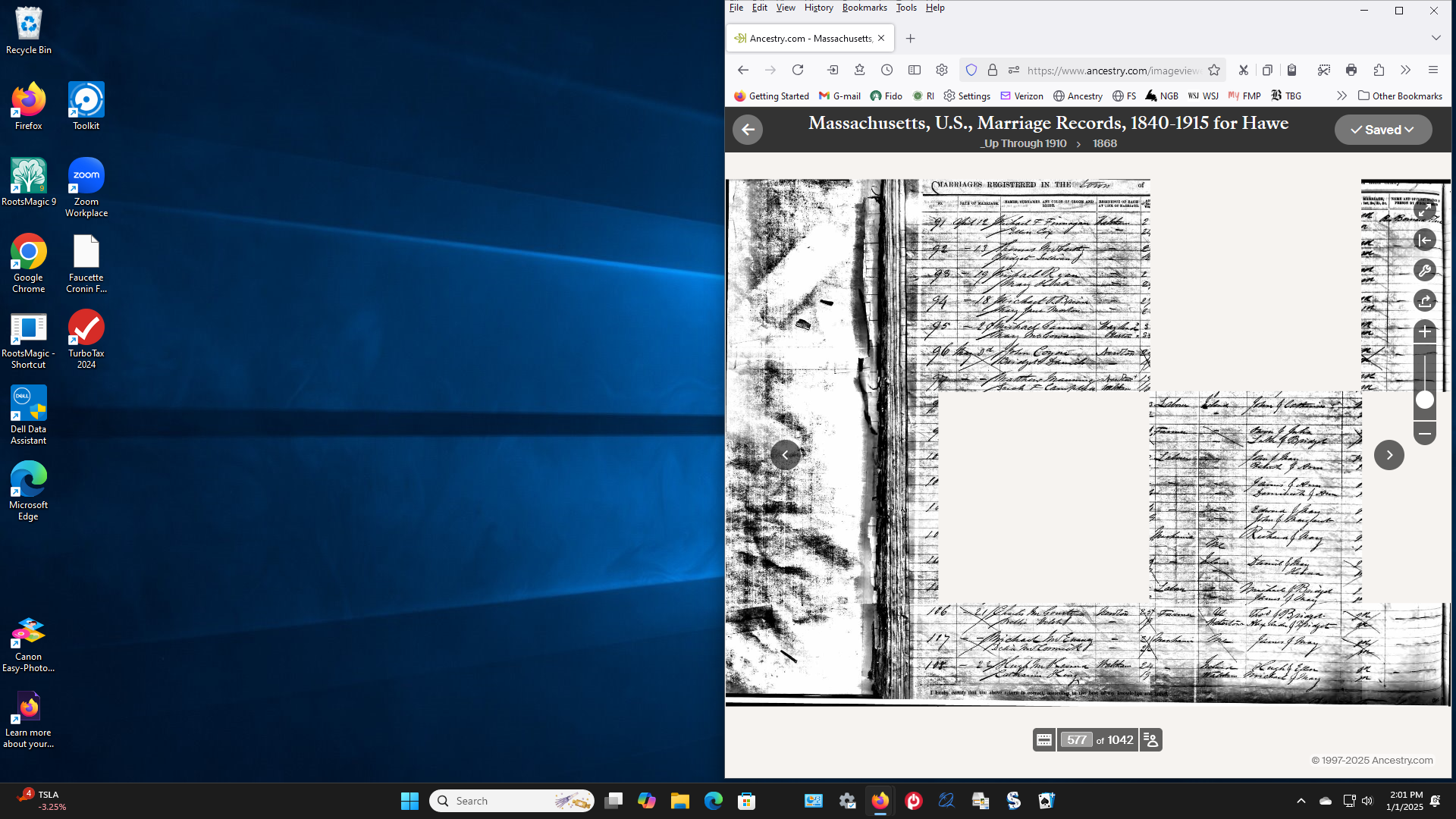
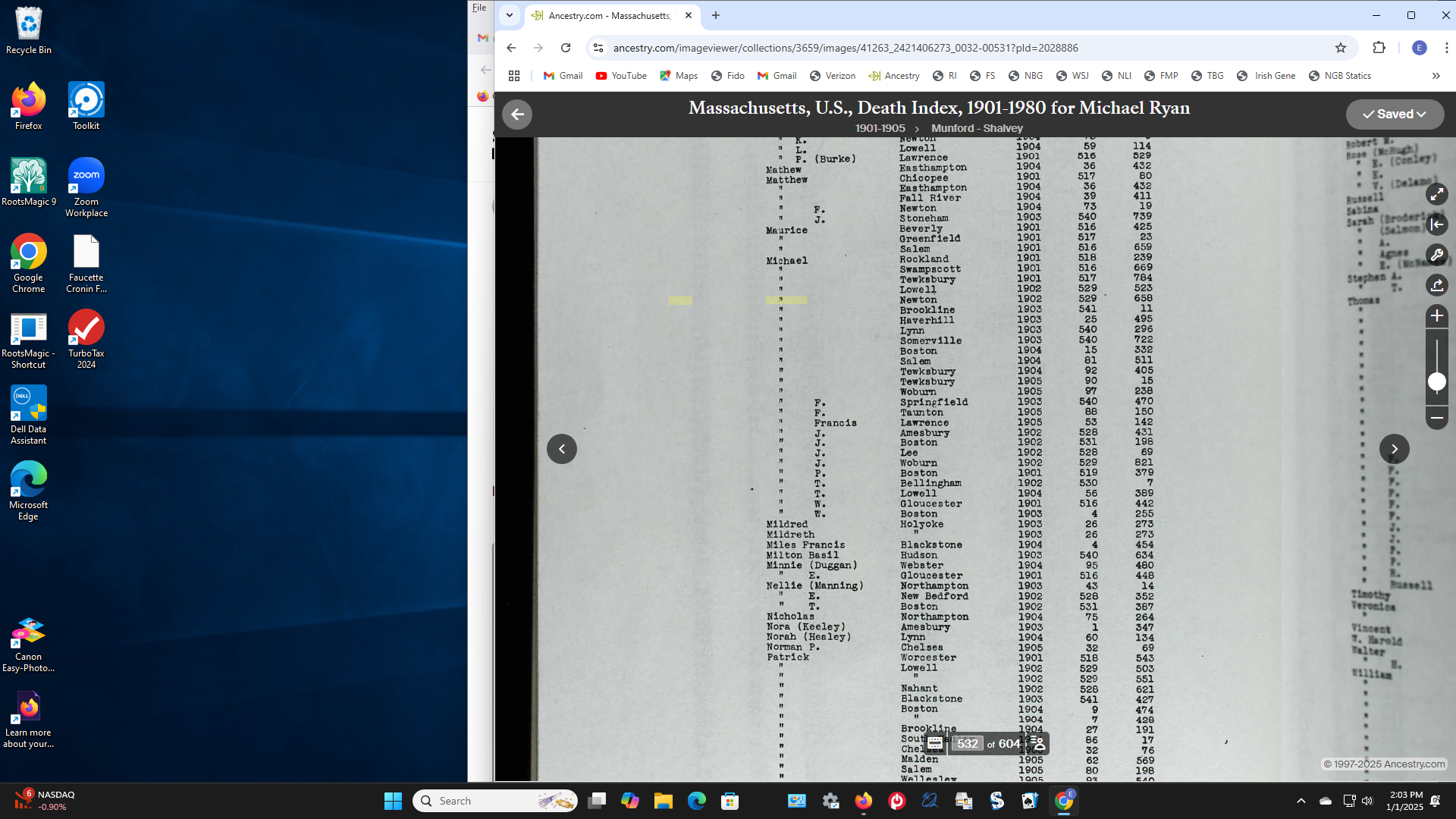
When viewing a document on Ancestry there are blank squares such that I can read the whole document. This only happens on Fire Fox. When I use Google Chrome I can read the whole document. How do I fix this on Fire Fox.
Všetky odpovede (2)

That look like it's coming from the site when using Firefox browser. Since it was saved that would be from the site itself. Did you contact them about this issue since once saved that looks like some kinda water mark from the site or protection kicking in.
I started with Ancestry. I did what they suggested. Next they said change Browser. I have attached 6 screen shots. The ones from Fire Fox have blank squares. The 3 from Google Chrome have NO blank squares. What is the problem? Is this a problem with cookies , cache, extensions?