


Enable letters in the context menu

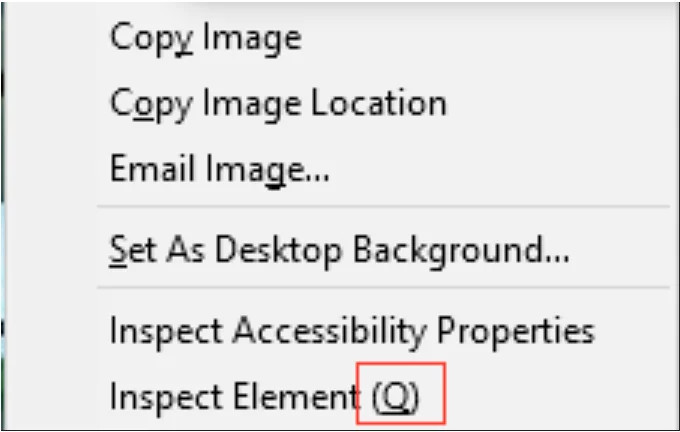
I have a Linux PC where, when I right-click, I see shortcut letters in the context menu (the one that appears when you right-click). So, if I want to inspect an element, I right-click on it and press Q, and the inspector opens right away. This saves me time from navigating through the menu. However, on my other MacOS PC with Firefox, it doesn't do the same. I've searched for solutions but haven't found any.
Všetky odpovede (4)

Would be helpful if you post a screenshot to compare what you've shown from Linux. Also, what OS and versions are you using?
Upravil(a) jonzn4SUSE dňa
Yes, it's similar to the one that I posted.
macOS Sequoia 15.1.1 Firefox 133.0 (aarch64)


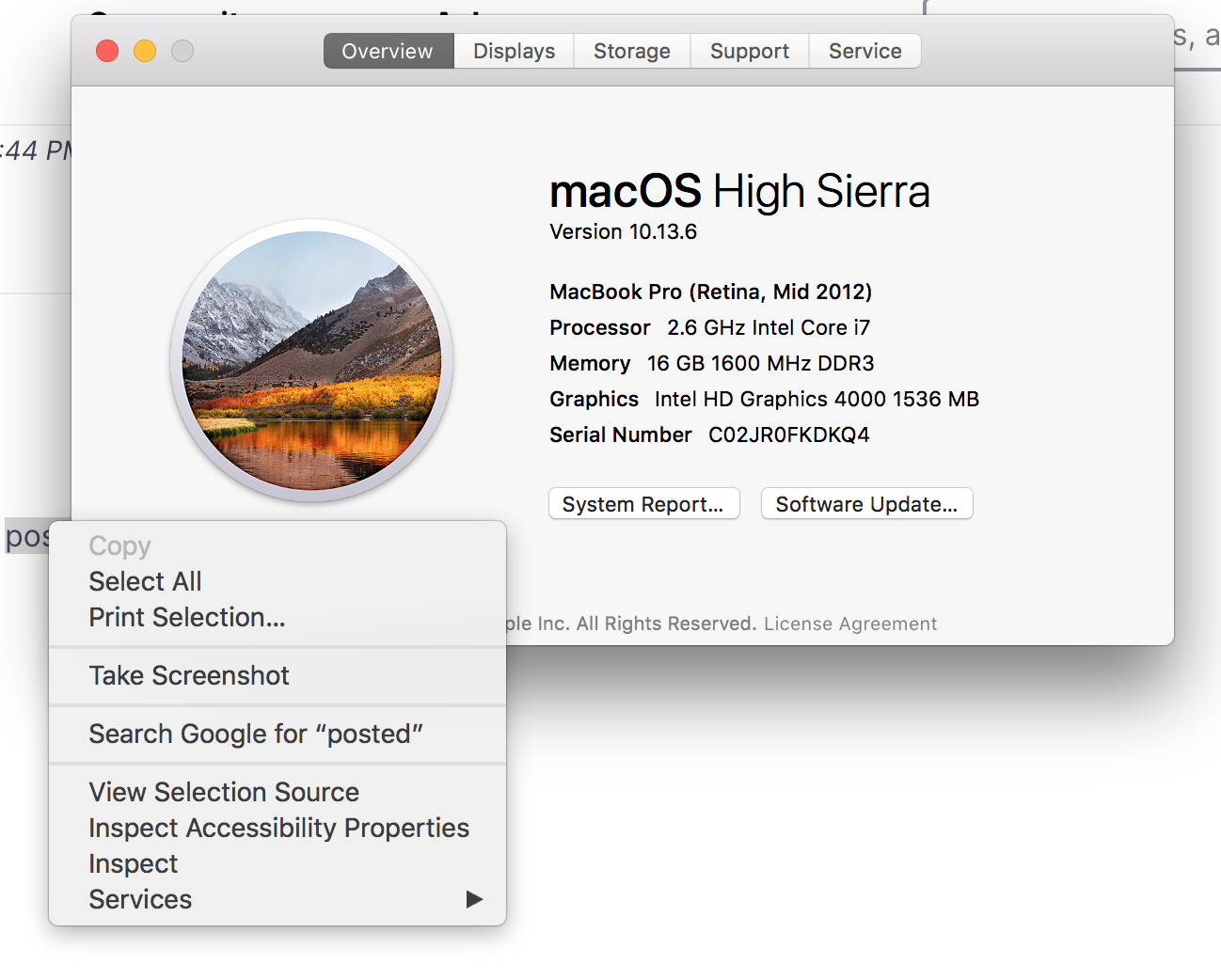
Similar to what I see on my mac running 10.13.6. Inspect is there, but not a letter. see screenshot Your suggestion will not be address here because it's not an issue, just something you want. Post it here ---> connect.mozilla.org and mark this as resolved. Jones out.
This could be a problem with using native context menus on Mac. Try to set widget.macos.native-context-menus => false in about:config.