


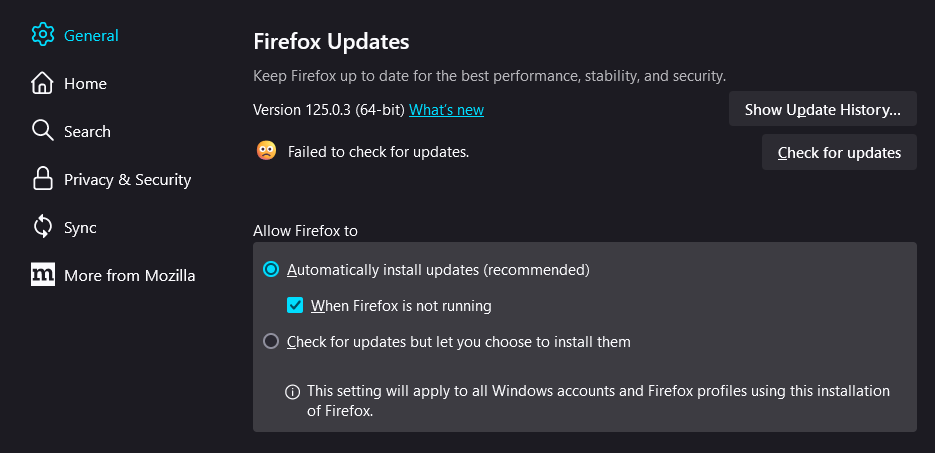
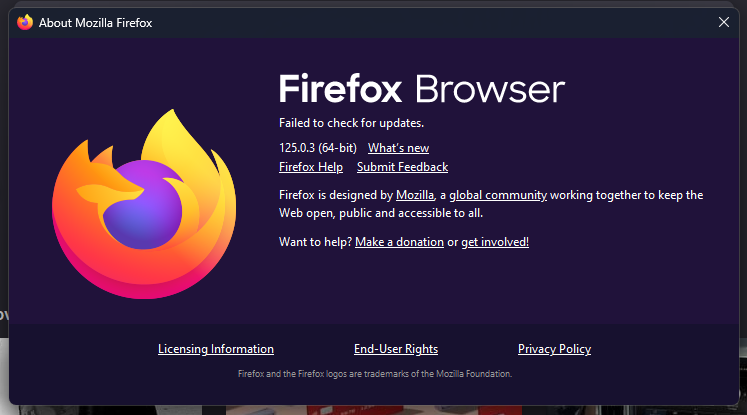
Failed to check for updates
I am running version 125.0.3 (64-bit) on Windows 11, and I can't check for updates and have to manually download each new version after given a popup telling me that the latest Firefox update couldn't be installed. I've tried restarting the computer, tried running the Mozilla Maintenance Service, and installing the latest updates for Firefox and Windows 11. Nothing I've tried has worked, and no other help article has helped me thus far.
Vybrané riešenie
It appears the issue has automatically fixed overnight. Firefox is able to check for updates again. Not sure what the cause was, but I should be fine now.
Čítať túto odpoveď v kontexte 👍 0Všetky odpovede (2)
I've seen other articles, no I do not have NordVPN installed, nor should anything else be blocking the updates from occurring. I've attatched another screenshot of the "Firefox couldn't be updated" popup, and I'm pretty sure re-installing Firefox doesn't change the version.

Vybrané riešenie
It appears the issue has automatically fixed overnight. Firefox is able to check for updates again. Not sure what the cause was, but I should be fine now.