


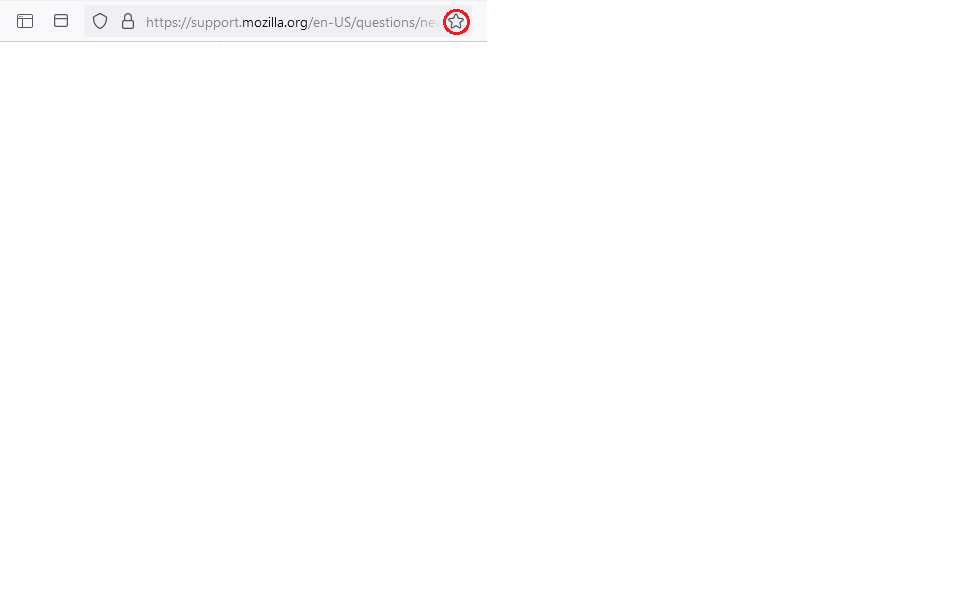
How to hide or disable the 'Bookmark this page' button in the location bar

I never use the 'Bookmark this page' button in the location bar. Meanwhile it takes precious real estate in the small location bar (I have many extension buttons in the toolbar). Is there a way to hide or disable this button?
Vybrané riešenie
You can hide it with a file named userChrome.css. Remove the blank space from the following.
https://www.userchrome. org/how-create-userchrome-css.html
This is the code to use in the file.
#star-button-box { display:none !important; }
Čítať túto odpoveď v kontexte
👍 1
Všetky odpovede (4)

Vybrané riešenie
You can hide it with a file named userChrome.css. Remove the blank space from the following.
https://www.userchrome. org/how-create-userchrome-css.html
This is the code to use in the file.
#star-button-box { display:none !important; }
I finally got around to implementing it. Unfortunately, the button remains. Although, I fully trust the solution should work, I could not make it work.
Did you use the exact file name and place it in the correct folder? Did you enable the use of style sheets in about:config? (Screenshot attached.)

Upravil(a) Terry dňa
Jup. Dumbass me overlooked naming error: userChromes.css. Solved.