


When trying to access local files, sometimes get 'Access to the file was denied'

Hi,
I'm trying to access locally-installed help files that are in /usr/share. When I try accessing anything starting with "file:///usr" in Firefox, I get "Access to the file was denied".
I've already set "security.fileuri.strict_origin_policy = false", which now let me access "file:///tmp", "file:///media" and "file:///home", but anything under "file:///usr" (and serveral other top-level directories) still returns the access denied error.
I'm running Firefox 102.0.1 (64-bit) on Ubuntu 22.04.1 LTS.
Všetky odpovede (6)
Examples please... Post a screenshot of the error and show the path and permissions of the file you're trying to access.
Permissions:
> $ ls -l /usr/share/libreoffice/help/index.html > -rw-r--r-- 1 root root 4013 Jun 1 14:06 /usr/share/libreoffice/help/index.html
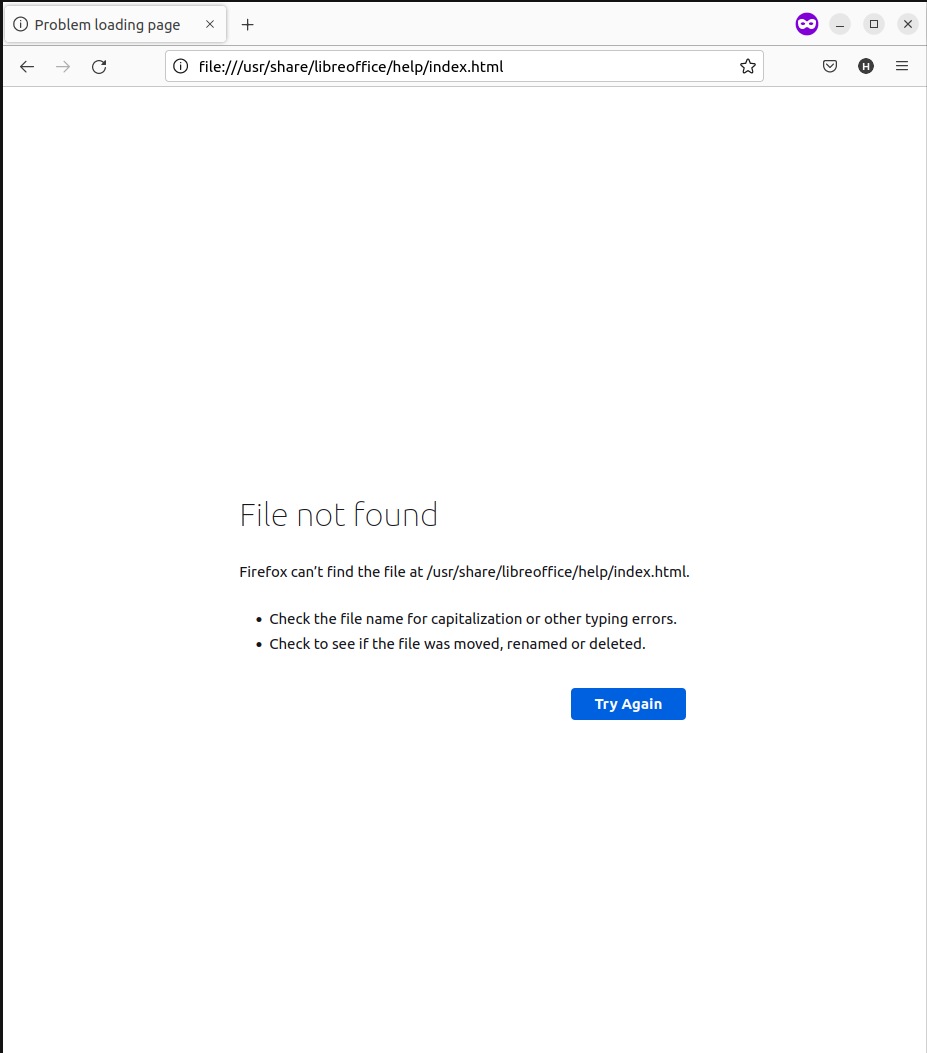
Screenshot of error attached.
If I copy index.html to /tmp, with the same permissions, I get the same error. Changing the owner of the file to myself also doesn't help. However, if I copy the file to my home directory, then firefox can access it.
And for completeness:
> $ ls -ld /usr/share/libreoffice/help/ > drwxr-xr-x 4 root root 4096 Jul 6 09:35 /usr/share/libreoffice/help/ > $ ls -ld /usr/share/libreoffice/ > drwxr-xr-x 6 root root 4096 Jul 6 09:35 /usr/share/libreoffice/ > $ ls -ld /usr/share/ > drwxr-xr-x 398 root root 12288 Jul 30 21:58 /usr/share/ > $ ls -ld /usr/ > drwxr-xr-x 14 root root 4096 Nov 22 2021 /usr/
Files under /usr/share/doc seem to be mostly accessible (with the same permission settings - 755 for directories, 644 for files, owner root, group root).
Is there some whitelist/blacklist controlling local file access?
How far do you get when you browse this file path starting with file:///usr/ or does file:///usr/ already fails?
- file:///usr/share/libreoffice/help/
Note that file access can also be blocked due to sandbox restraints.
Anything in the Browser Console ?
file:///usr returns 'Access Denied' file:///usr/share returns 'Access Denied' file:///usr/share/libreoffice returns 'Access Denied' file:///usr/share/libreoffice/help returns 'File not found'
file:///usr/share/doc show a listing of that directory
Nothing is showing up in the Web Console.
I tried setting "security.sandbox.content.read_path_whitelist" to "/usr/share/libreoffice/help/", but that doesn't help. Also tried running with MOZ_DISABLE_CONTENT_SANDBOX=1, also no improvement.