


Opening app keeps opening a new tab

Whenever the firefox app is opened (opened after crashing, after i swipe up to close it or sometimes randomly) it keeps opening a new tab every single time even though i still have a tab open and was on it previously.
How do i stop this because it’s seriously getting on my last nerve?
Vybrané riešenie
Go to Settings > About Firefox > Tap 5 Times > Debug: Toggle Start at Home: ON
I found the above workaround in another thread, works flawlessly.
Was so annoying, I ended up with 25+open tabs before I realized they opened automatically every time I launched Firefox in ios.
Čítať túto odpoveď v kontexte 👍 0Všetky odpovede (6)

To quote their latest update
"Start on Home Page
Firefox will start on your Home page every time you reopen the browser after a couple of hours to avoid distracting you with the tabs of your last session. "
I currently cannot find a way to disable this. So, hopefully someone else will find the answer.
Vybrané riešenie
Go to Settings > About Firefox > Tap 5 Times > Debug: Toggle Start at Home: ON
I found the above workaround in another thread, works flawlessly.
Was so annoying, I ended up with 25+open tabs before I realized they opened automatically every time I launched Firefox in ios.

Option appears not to exist anymore, at least for me. Same behaviour. Any other workarounds?
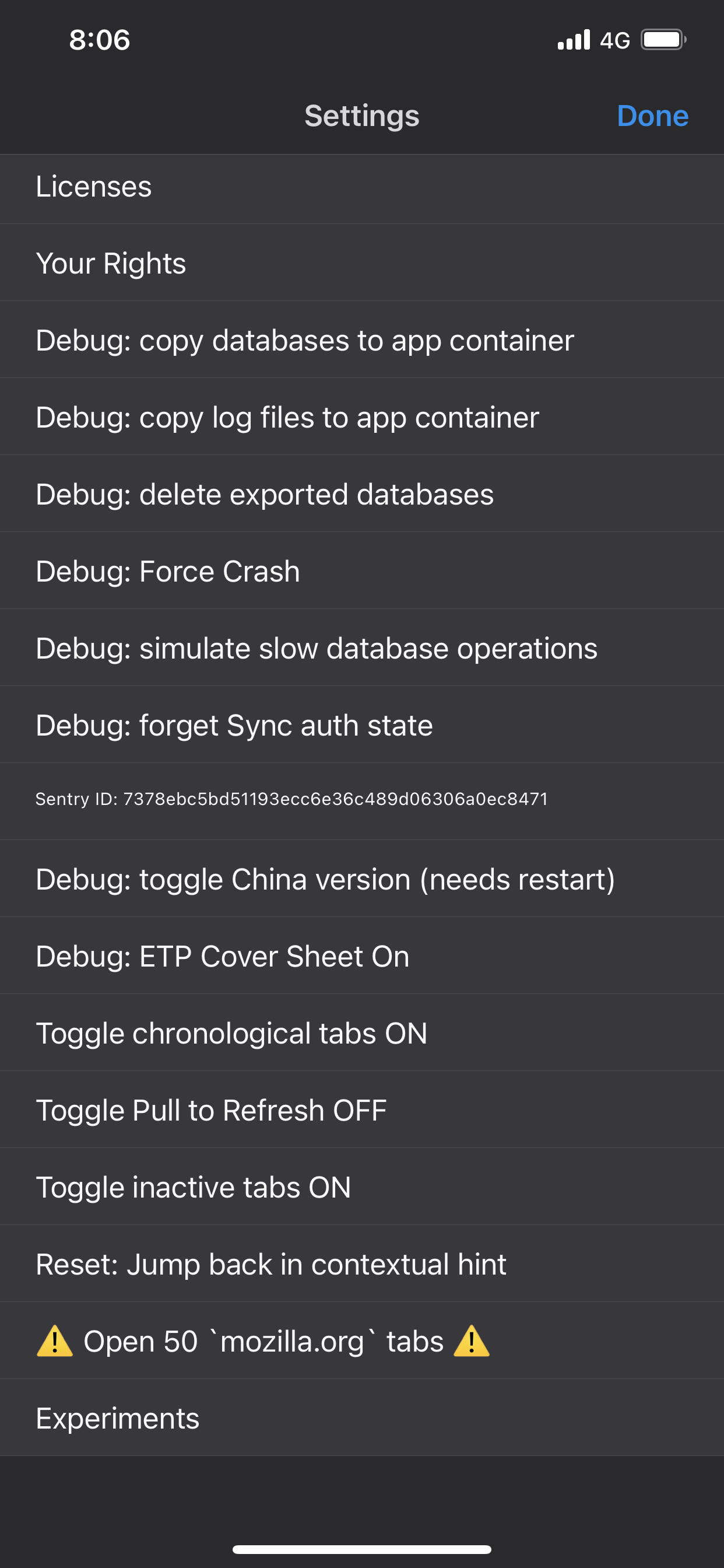
Ah, found it
https://support.mozilla.org/en-US/kb/choose-your-opening-screen-firefox-ios
So not settings anymore as of a week ago? Instead go to homepage > customise homepage > select last tab in the opening section, save

On IOS (or iPados), go to settings, tap on home page, in opening screen options, click on Last Tab.
This question has been locked because the original author has deleted their account. While you can no longer post new replies, the existing content remains available for reference.