

Táto téma bola archivovaná.
Ak potrebujete pomôcť, založte prosím novú otázku.

Archivované
Dark theme in Firefox Preferences windows
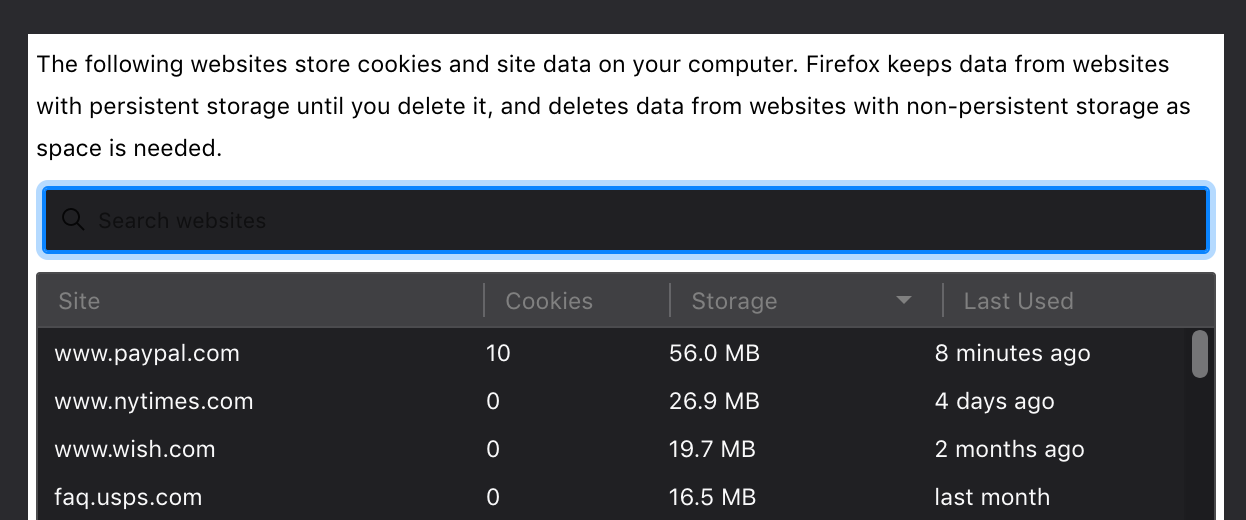
Although I use dark mode on my mac, I have firefox set to light mode theme, which pretty much works for the tabs and such. However, when I go into Preferences, the theme is dark and, for instance, if I want to search my cookies/cache to specifically remove some of them, the black font on top of the black entry field makes it impossible to see what I am typing. Is there any fix for this?
Although I use dark mode on my mac, I have firefox set to light mode theme, which pretty much works for the tabs and such. However, when I go into Preferences, the theme is dark and, for instance, if I want to search my cookies/cache to specifically remove some of them, the black font on top of the black entry field makes it impossible to see what I am typing. Is there any fix for this?
Všetky odpovede (3)
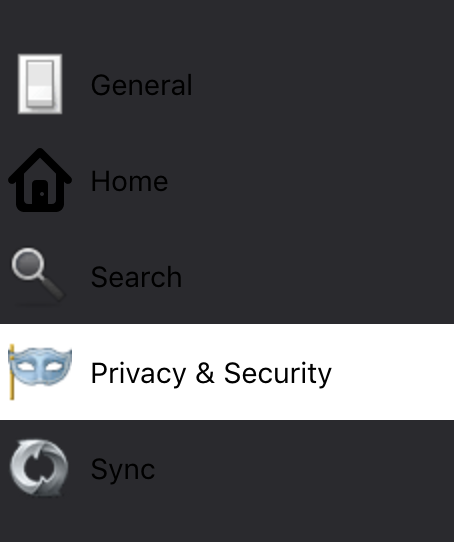
This is the way the sidebar looks. Not good.
Do you have the light theme enabled in Firefox via the customize window ?
Yes, I do. At least, I have set it under the 3 bar>Customize>Themes>Light Mode, as reported above. Is there a different place to do this, also?