


Strange lines are apearing when I open new page in new tab. They are on white page (new tab) before page I wanted shows up.

They are on white surface before page I wanted shows up. They are also sometimes beetween my bookmarks on bookmark toolbar, sometimes they are on the new tab (where the name of the tab is)
They are on white surface before page I wanted shows up. They are also sometimes beetween my bookmarks on bookmark toolbar, sometimes they are on the new tab (where the name of the tab is)
Všetky odpovede (3)
Can you provide a screenshot of that?
https://support.mozilla.org/en-US/kb/how-do-i-create-screenshot-my-problem
It is best to use a compressed image type like PNG or JPG to save the screenshot and make sure that you do not exceed a maximum file size of 1 MB.
Then use the Browse .... button below the Post a Reply text box to upload the screenshot.
here is the one with new page/boomarks and one with lines on tab
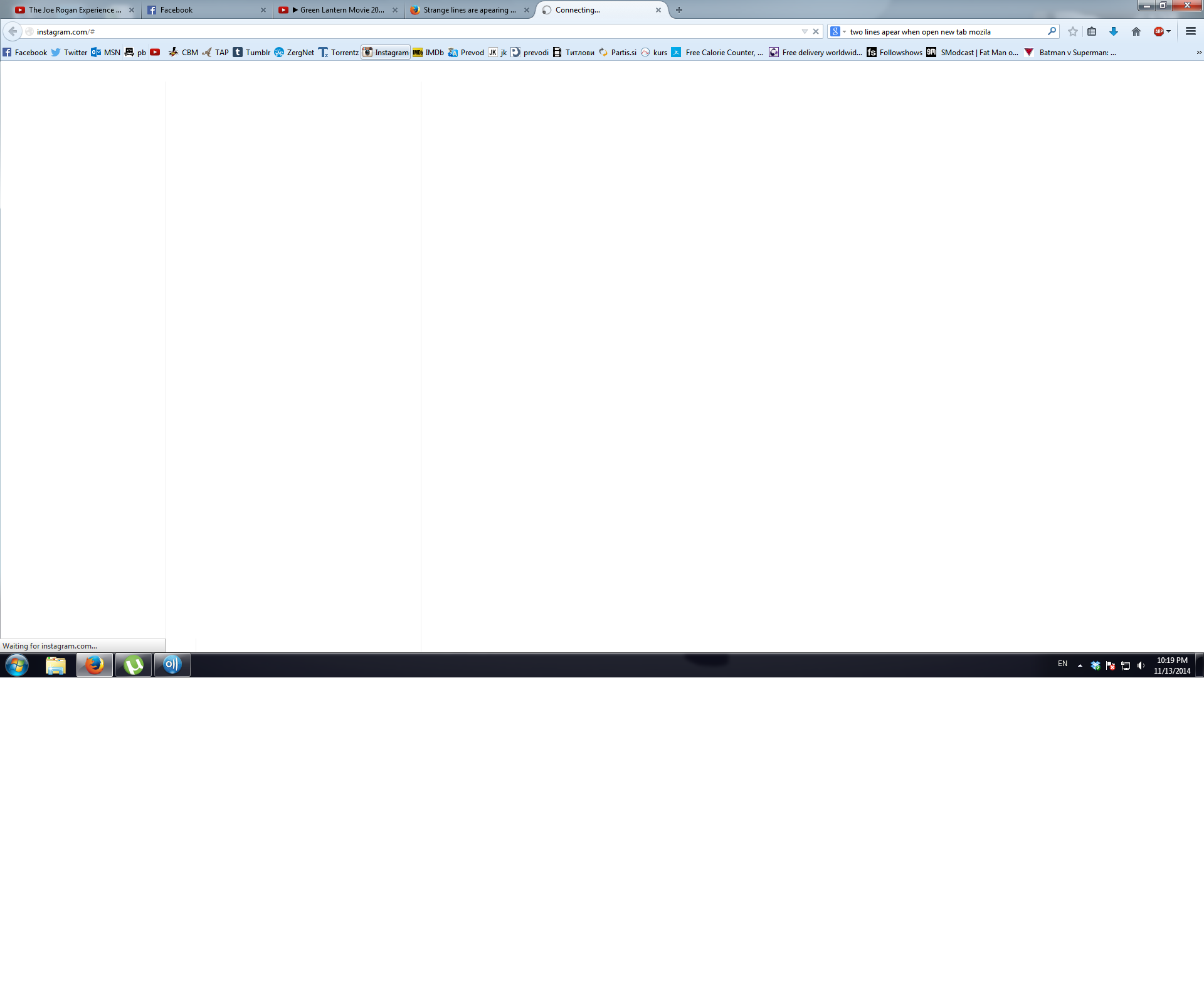
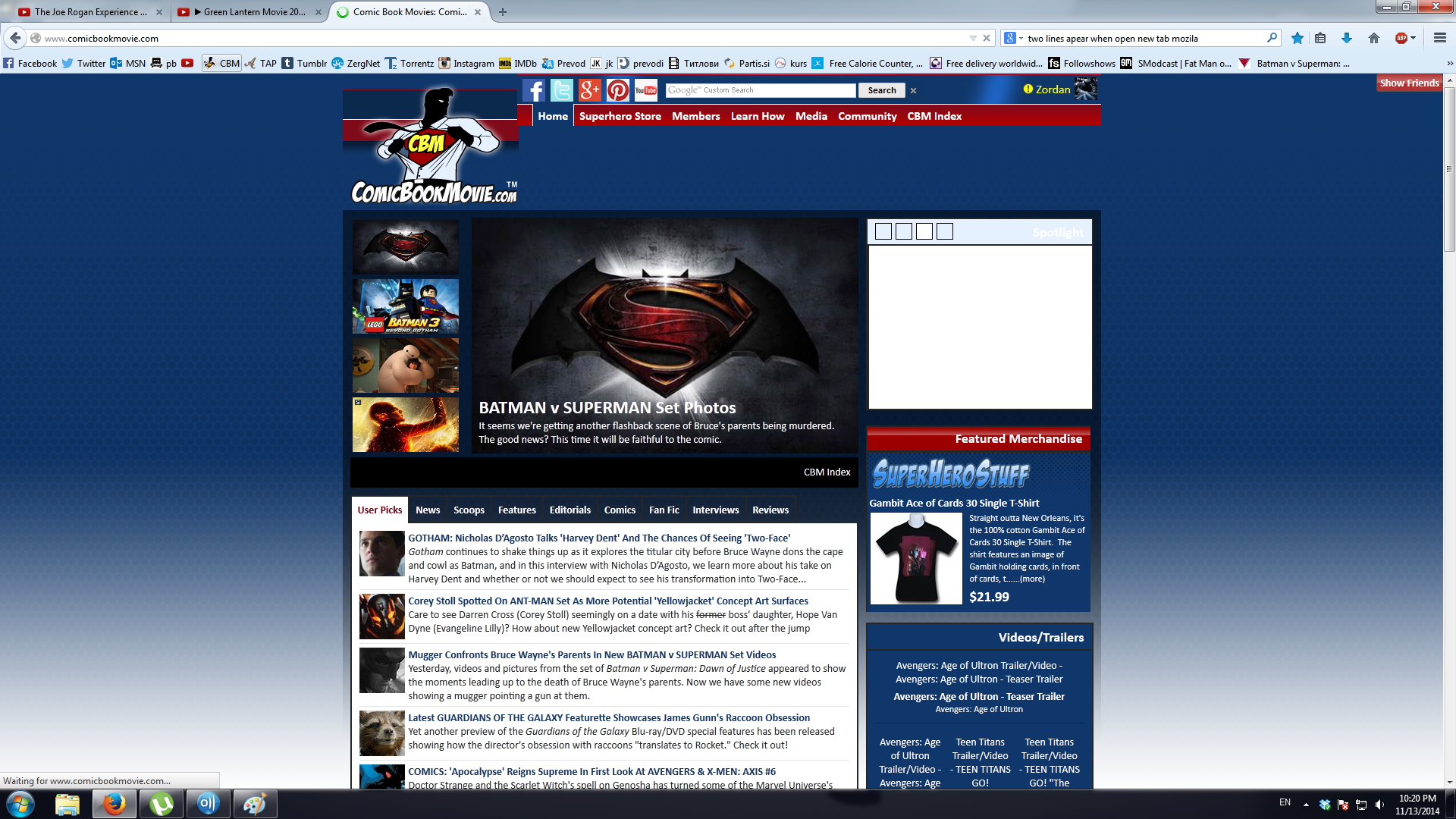
so? :)