


Whole websites showing as weird characters

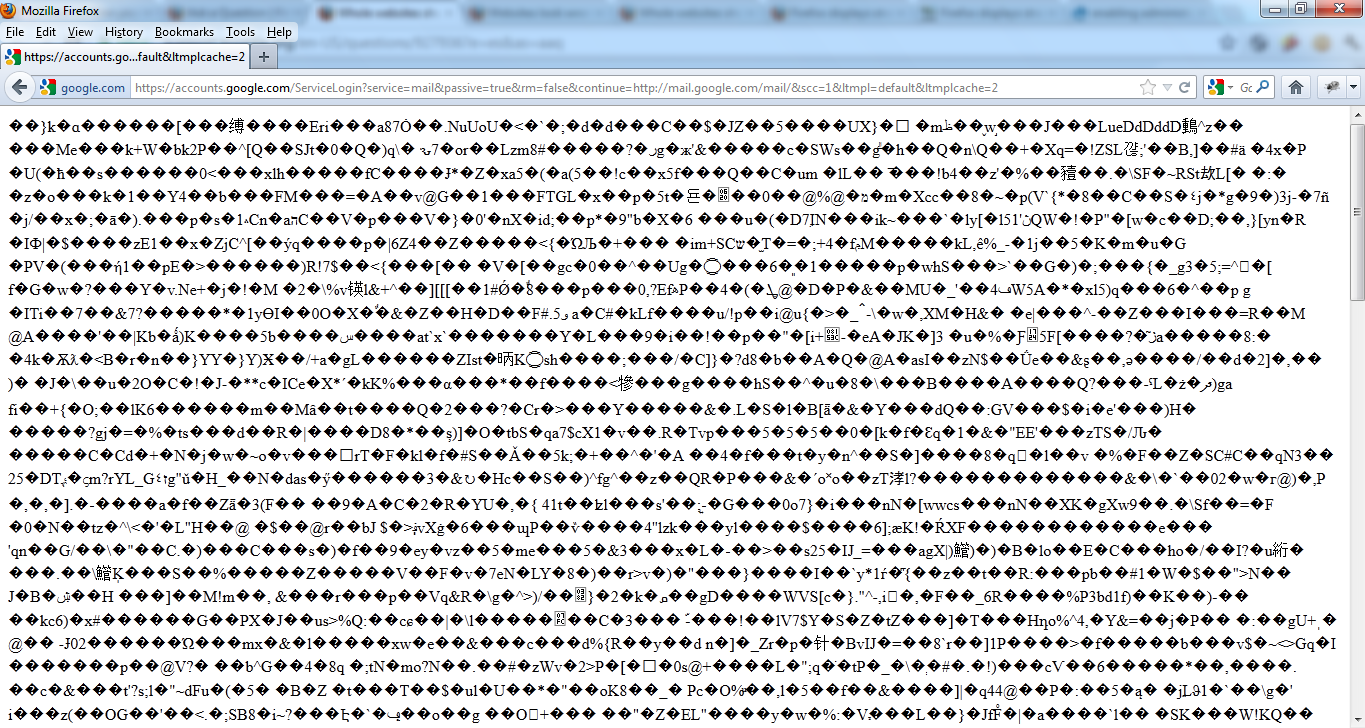
I've tried to resolve this myself for several weeks but certain pages and websites appear like this and it's really bugging me. The same pages are fine on my laptop with Firefox.
They work fine with Internet Explorer...
Things I've tried:
Following tutorials for similar problems Changing character encoding several times Restarting with everything disabled Reinstalling
Screenshot:

Modificat la de Odinson
Soluție aleasă
You can check the network.http.* prefs on the about:config page and reset all bold user set network.http prefs to the default value via the right-click context menu -> Reset.
Check at least:
- network.http.accept-encoding: gzip,deflate
Toate răspunsurile (12)
Clear the cache and the cookies from sites that cause problems.
"Clear the Cache":
- Tools > Options > Advanced > Network > Offline Storage (Cache): "Clear Now"
"Remove Cookies" from sites causing problems:
- Tools > Options > Privacy > Cookies: "Show Cookies"
Also make sure that your security software (firewall) isn't modifying the HTPP response header.
Remove all rules for Firefox and the plugin-container from the permissions list in the firewall and let your firewall ask again for permission to get full unrestricted access to internet for Firefox and the plugin-container process and the updater process.
See:
Thanks cor-el but it still doesn't work.
I cleared the Cache and tried to "Remove Cookies" but couldn't find anything to do with Cookies under Privacy. I also can't find anything to do with Mozilla/Firefox in AVG or Windows Firewall which might be causing a problem.
The problem's on popular sites like Runescape (Billing) and Torrent sites.
Hi Odinson, May I know the operating system you are using.
Your screenshot shows binary data and is not the result of a wrong encoding.
Do you see that web page correctly if you use a site like Google Translate with a random source language to view the page?
Windows 7
I wasn't sure what it was, probably why none of the wrong encoding tutorials I follow ever help. Yes, the text shows but in basic HTML.
Hi Guys, I use Firefox 13.0, Windows 7 Professional. When i open gmail they open up in weird charaacters only. Please see the attached screen cast.
Edit: I have now updated to Firefox 13.0.1 but the issue persists...
Modificat la de asifbalgar
I'm still having this issue too! Websites like Twitter are appearing like this now too.
Soluție aleasă
You can check the network.http.* prefs on the about:config page and reset all bold user set network.http prefs to the default value via the right-click context menu -> Reset.
Check at least:
- network.http.accept-encoding: gzip,deflate
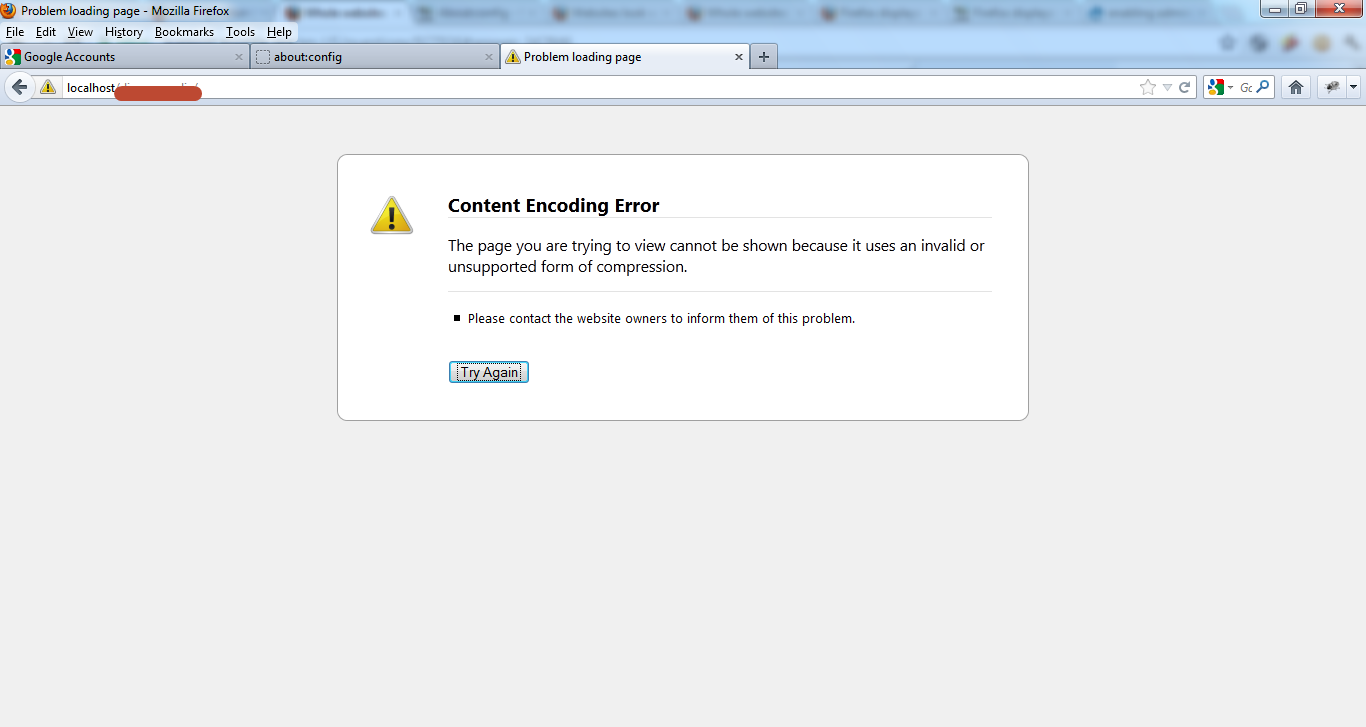
Yes that solves it. But my website[my project] gives me an encoding error[because of which i had done those change]. Can you tell me why such error occurs so that i can fix it in my site?
Modificat la de asifbalgar
Thanks! You've just solved a problem I've had for months.
quote:
But my website[my project] gives me an encoding error[because of which i had done those change]. Can you tell me why such error occurs so that i can fix it in my site?
Sounds that the server isn't configured properly and isn't sending the files with the correct compression.