


Older tabs not working after latest Firefox update

Hello,
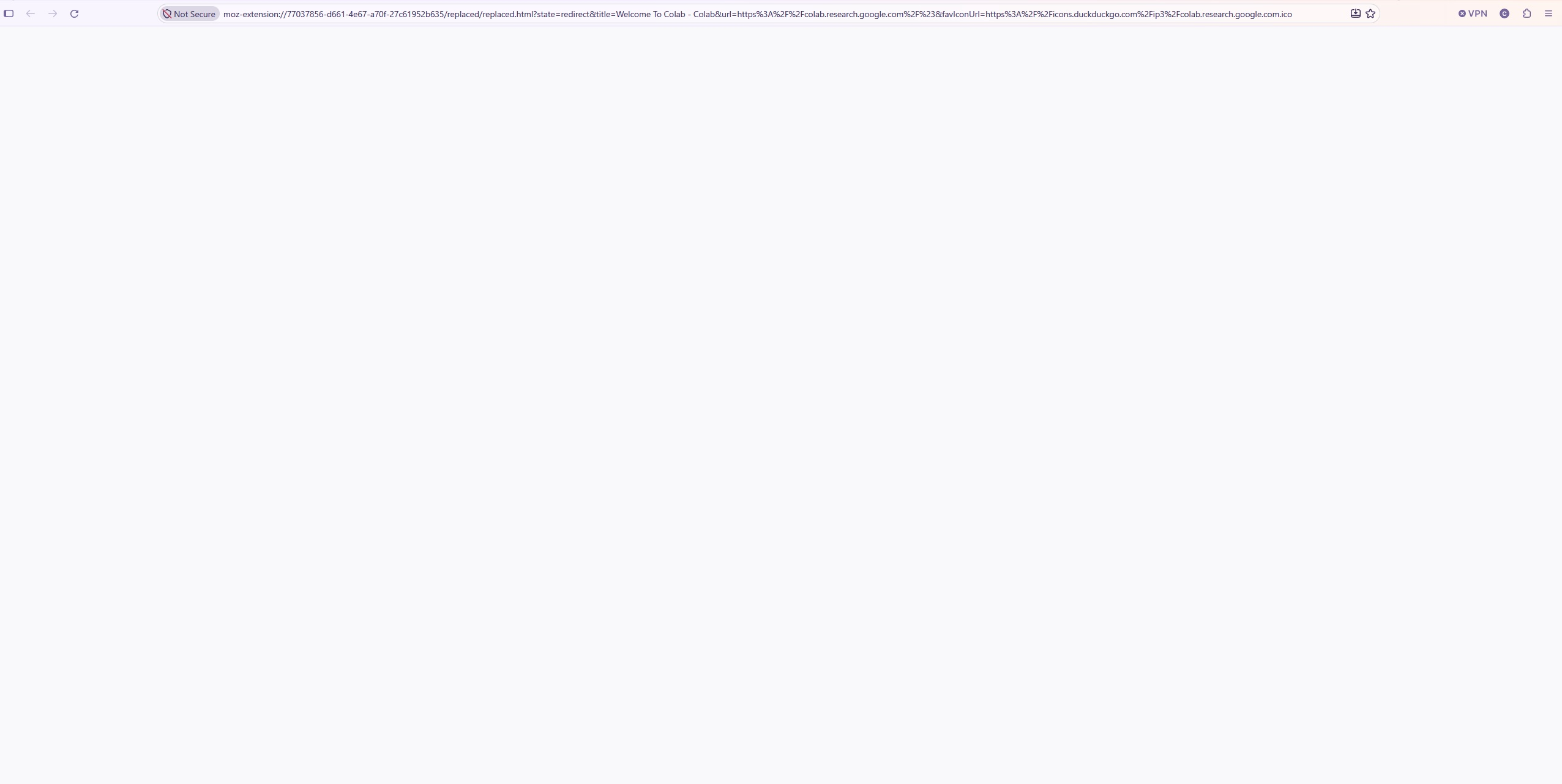
After FireFox latest update (3 days for me), I got in my browse some tabs that were restored normally, but some are stuck in some FF format (for example. Google Colab link went to moz-extension://77037856-d661-4e67-a70f-27c61952b635/replaced/replaced.html?state=redirect&title=Welcome%20To%20Colab%20-%20Colab&url=https%3A%2F%2Fcolab.research.google.com%2F%23&favIconUrl=https%3A%2F%2Ficons.duckduckgo.com%2Fip3%2Fcolab.research.google.com.ico
and is unusable. Problem I have many other tabs in this status.
How can it be fixed?
Thanks
Toate răspunsurile (1)
Did you use any extension for tab / page management that you potentially disabled or uninstalled in the meantime?
If you open about:debugging#/runtime/this-firefox is there an addon with that ID (77037856-d661-4e67-a70f-27c61952b635) listed? What is that?
If that addon is no longer available and able to load such tab content, you'd need to fix each location manually (there's the original link still encoded even in those broken links, so you can salvage them if need be…)