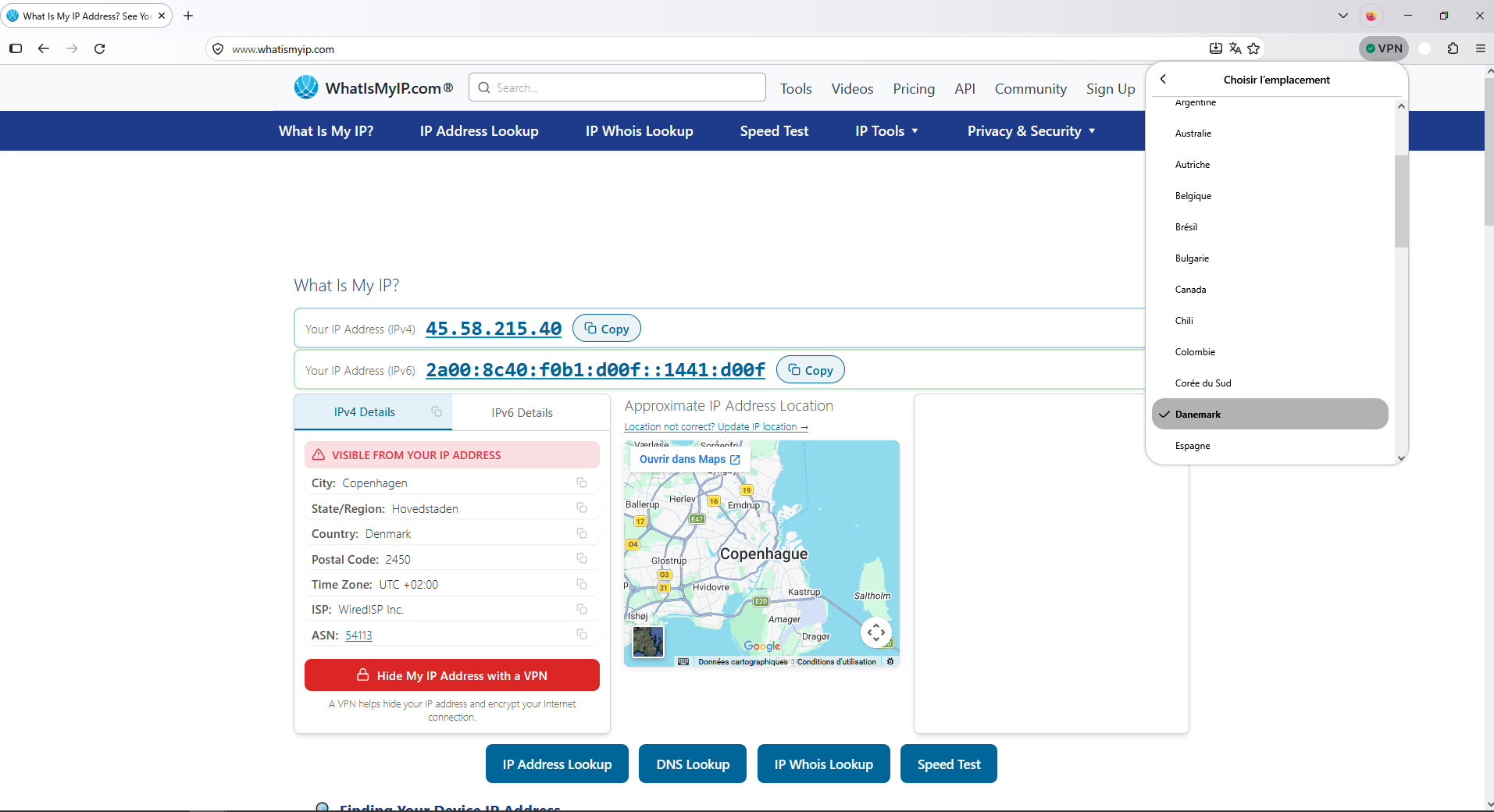
I would like to determine which server I am using when connecting to the built-in VPN using the "Location:Recommended" setting.

I would like to determine which server I am using when connecting to the built-in VPN using the "Location:Recommended" setting.
Toate răspunsurile (7)
Bonjour
Use built-in VPN in Firefox https://support.mozilla.org/en-US/kb/built-in-vpn
Just to see.
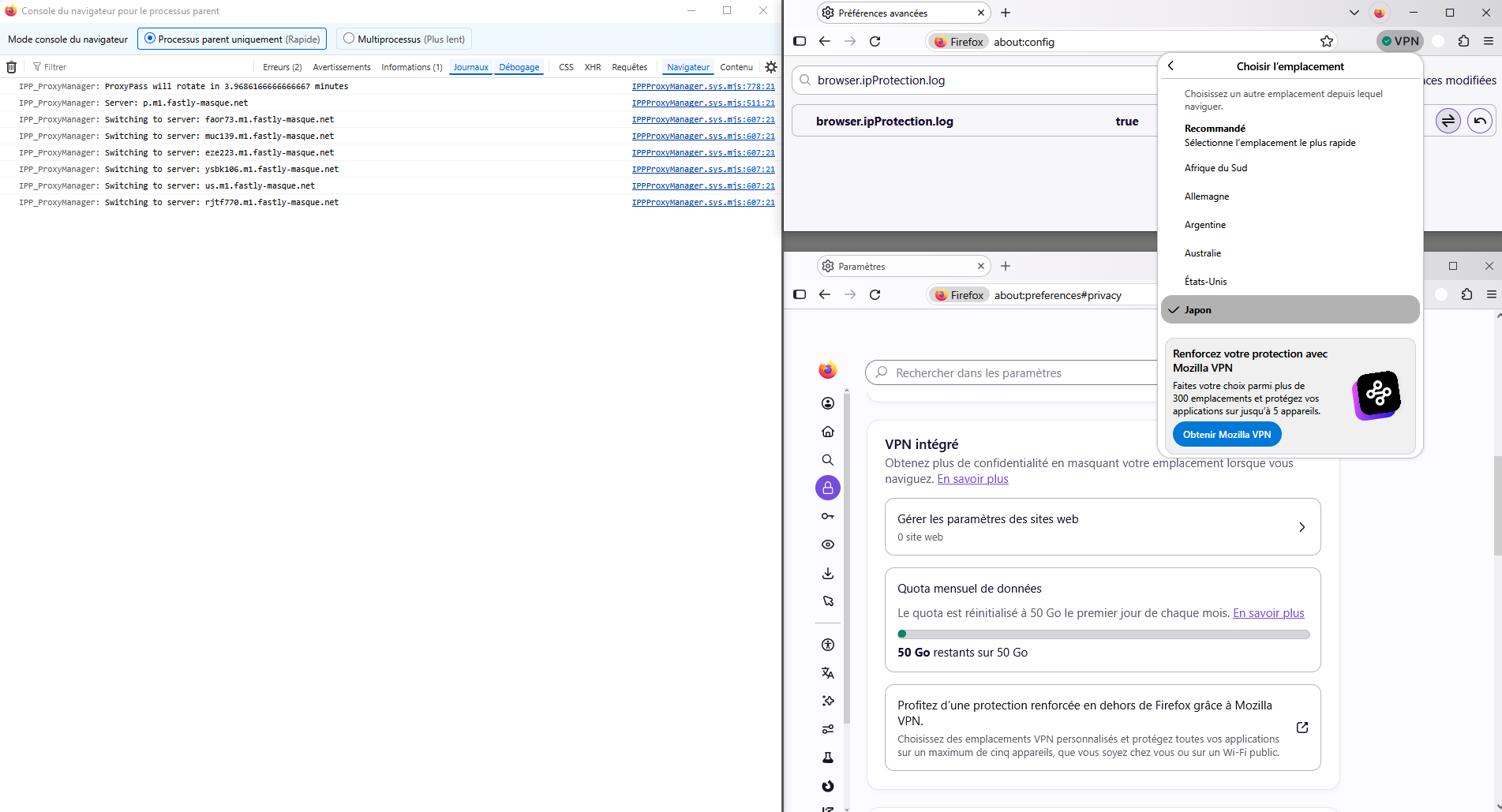
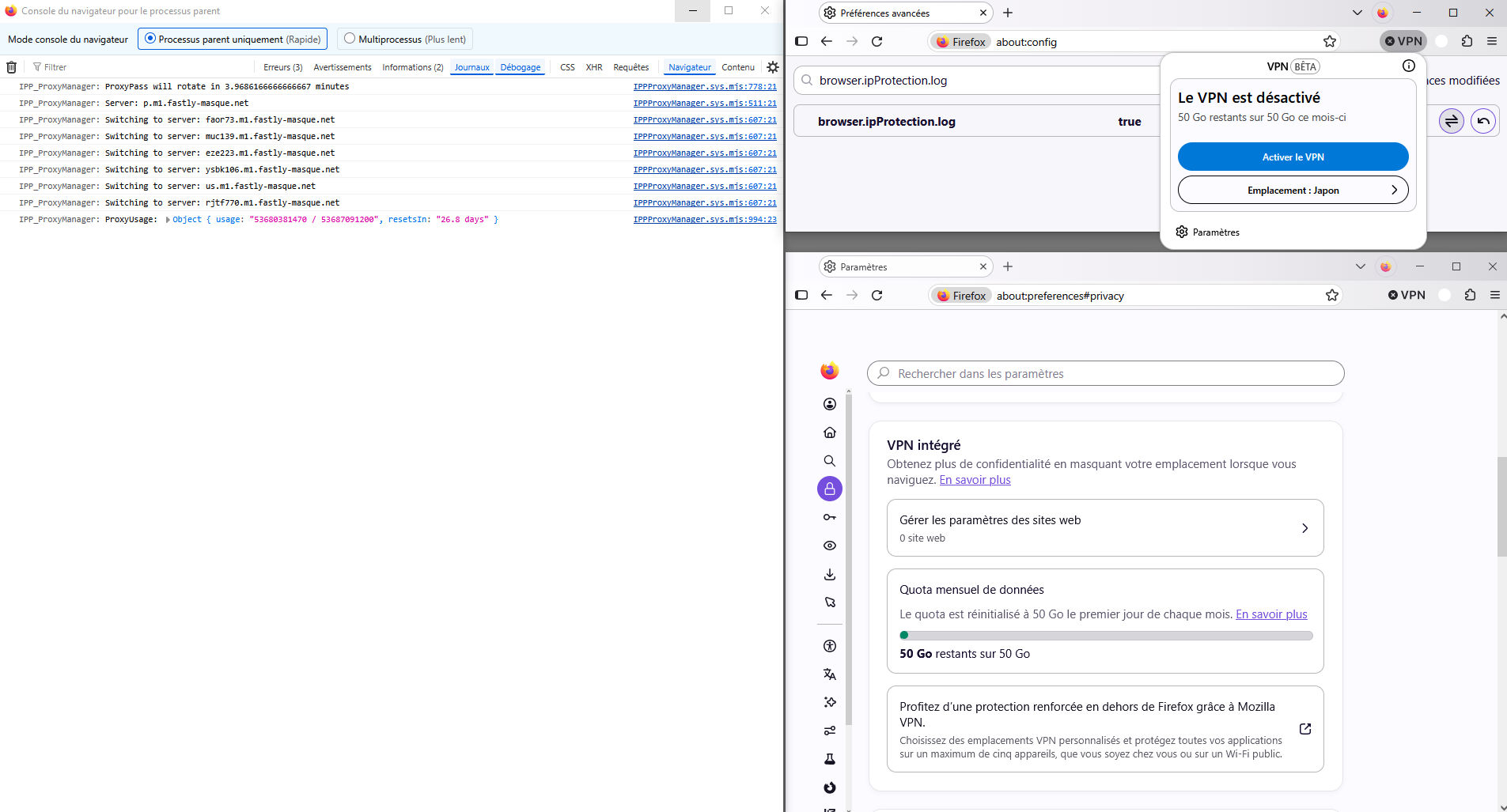
According to, about:config, the preference, browser.ipProtection.log, value true
1 - Go to configuration editor https://support.mozilla.org/en-US/kb/about-config-editor-firefox 2 - Enter a search term browser.ipProtection.log
3 - Open the Browser Console https://firefox-source-docs.mozilla.org/devtools-user/browser_console/index.html
Je vis en France. Utiliser le VPN intégré à Firefox https://support.mozilla.org/fr/kb/vpn-integre
In order, Recommandé, Afrique du Sud, Allemagne, Argentine, Australie, États-Unis, Japon.
Modificat la de Agent virtuel
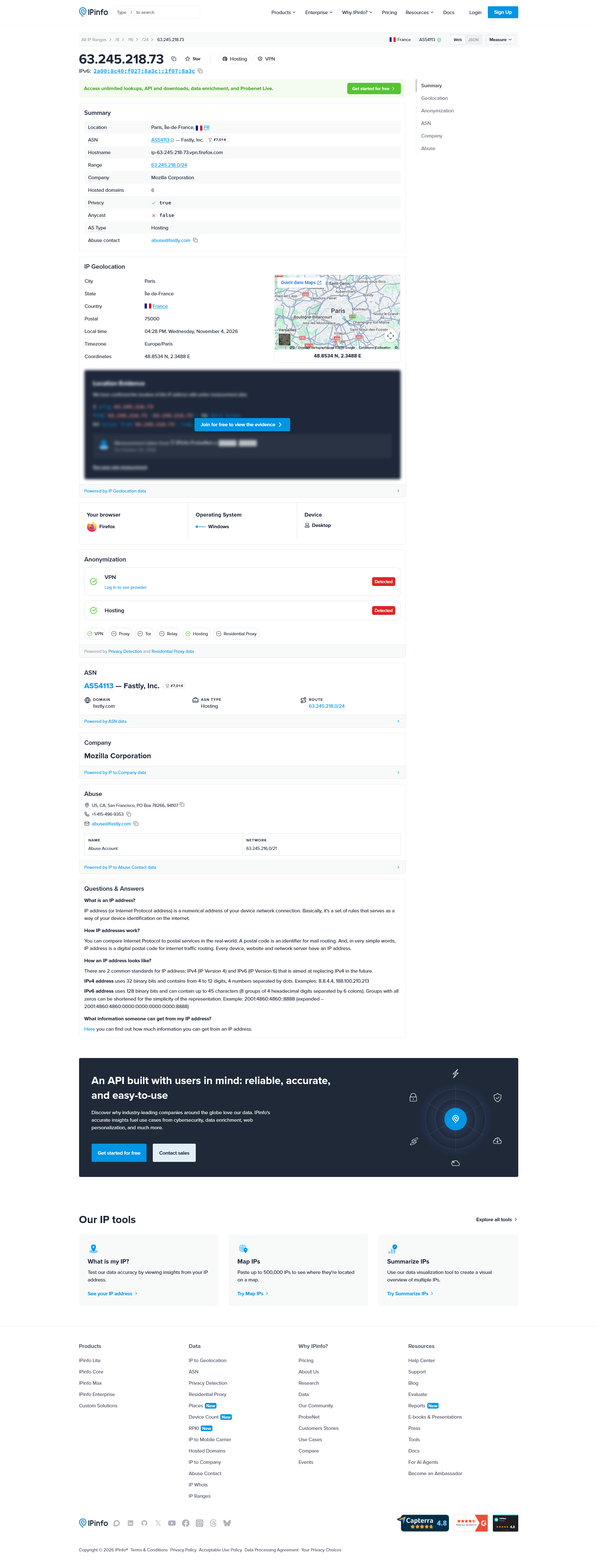
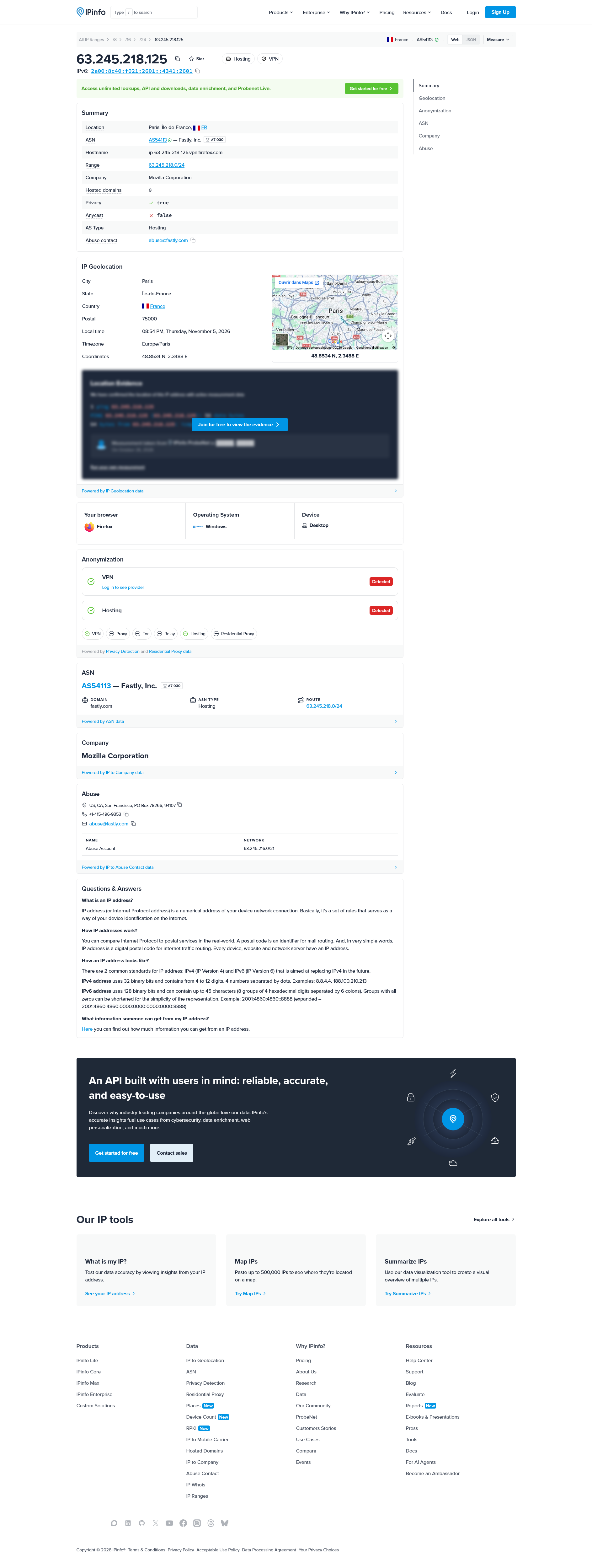
You basically go to an IP location site as ipinfo.io/what-is-my-ip to check where the connection appears to originate from.
Recommandé, ok ce n'est pas mon ip, néanmoins, je suis localisé, région Île-de-France, ma région de vie.
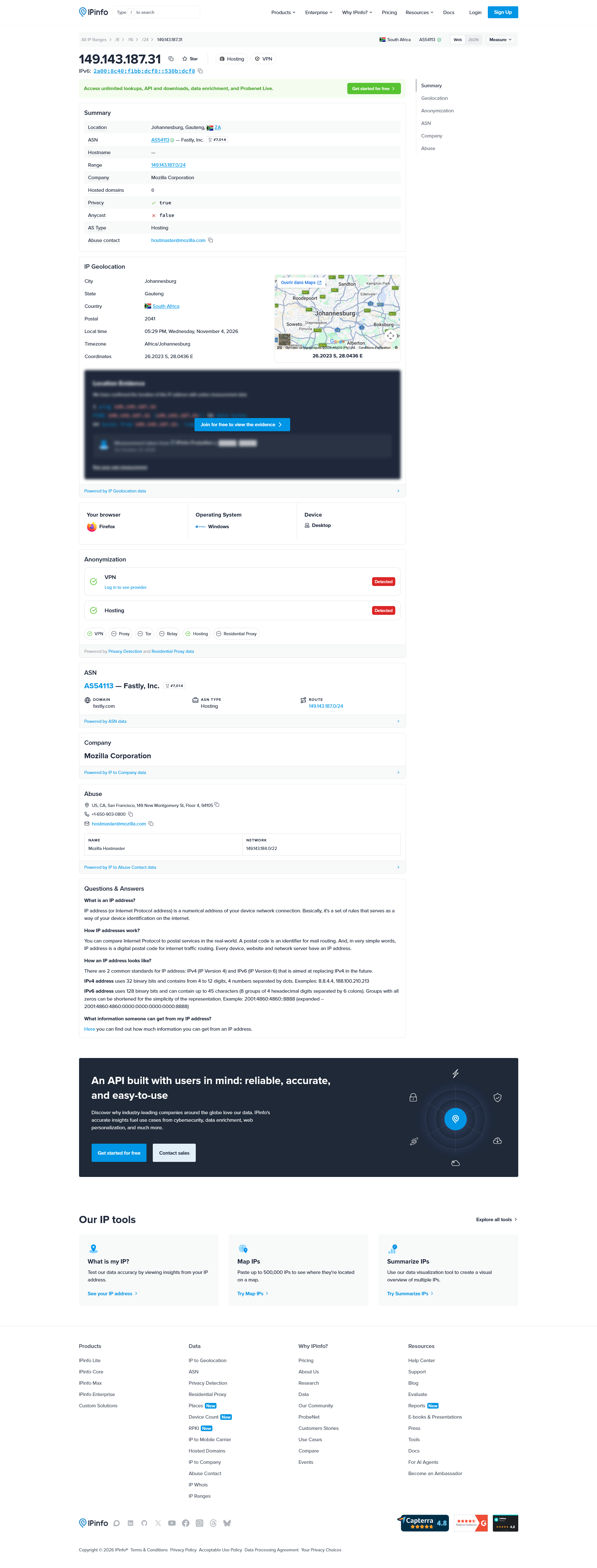
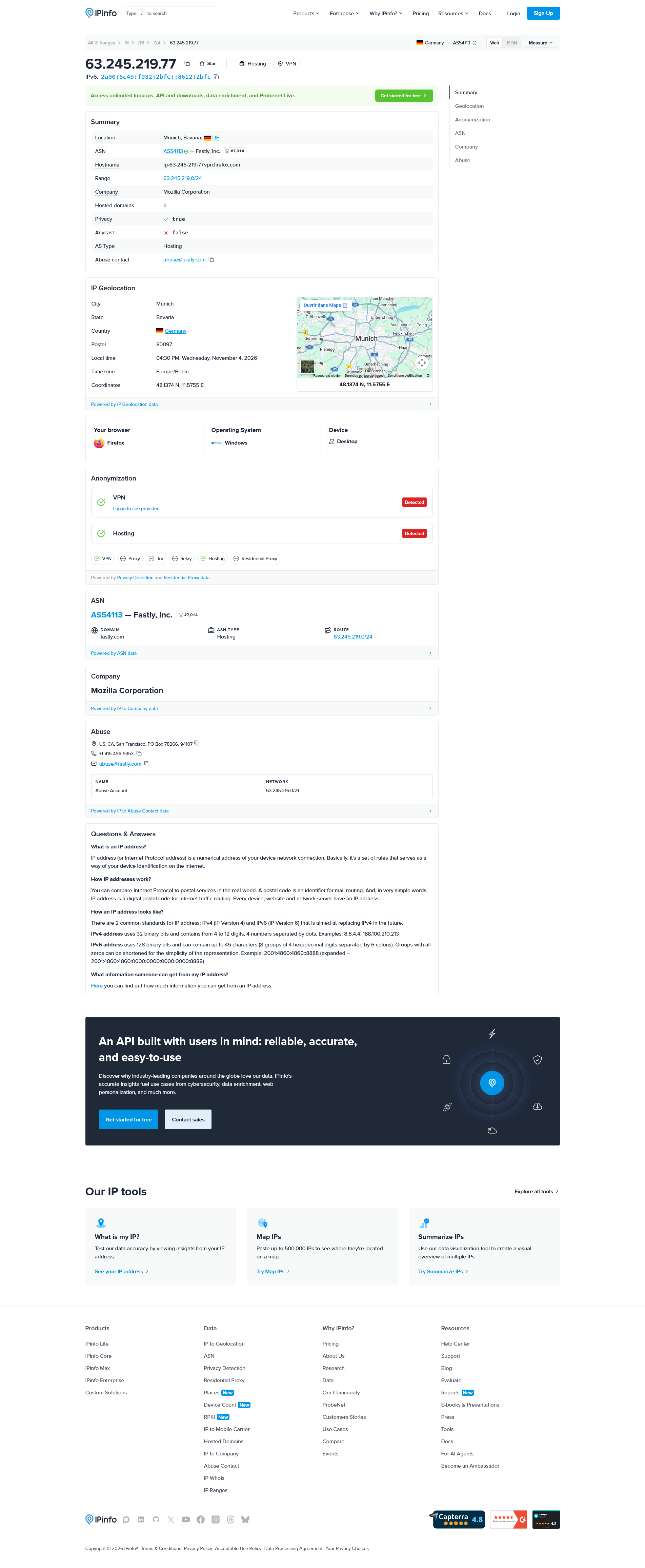
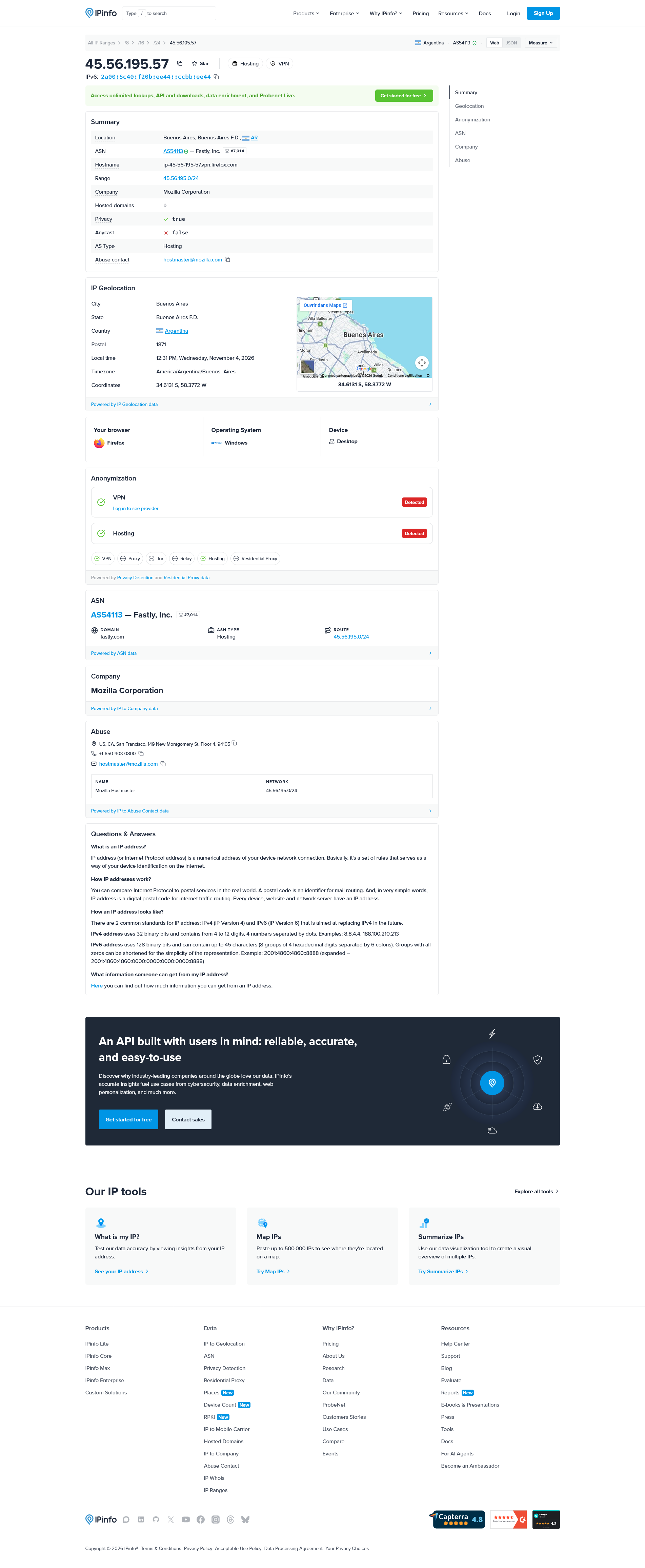
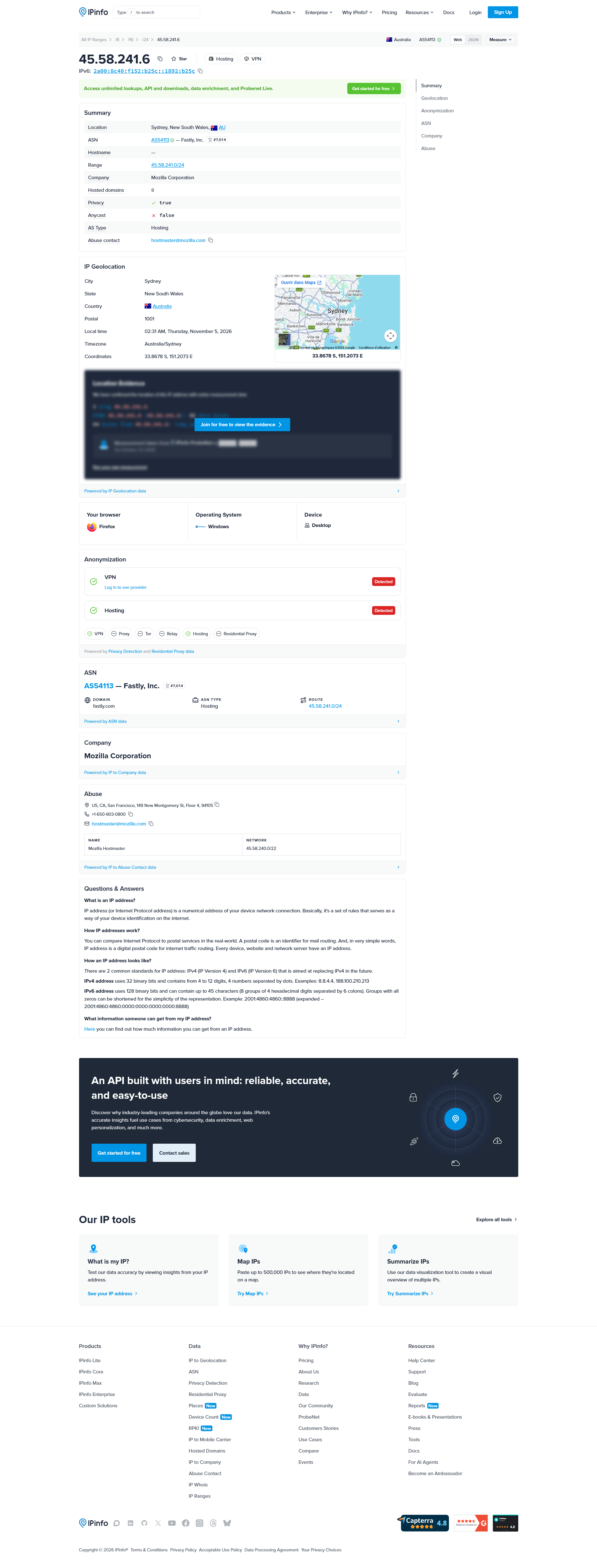
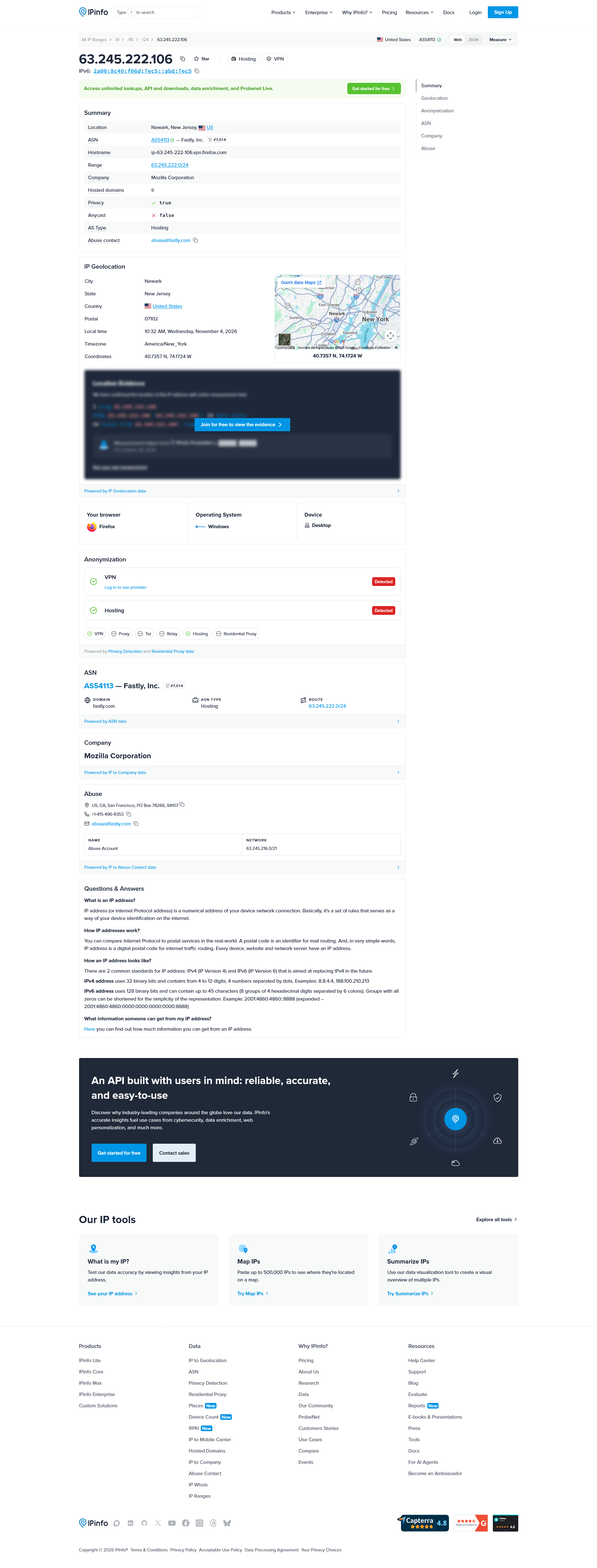
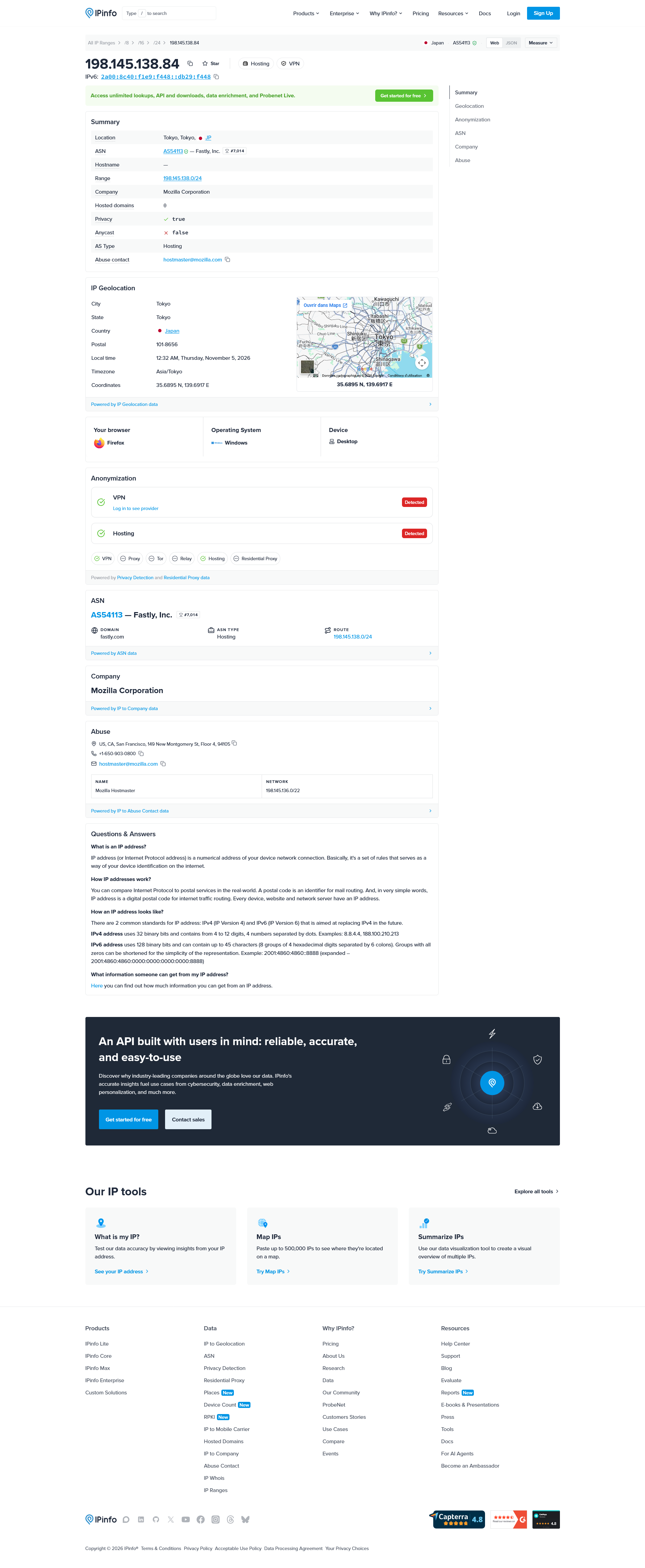
Modificat la de Agent virtuel
Bonjour
A space for users to give feedback, your feedbacks?
Bonsoir
Recommended, the location closest to you by default. Ce n'est pas mon ip.

If you are using a built-in VPN with the "Location: Recommended" setting, the VPN service usually selects a server automatically based on factors such as your location, server availability, and connection speed.
To determine which server you are connected to, try these steps:
1. Connect to the VPN: Open your VPN settings and select "Location: Recommended." 2. Check the VPN application:Look for connection details, server information, or a status section. Some VPNs display the selected server name or location. 3. Check your IP address:Visit a website such as [WhatIsMyIP](https://www.whatismyip.com/) to see your public IP address and approximate location. 4. Use the VPN provider's support: If the exact server name or server ID is not displayed, contact the VPN provider and ask whether they can identify the selected server.
The exact method depends on which VPN service you are using.
Bonjour
For information. Take a look at https://support.mozilla.org/en-US/questions/1616400#answer-1861233
Just to see.