some sites dident open. why?
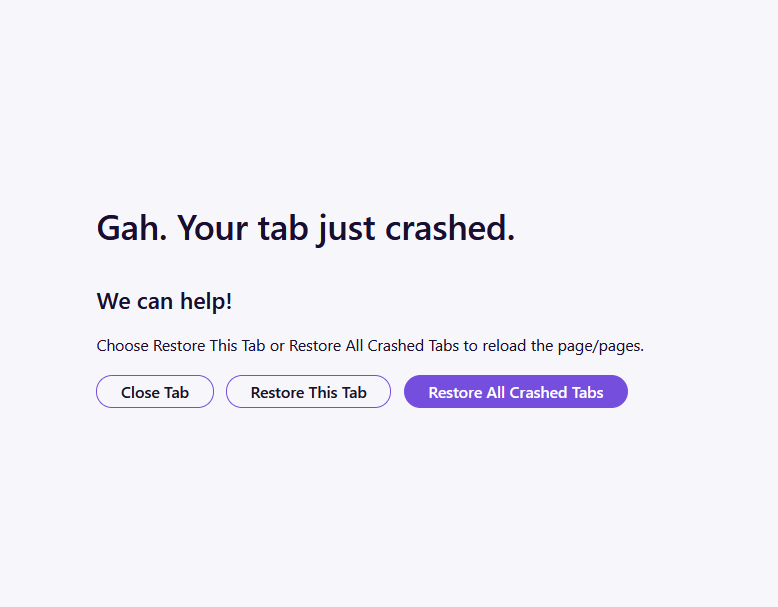
hello support team. after updating Firefox to latest 159.0 i faced crash error to opening some sites like www.digikala.com and so on. i want to ask you what should i do ? earlier i can use every sites and i uninstall completely and install again . nothing fix. so please help me to solve this issue. thanks
Toate răspunsurile (2)
Sorry to hear that Firefox is crashing. In order to assist you better, please follow the steps below to provide the crash IDs to help understand more about your crash:
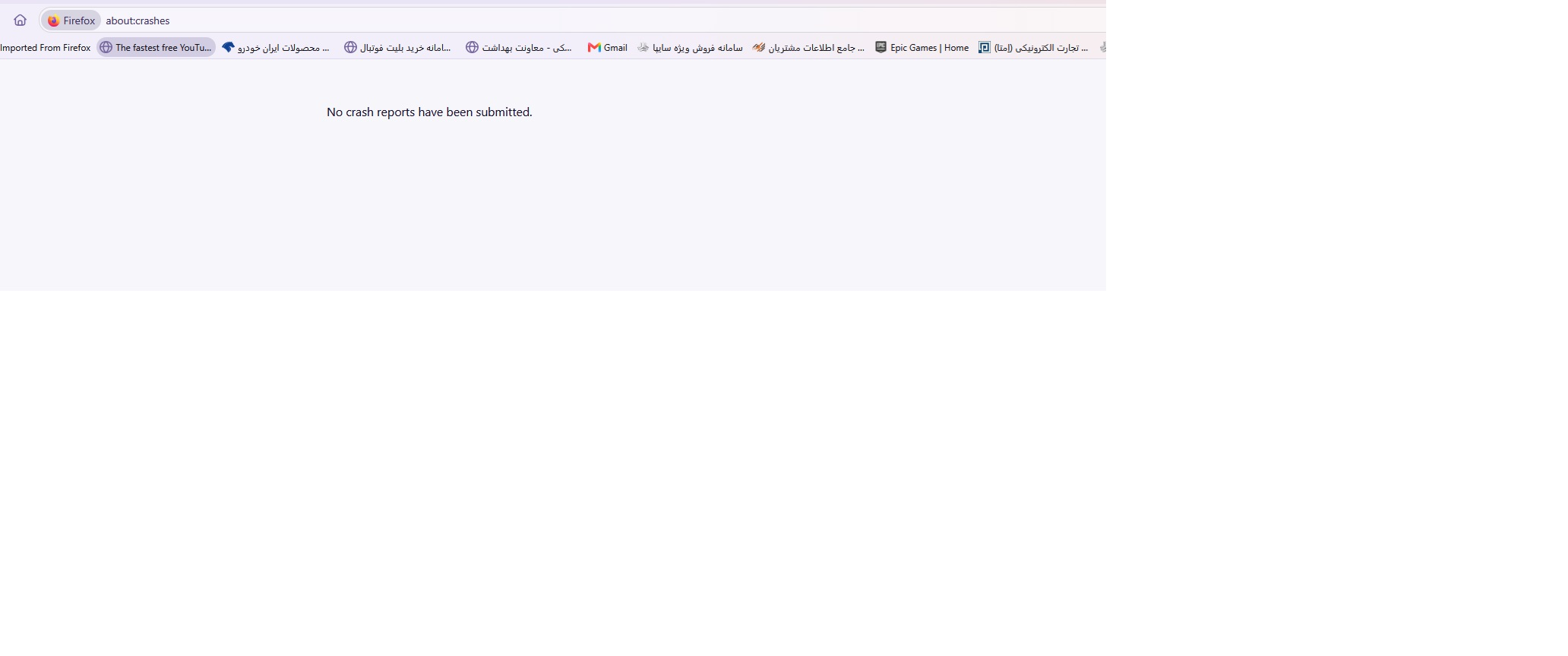
- Enter about:crashes in the Firefox address bar and press Enter. A list of Submitted (and Unsubmitted, if any) Crash Reports will appear, similar to the one shown below.
- Copy the 5 most recent Submitted Report IDs that start with bp- and then go back to your forum question and paste those IDs into the "Post a Reply" box.
Note: If a recent Report ID does not start with bp- click on it to submit the report.
(Please don't take a screenshot of your crashes, just copy and paste the IDs. The below image is just an example of what your Firefox screen should look like.)

More information and further troubleshooting steps can be found in the Troubleshoot Firefox crashes (closing or quitting unexpectedly) article.
Ideally try capturing a crash ID while running in Troubleshoot Mode (from Help menu) with no addons loaded etc., to eliminate any external factor interfering.
No crash reports have been submitted.
when i visit sites like: www,digikala.com www.amd.com
faced above problem
and the last problem is i cant login my modem panel by : 192.168.1.1 but chrome can easily do it all above sites !