


how to get rid of tabs bar at top of screen

how to get rid of tabs bar at top of screen?
Toate răspunsurile (2)
You can full screen into Firefox and most other applications by either pressing F11 or function+F11. You can get out of this by doing the same thing. This will remove the tabs bar at the top of the screen unless you hover over it, in which case it will temporarily appear.
Alternatively, there is an option in the settings to move the tabs bar to the left hand side of your screen. You can do this in Settings, under "Tabs and Browsing." It is then at the top of the page and under "browser layout."
Bonjour
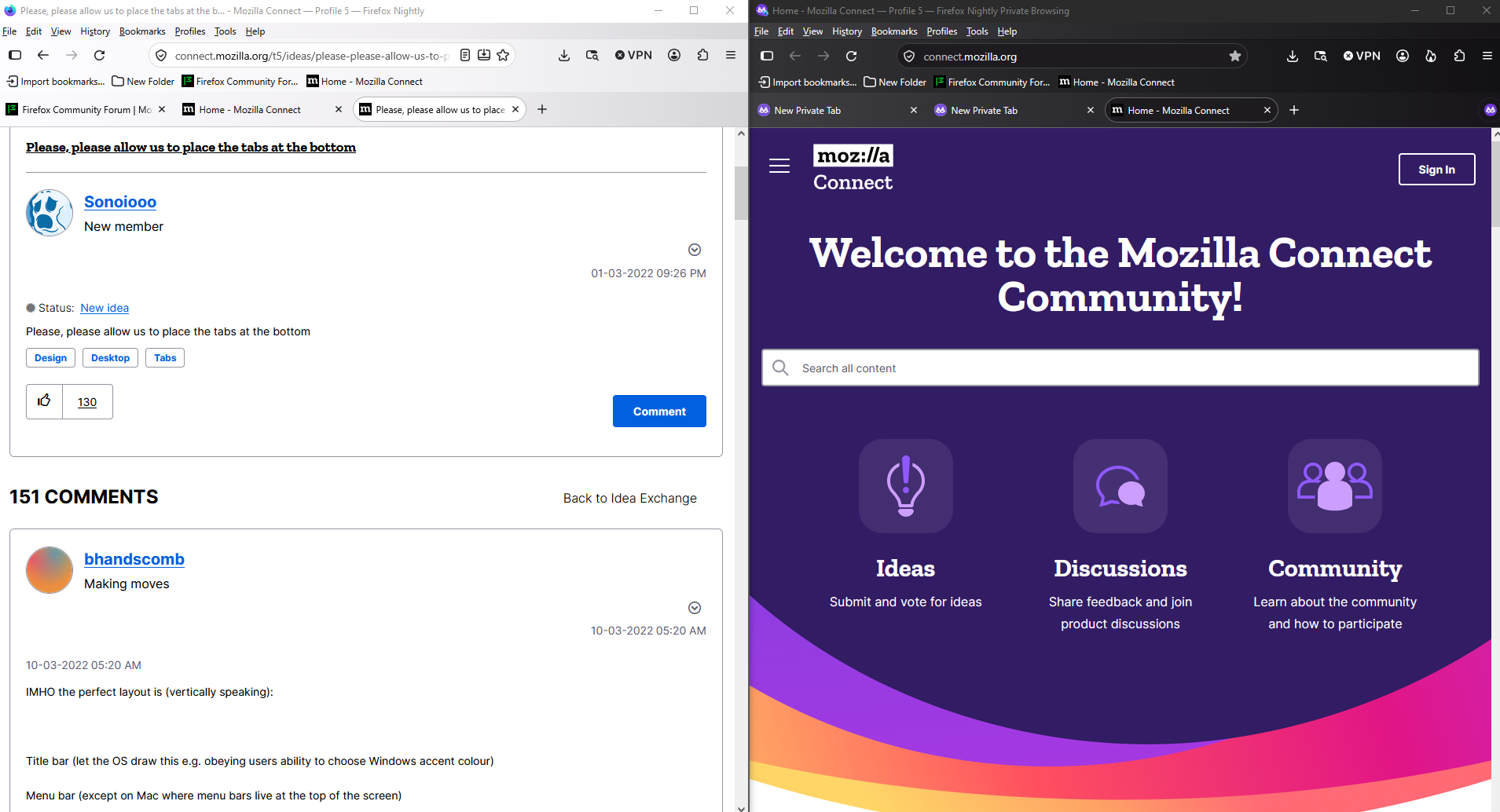
Place the tabs at the bottom, is it your question. https://connect.mozilla.org/t5/ideas/please-please-allow-us-to-place-the-tabs-at-the-bottom/idi-p/216
Modificat la de Agent virtuel