


Rezolvat
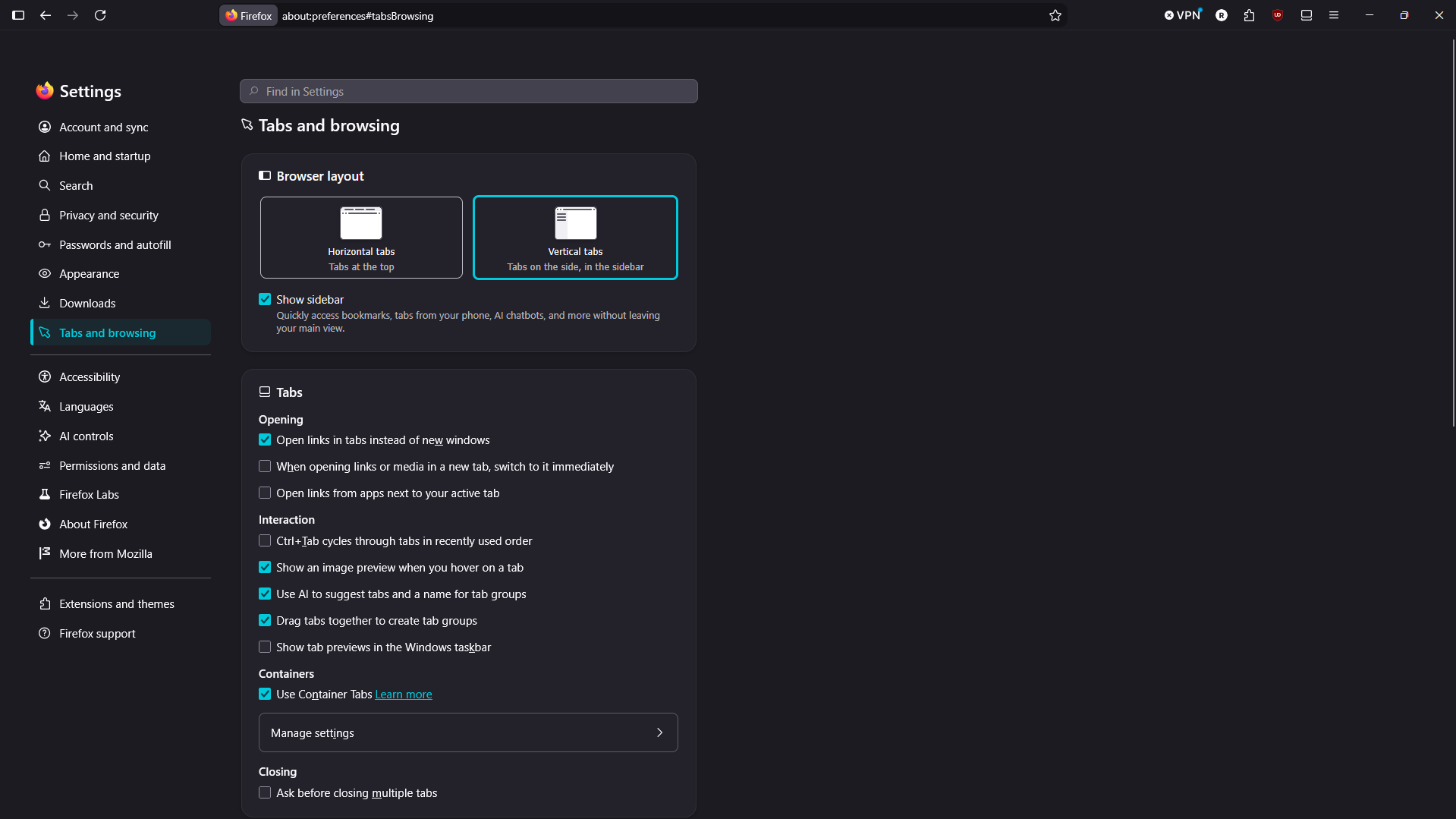
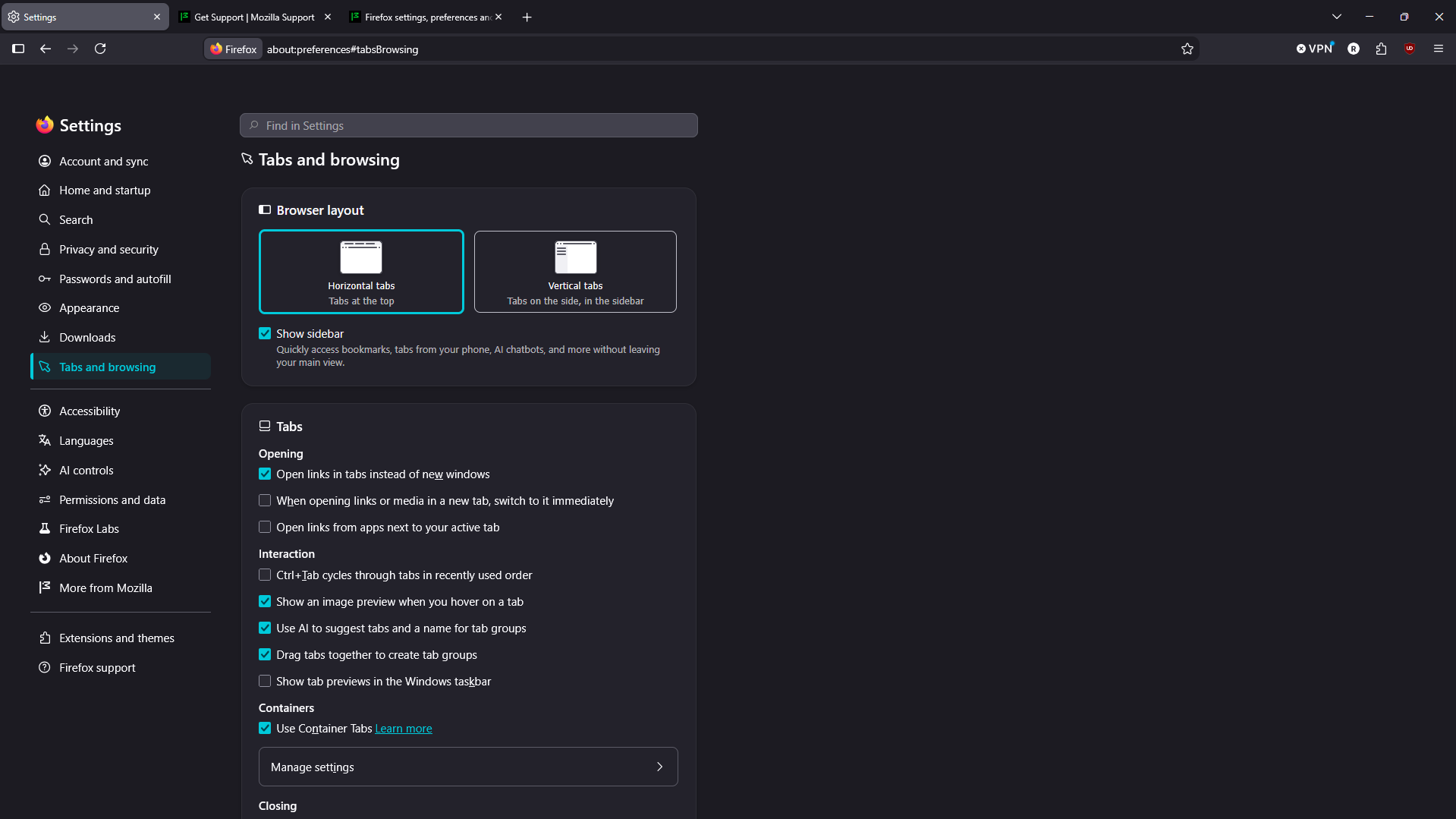
I am failing to enable vertical tabs on windows 11 firefox browser

I have installed the firefox browser using a firefox installer version 18.5.0.0. However, when I try to switch to vertical tabs, they are not activating, even when I try to click the sidebar button. Attached are screenshots showing a horizontal tab view working, while the vertical tab view is not working. How can I resolve this?
I have installed the firefox browser using a firefox installer version 18.5.0.0. However, when I try to switch to vertical tabs, they are not activating, even when I try to click the sidebar button. Attached are screenshots showing a horizontal tab view working, while the vertical tab view is not working. How can I resolve this?
Toate răspunsurile (2)
Soluție aleasă
I realized that I had to move out of the settings page and onto other tabs so that the vertical tabs should work, never mind my question above. Thank you
Hi Rhon,
Thank you so much for coming back to this thread to share your solution and marking it as the answer! By doing this, you're not only resolving your own issue but also helping others who might run into the same problem. We really appreciate it!