


why is the upload window suddenly using dark view rather than light?

When uploading a file to attach to another app...the upload window opens up in dark mode. I don't like this and I did not change anything but it happens repeatedly. i have checked all options in settings to make sure the light mode is checked. Why is this happening. i did not change anything. Please advise. Thanks

Toate răspunsurile (7)
I'm wondering if there was some change in the "Liquid Glass" material by Apple in some of their last updates.
There was a similar report, where the result for the file picker being light or dark was based on the luminosity of the (perhaps primary) theme color used to customize the browser itself.
Out of curiosity: have you customized the UI with any specific theme — to help reproduce this issue, or you just run the browser pretty much out of the box, as far as the interface is concerned?
I haven't changed anything. Did nothing....I've been using the Jesus is Lord theme for as long as I can remember.... The theme option in Firefox settings are white...but the popup to attach a file in a particular program....is now dark with white font. Drives me crazy and hard to read.
Can you post a link to the theme so that everyone's on the same page? Or if you go to your theme settings, paste here the exact name, author, and version you use so that I can look it up?
If you open septatrix.github.io/prefers-color-scheme-test is the page mainly black or mainly white? Can you attach a screenshot or copy the results that it gives you? (Specifically the "Browser exposes…" lines, thanks.)
I have added two screen shots of the information you requested. The first one is what I get when i try to attach a file using the Jesus is Lord theme. This is something new and I'd really like to know why it started doing this. It seems to me that it changes in light scheme. Thanks, Carol
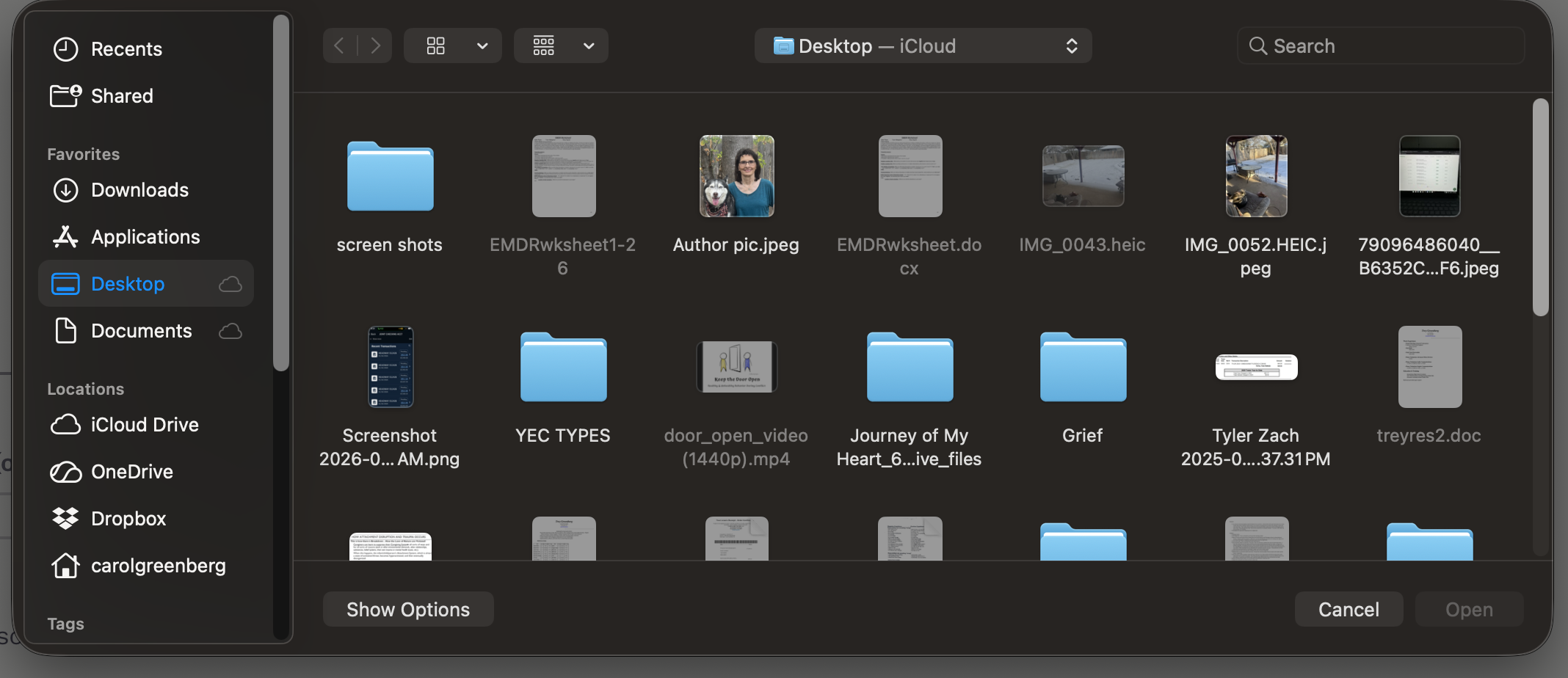
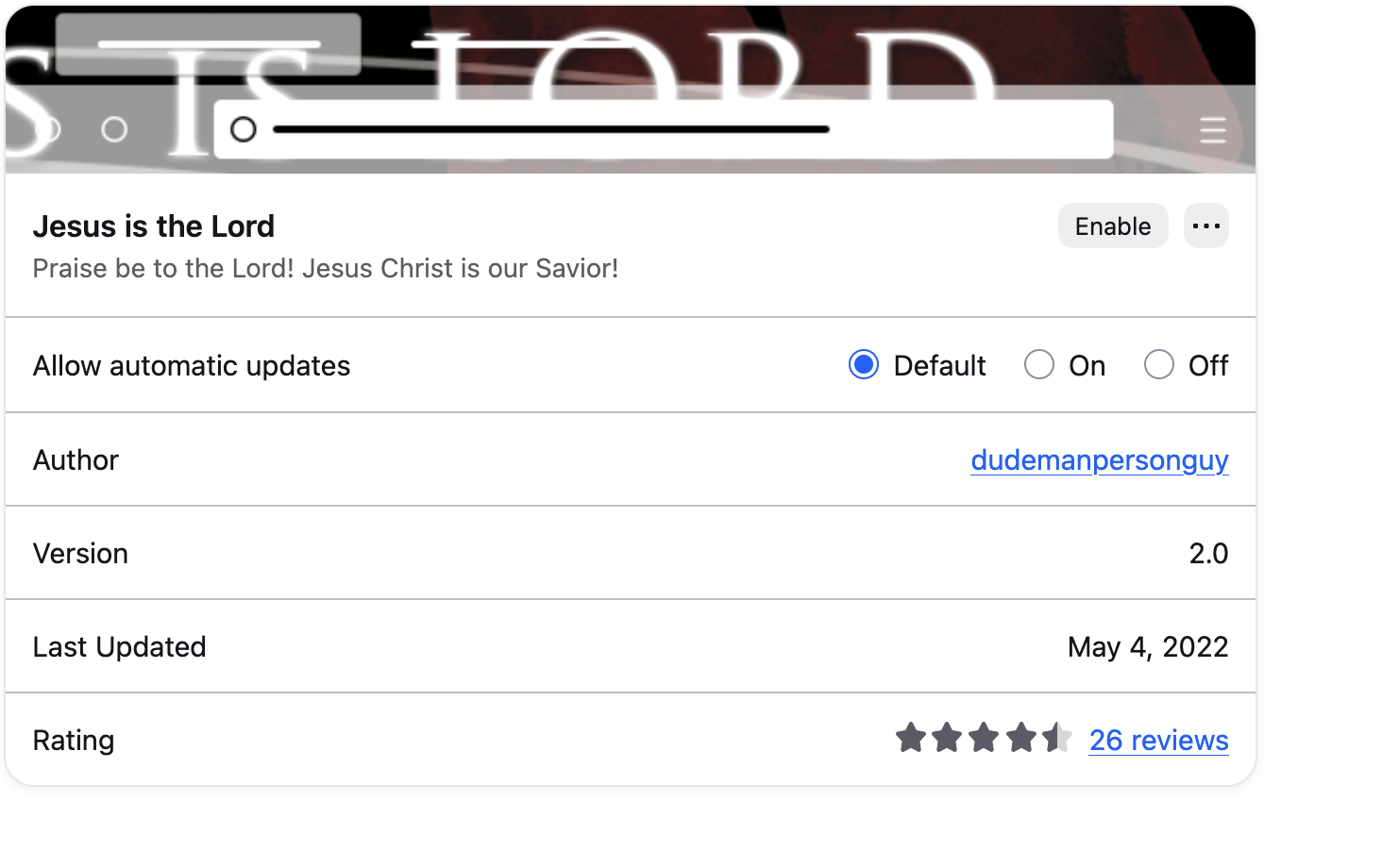
Great, thank you. Just from the small snippet of the browser setting page captured it's visible that the luminosity is inferred correctly and the browser "knows" the correct light setting. There has been an issue when Tahoe came out with something stuck on the macOS side, but with this exact theme you shared now I can easily see the same what you see even on older macOS systems — so that's something to investigate.
For now the only option seems to be switching away to another theme that doesn't trigger the dark system dialogs (notably: the default light factory themes should show the expected light file pickers), I'll post any updates once I learn anything new.
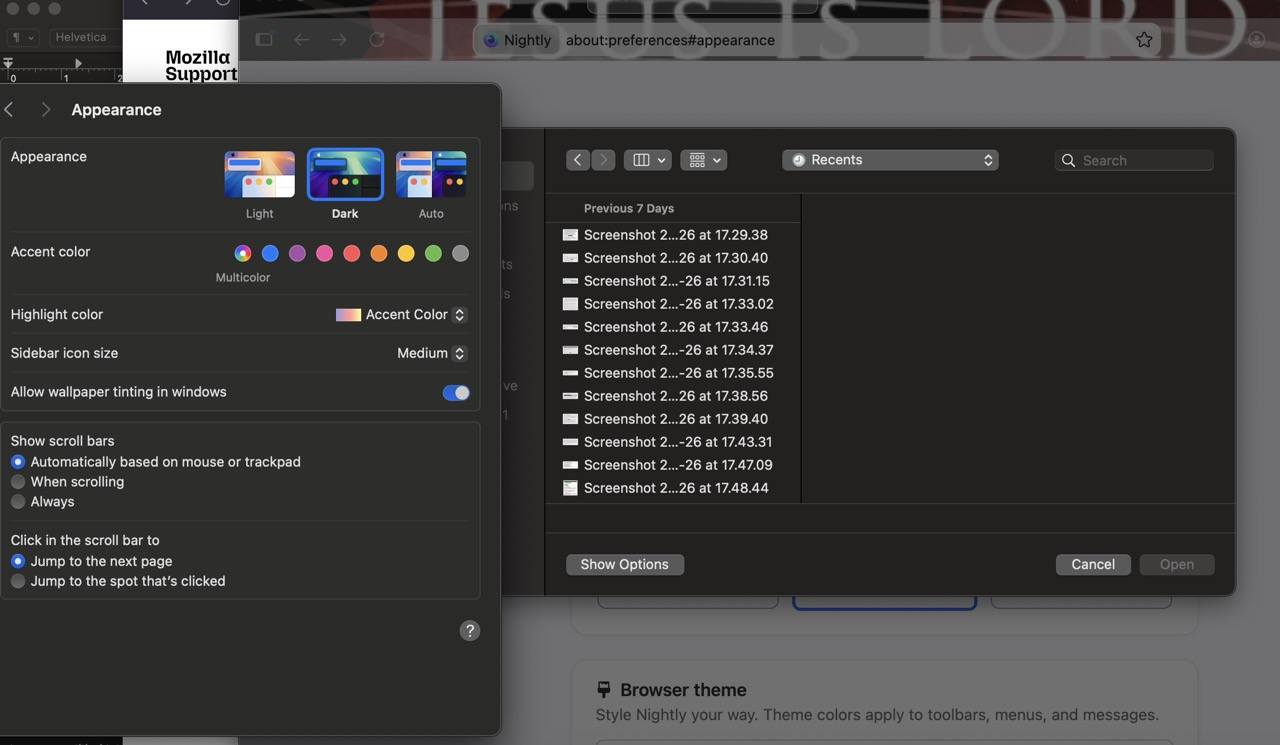
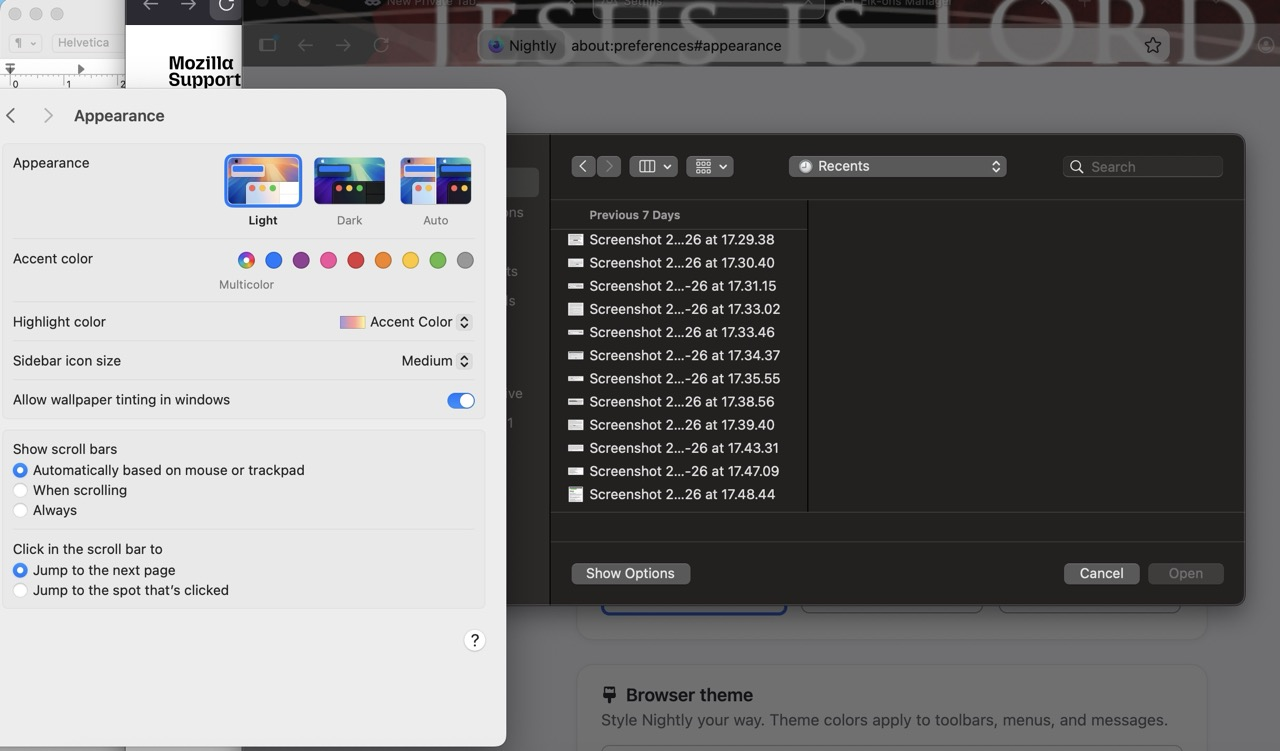
Carol, would you remember what color was your Firefox menu, and whether that also changed at some point recently? I see it dark on my end:
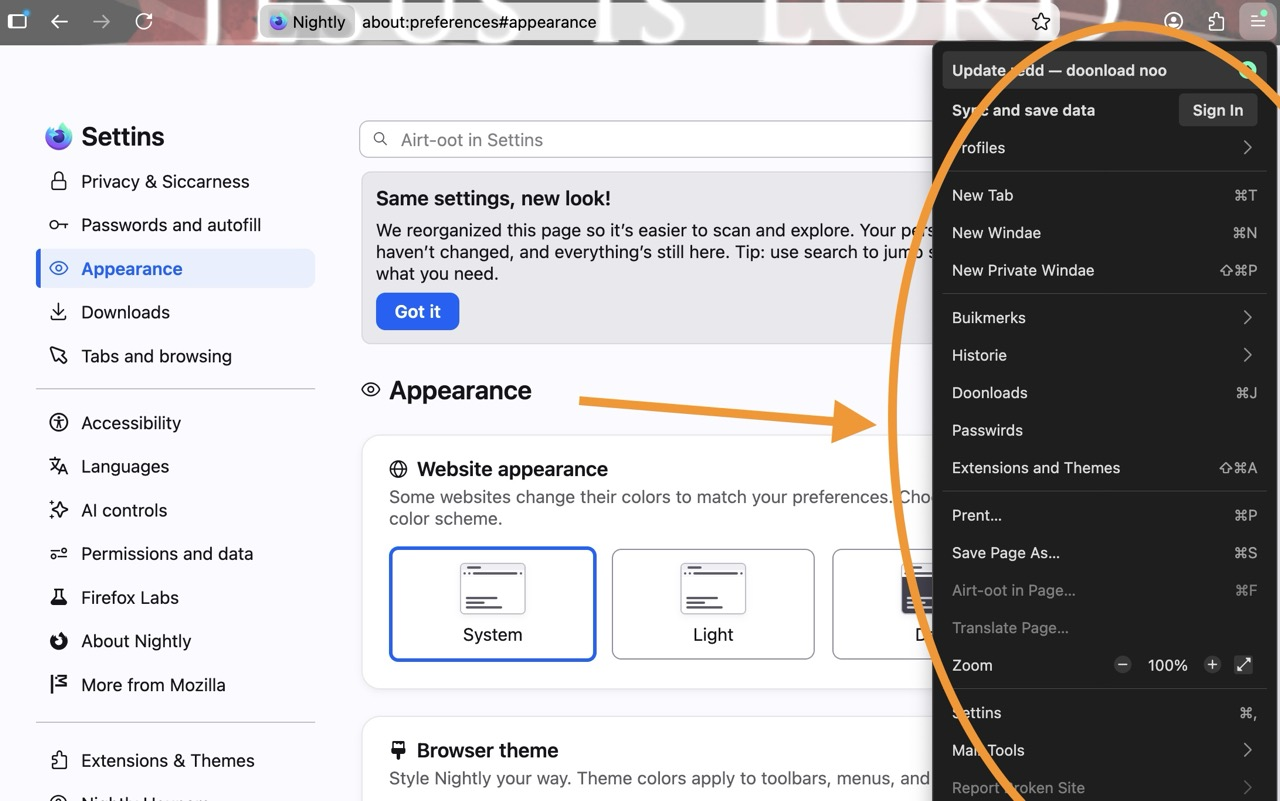
No, the firefox menu was light/white. it was not dark Thanks, Carol