


RAM is disappearing

I always have multiple tabs open in my browser. Previously, I could easily open (and switch between) 20+ tabs (I have 16GB of RAM). Recently, after opening five tabs, the Task Manager shows 10-11GB of RAM (88-90%) in use! How can this be? I cleared the cache and history, but it didn't help. I installed several RAM cleaners, but none freed up the required amount. None of the five programs worked. Where does that 15GB of RAM go when I open Firefox? When will you finally implement something like Google Chrome—they free up RAM for active pages when inactive ones are opened. Maybe it's because I have so many inactive tabs that the RAM is disappearing? But I had just as many tabs before, some of them inactive, and fewer than 20 active ones, so I could easily open another 20. And now I can't even open five new ones. What's happening to the browser?! SOS!
Toate răspunsurile (7)
Is there any noticeably huge process in about:processes?
Modificat la de TyDraniu
In processes, only Firefox takes up all the memory, as I mentioned above. Interestingly, initially (when launching Fox), the memory disappears—in "processes," it shows memory usage from 16 GB almost immediately to 10-11 GB—that is, 80%+ of the memory. But after some time, the memory "used" by Fox decreases to 2-3 GB, but the percentage of memory used remains the same—80%... Fantastic!
Enter about:processes in the address bar and check if there's anything noticeably huge.
I didn't quite understand - should I enter in the address bar who/what?
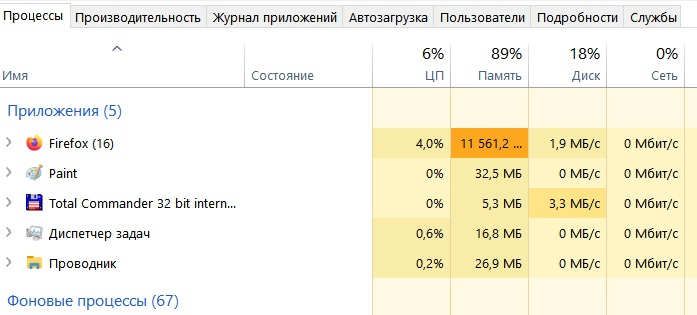
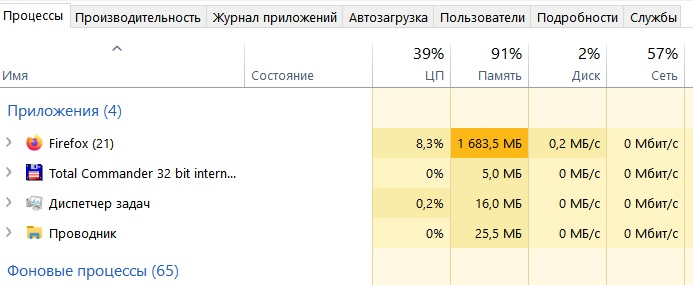
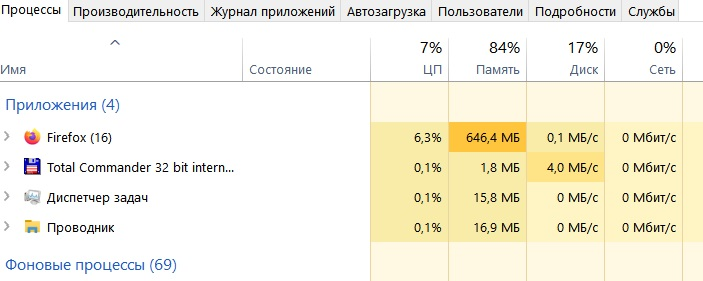
I finally figured out where to enter the query. But... nothing new.
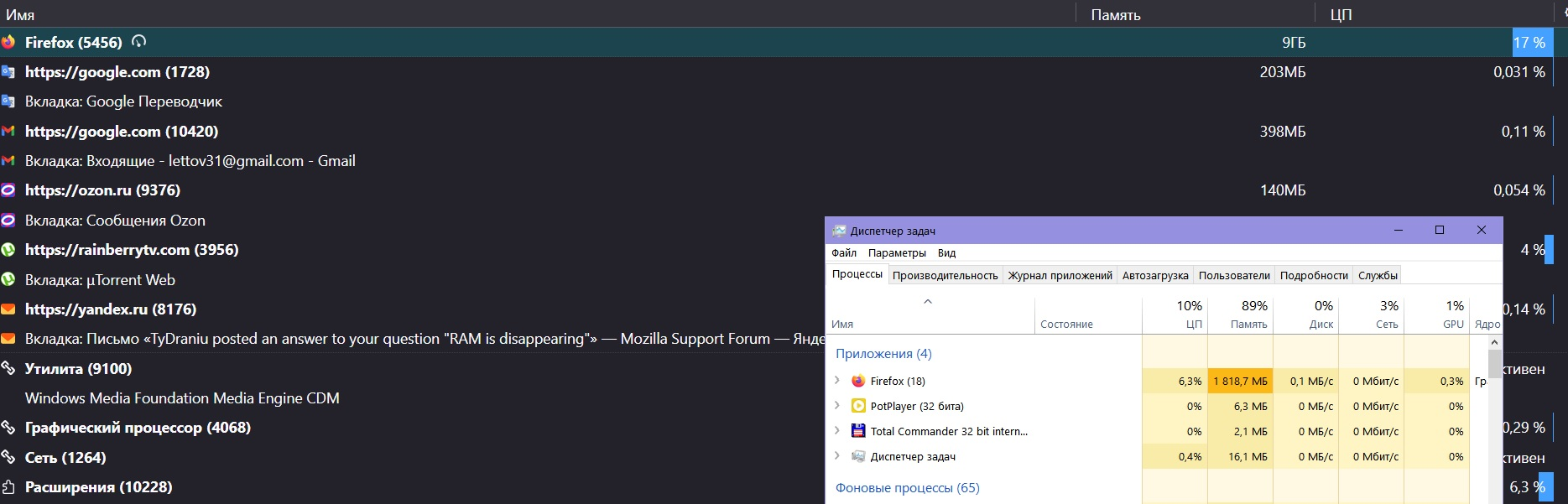
OK.
Modificat la de TyDraniu
Undead, screenshot attached.)