


Closed Tab Groups
All my Tabs Group have disappeared from the Tab Bar. I can see the Closed Tab Groups in the drop down but i can't find a way to re-open Closed Tab Groups. Any clues welcome. Running 146.0 and on the beta update channel.

Soluție aleasă
Hi Bill,
Click on the downward-facing arrow in the top right corner of your screen (to the right of the new tab plus) in your screenshot). That should bring up the same panel with your tab groups. If you don't like its current placement and want to move it to the same toolbar as your extensions, you can right click on the arrow, remove it from the toolbar, then add it back by going to More tools -> Customize toolbar.
Toate răspunsurile (6)
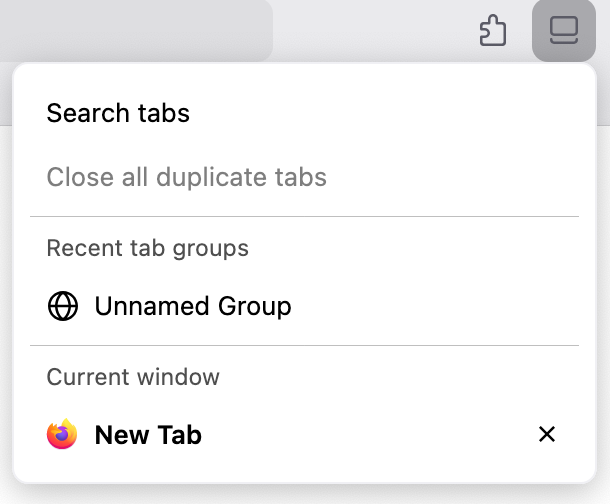
Do you have the "List all tabs" icon in your toolbar? (Screenshot 1) If you don't, go to the menu in the top right -> More tools -> Customize toolbar -> drag the "List all tabs" icon onto your toolbar.
Clicking on the icon will bring up a panel that has a "Recent tab groups" section. (Screenshot 2) Click on the tab group to reopen it. If you have many tab groups such that there isn't enough space to display all of them, you can click on "Show all" to view all your closed tab groups.

Hi Mark
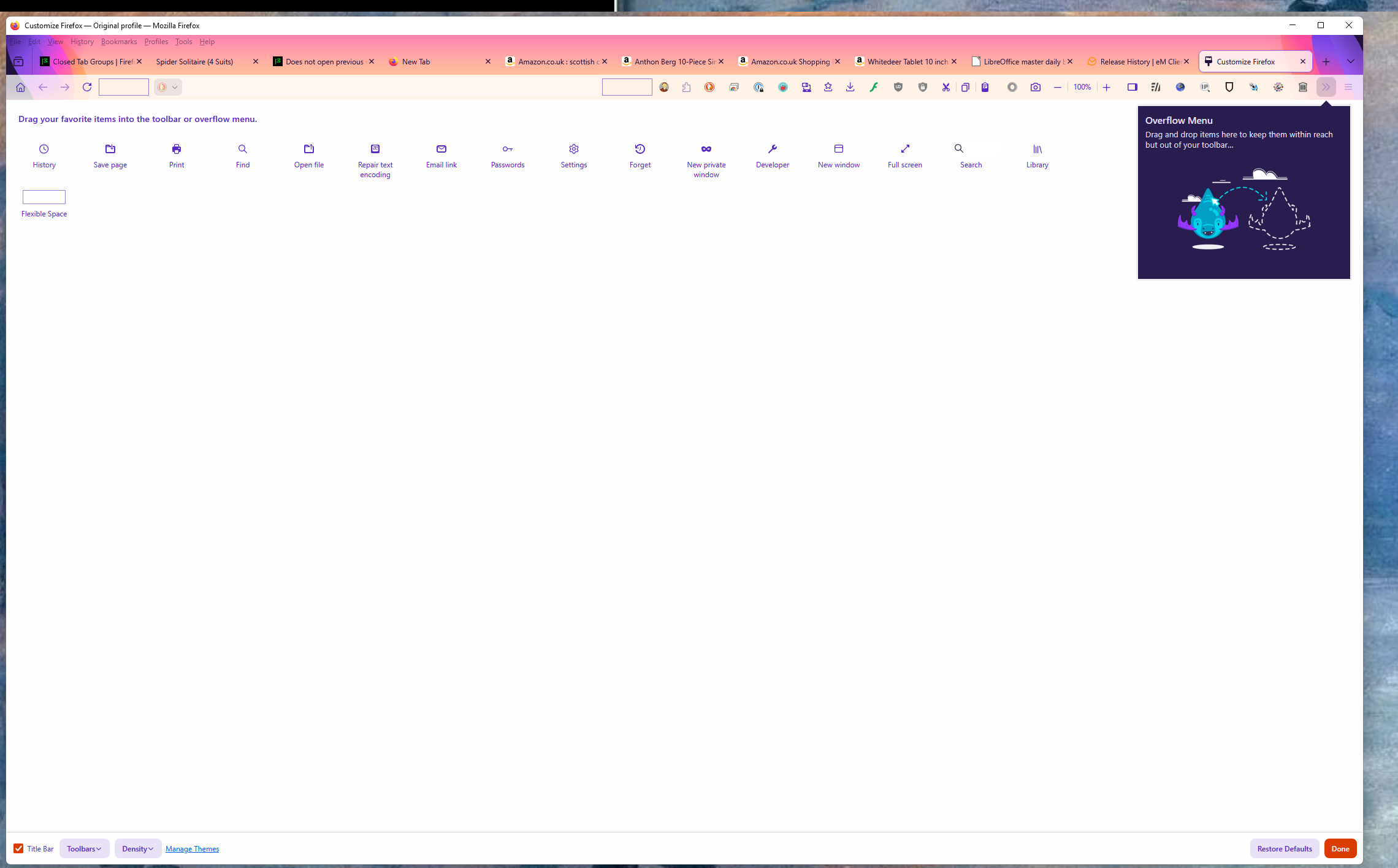
I don't have a List all Tabs option on the customize toolbar - see attached screen shot.
I tried the restore defaults options and still nothing.
How can i get that option back?
Soluție aleasă
Hi Bill,
Click on the downward-facing arrow in the top right corner of your screen (to the right of the new tab plus) in your screenshot). That should bring up the same panel with your tab groups. If you don't like its current placement and want to move it to the same toolbar as your extensions, you can right click on the arrow, remove it from the toolbar, then add it back by going to More tools -> Customize toolbar.
Hi Mark Thanks for that - the solution was hiding in plain sight all the time but your help is much appreciated. Those of us that support Mozilla and use all the features available are a great example of open systems collaboration. bill
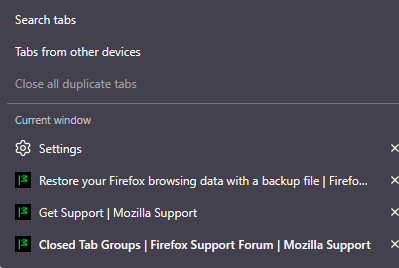
I have a similar issue but I know where the grouped tabs are, I click the arrow facing down and it doesn't show the grouped tabs that I had, I don't know if it's because I turned off my PC when firefox was still open but I do that most of the time, when I opened firefox it said that it couldn't restore previous session or something like that and next thing I notice is that all my grouped tabs are gone. Is there a way to get them back?

I'm trying to open tab groups that are OPEN, but invisible. If I click F3 (Mac) to show the Mission Control view, I can see the open groups, but clicking on them yields no results. When returning to normal view, the group is nowhere to be found. It's not minimized in the dock. It's just nowhere. This is an unacceptable bug - to be unable to open complex groups of tabs. Please patch this!